Flight Recorders System
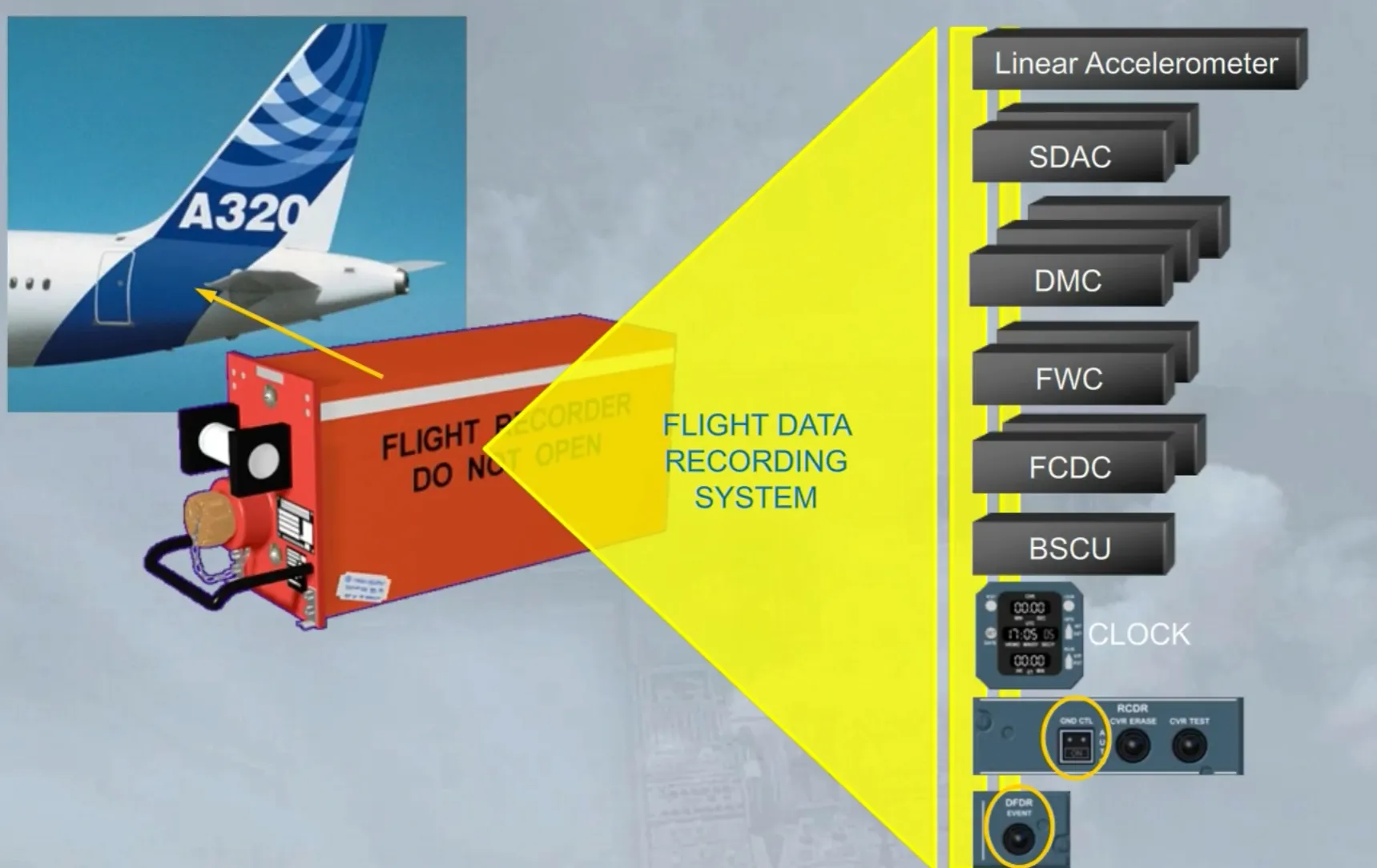
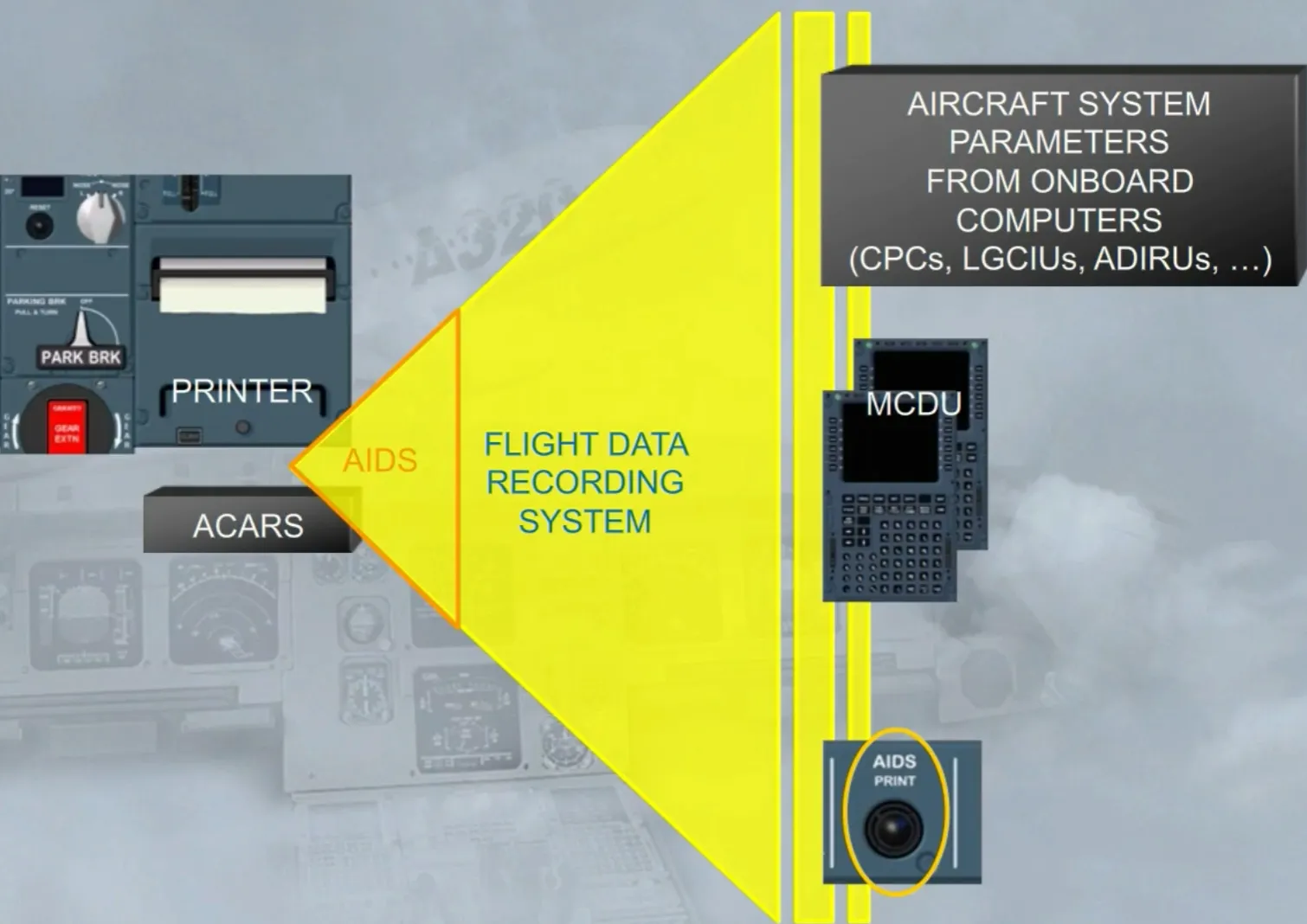
The aircraft is equipped with a flight data recording system which records the mandatory parameters from different computers as shown.
A Digital Flight Data Recorder (DFDR) allows to store the last 25 hours, in a fireproof and shockproof box with an attached underwater locator beacon. The DFDR is fitted in the tail section of the aircraft.
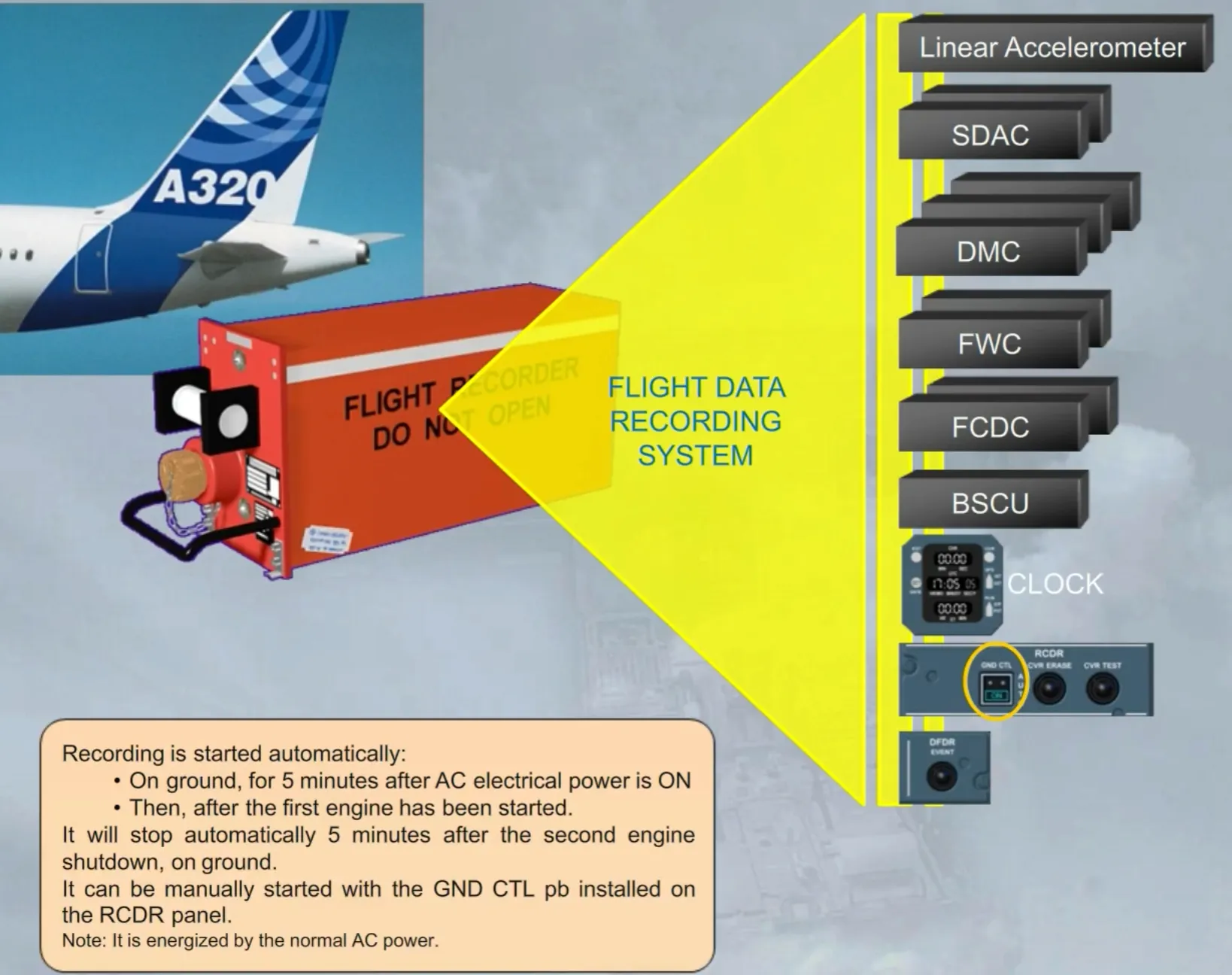
Recording is started automatically:
- On ground, for 5 minutes after AC electrical power is ON
- Then, after the first engine has been started.
It will stop automatically 5 minutes after the second engine shutdown, on ground.
It can be manually started with the GND CTL pb installed on the RCDR panel.
Note: It is energized by the normal AC power.
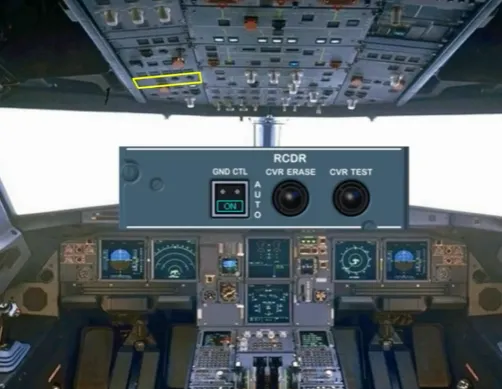
The RCDR panel is installed on the overhead panel.
During the cockpit preparation, the GND CTL pb can be switched ON, in order to start the DFDR and the CVR recording, prior to engine start.
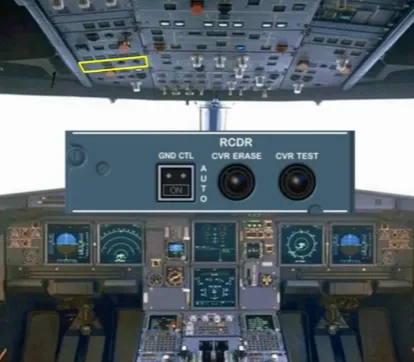
After engine start, the ON light goes off automatically, as the DFDR and the CVR are normally energized.
Note: The CVR operation is studied in the ATA 23 chapter.
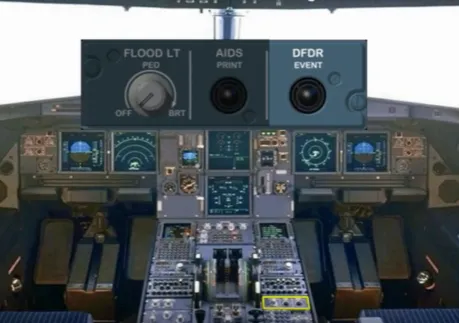
On the pedestal there is a DFDR EVENT pb which can be pressed briefly to set an event mark on the flight data records.
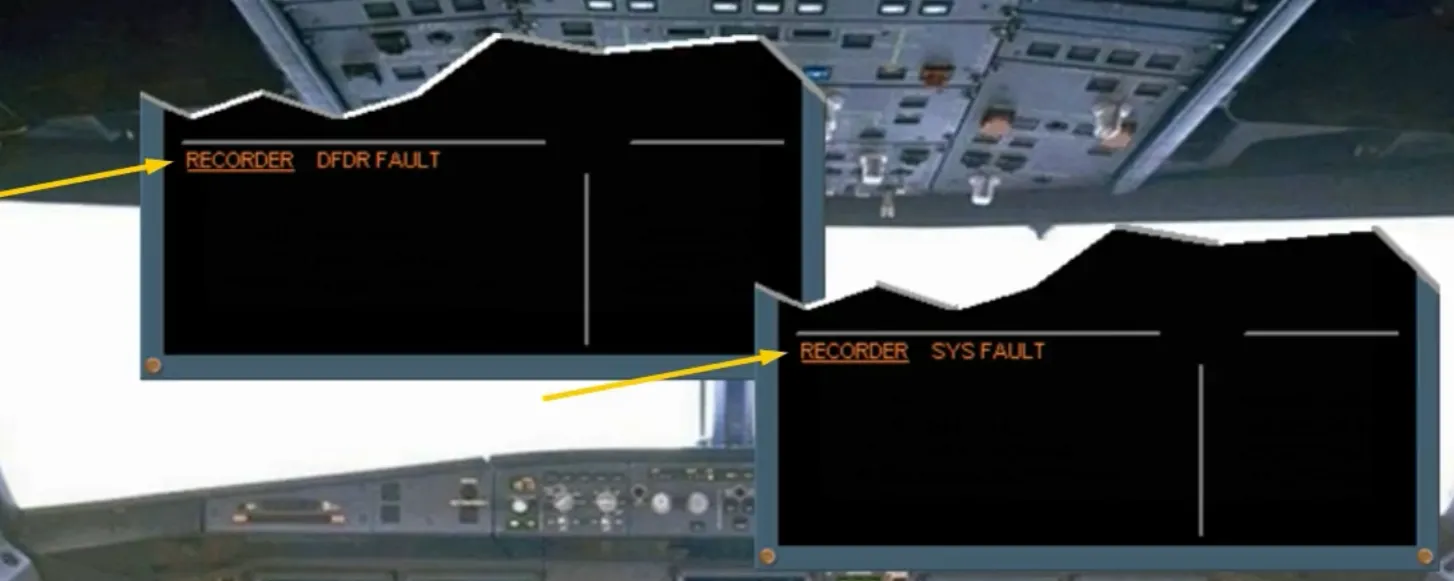
If the DFDR fails, an ECAM caution message is displayed for crew awareness.
If the Flight Data Recording System fails, another ECAM caution message is displayed, also for crew awareness.
The Aircraft Integrated Data System (AIDS) monitors various aircraft system parameters transmitted by all onboard computers through the Flight Data Recording System which acts as an interface unit.
The AIDS generates system reports, in order to make maintenance easier, by means of preprogrammed reports, from or selected on the MCDU.
The AIDS may print reports, automatically or if the AIDS PRINT pb is used. Also, optionally the reports can be sent automatically via the ACARS.
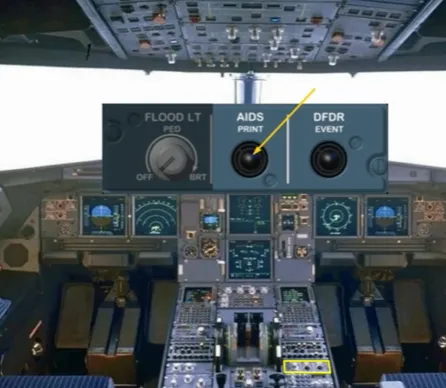
On the pedestal there is the AIDS PRINT pb, which can be used for an immediate printing of a specific report, depending on the flight phase.
But the crew may use the MCDU to select another report for immediate printing.
Module completed