ECAM Failure Cases
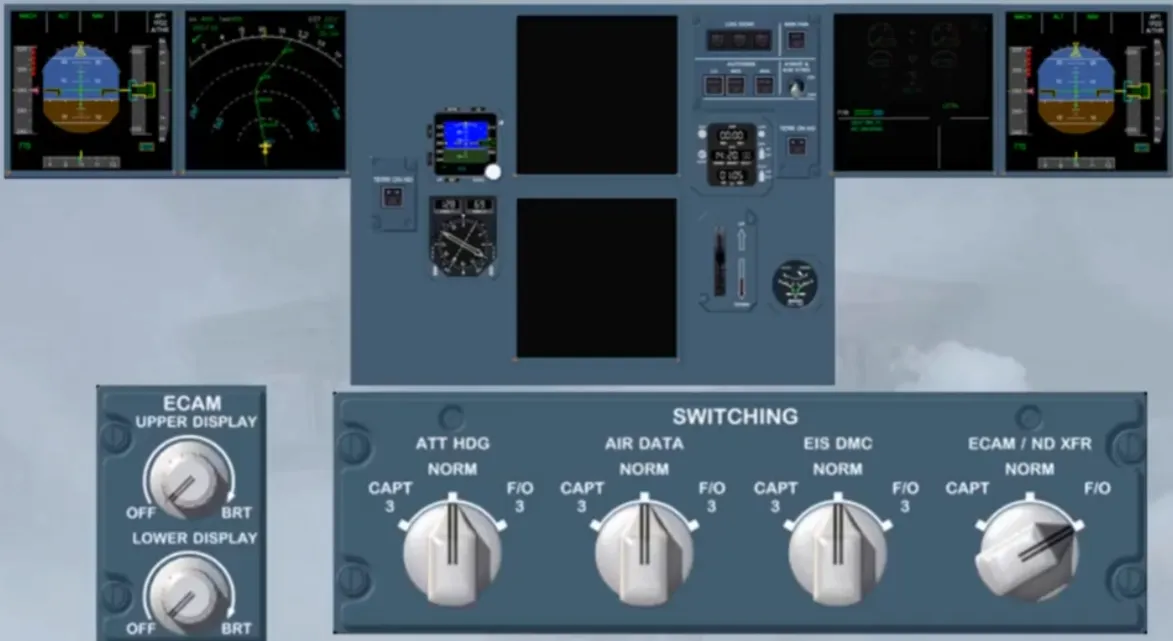
In normal condition, if the ECAM ND XFR selector is not set to NORM, the lower ECAM display unit shows a green message indicating that the SD image has replaced an ND image.
As there is no reason to keep this configuration on, with the upper and the lower ECAM DUs available, we have restored the normal display, for you.
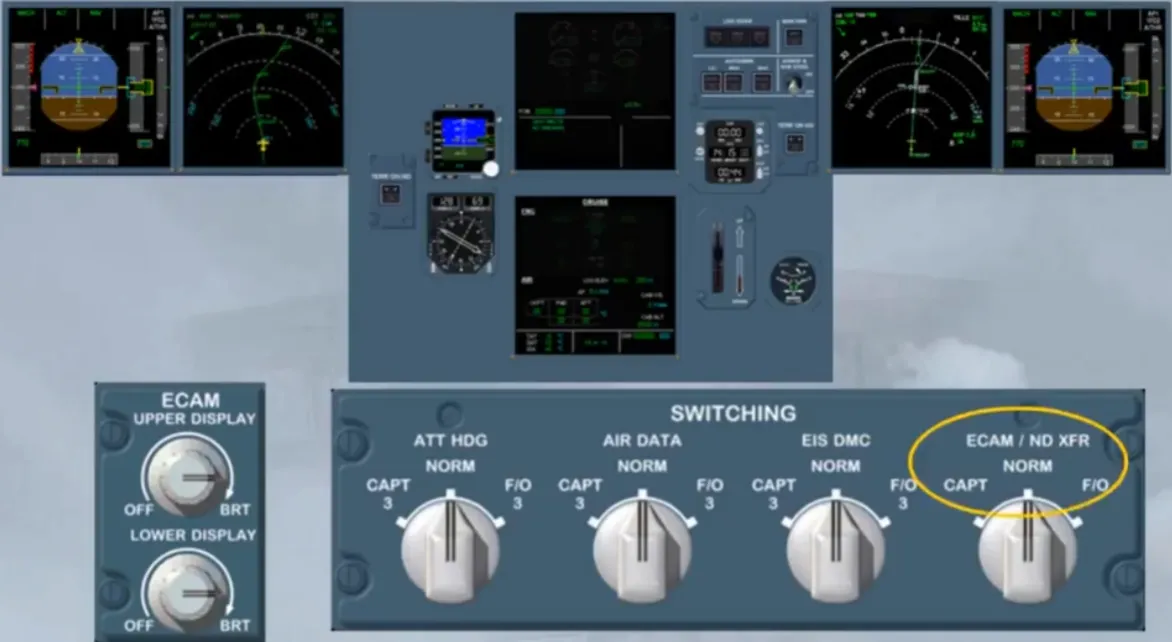
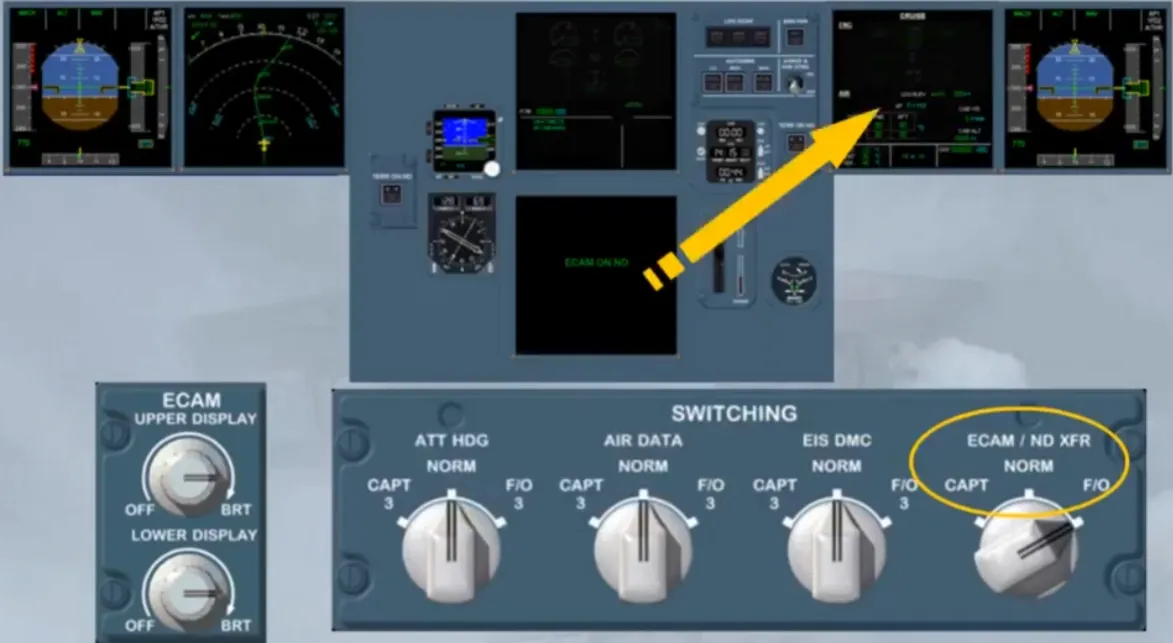
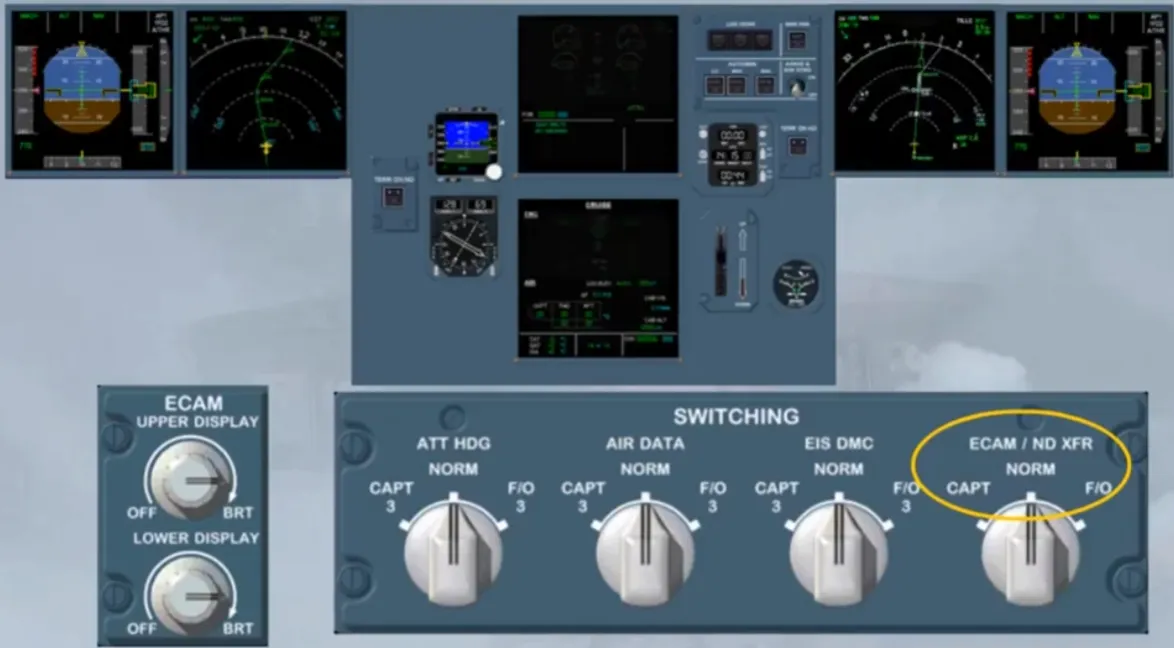
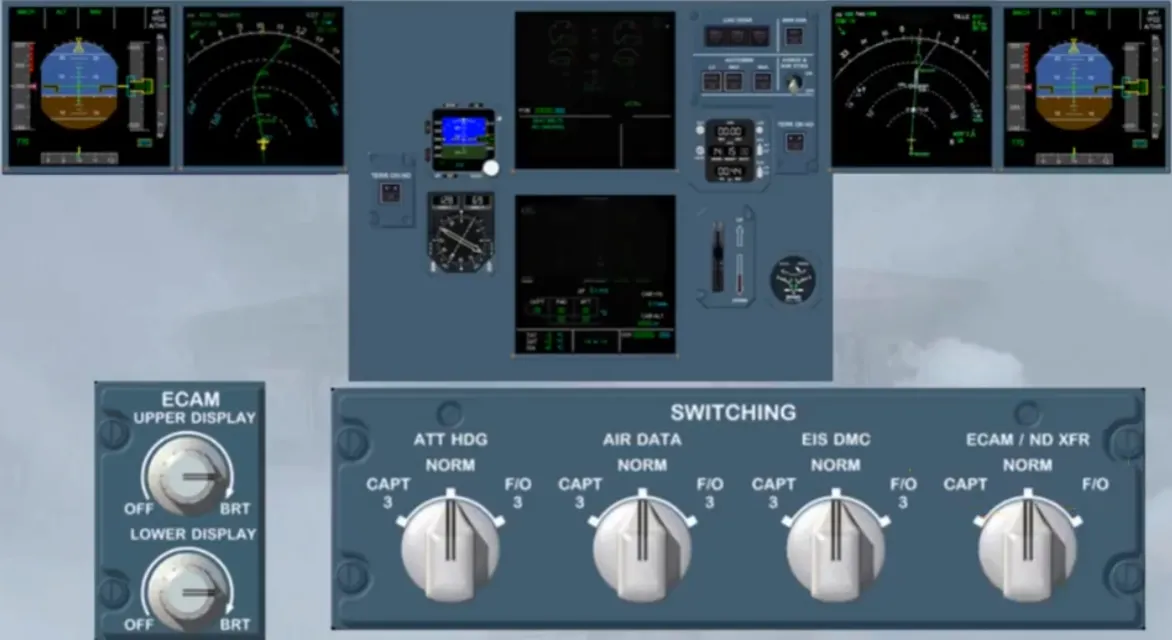
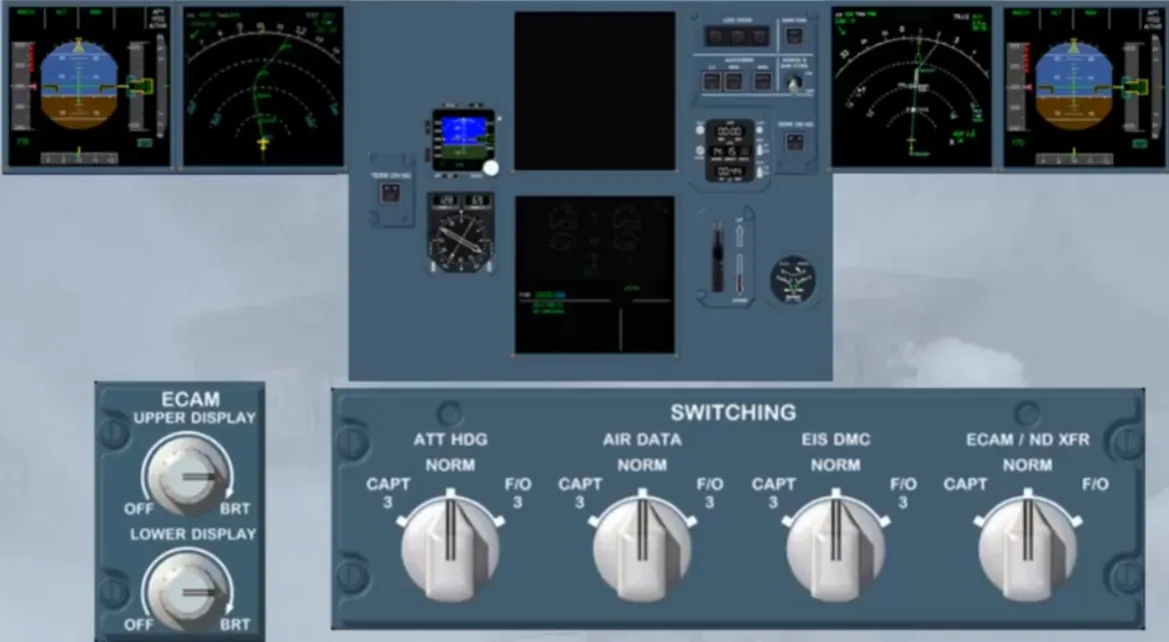
If the upper ECAM DU is blanked, the lower DU automatically shows the EWD image instead of the current SD image. As there is no caution message on the ECAM you should refer to the QRH. in order to find the related actions to do about that “DISPLAY UNIT FAILURE”. These actions are:
- To turn off the affected DU
- To use the ECAM / ND XFR selector in order to recover a second DU for ECAM operation. This will replace the EFIS ND image by the current SD image.
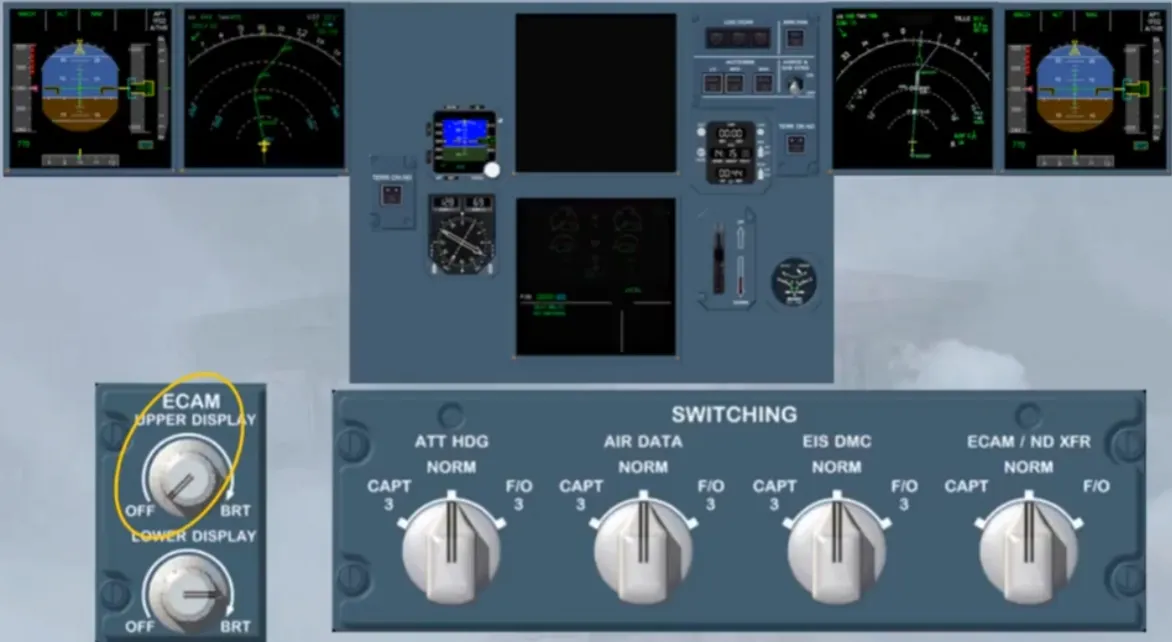
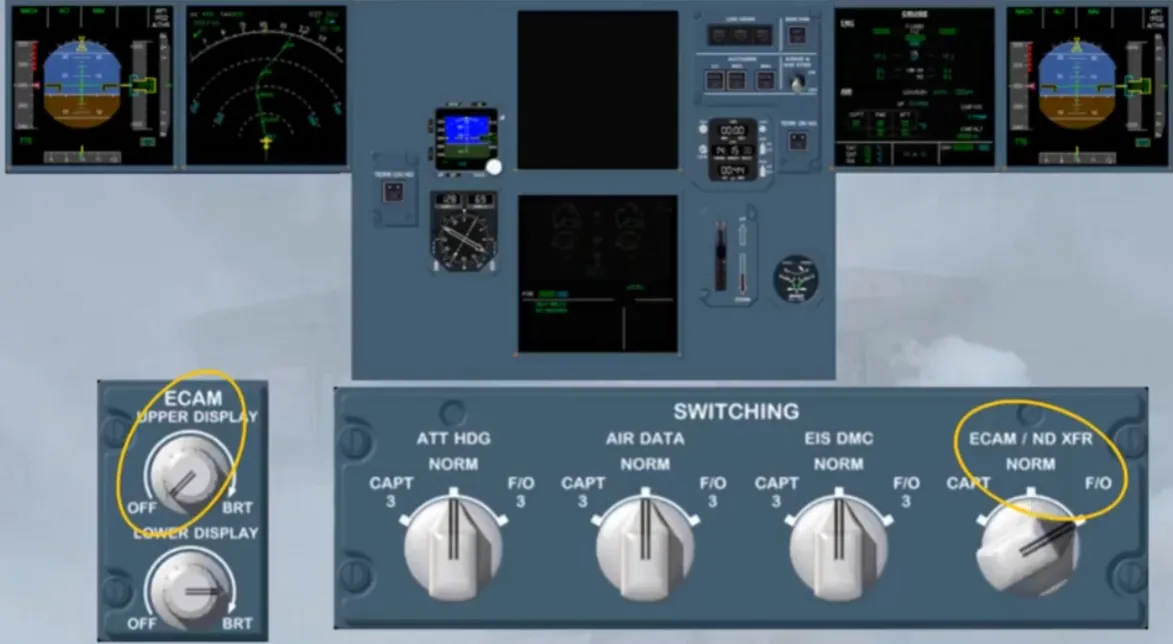
If few minutes later, in an unlikely event, the lower ECAM DU is also blanked, the SD image, which has already replaced the EFIS ND image, wll show the E/WD image. This image has priority when only one DU remains on for the ECAM operation. In this case the ECAM works in SINGLE DISPLAY MODE. In SINGLE DISPLAY MODE, to display a system you have to press and hold the related key. If you hold down the key for more than 3 minutes or if you release it sooner, the E/WD image gets back.
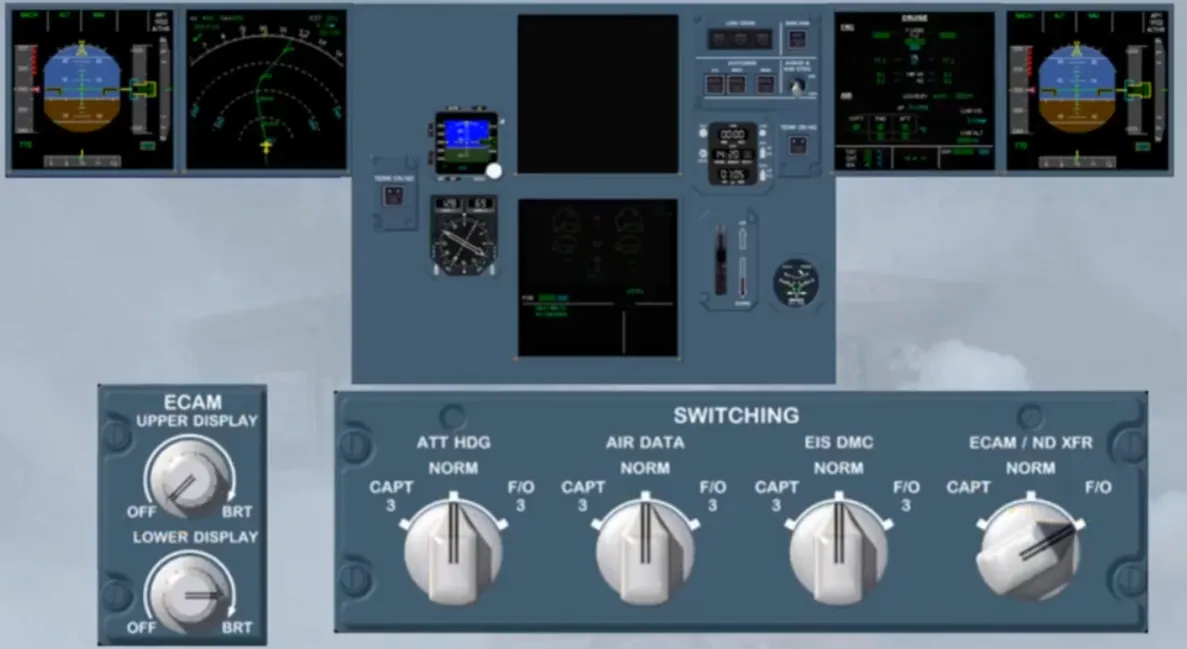
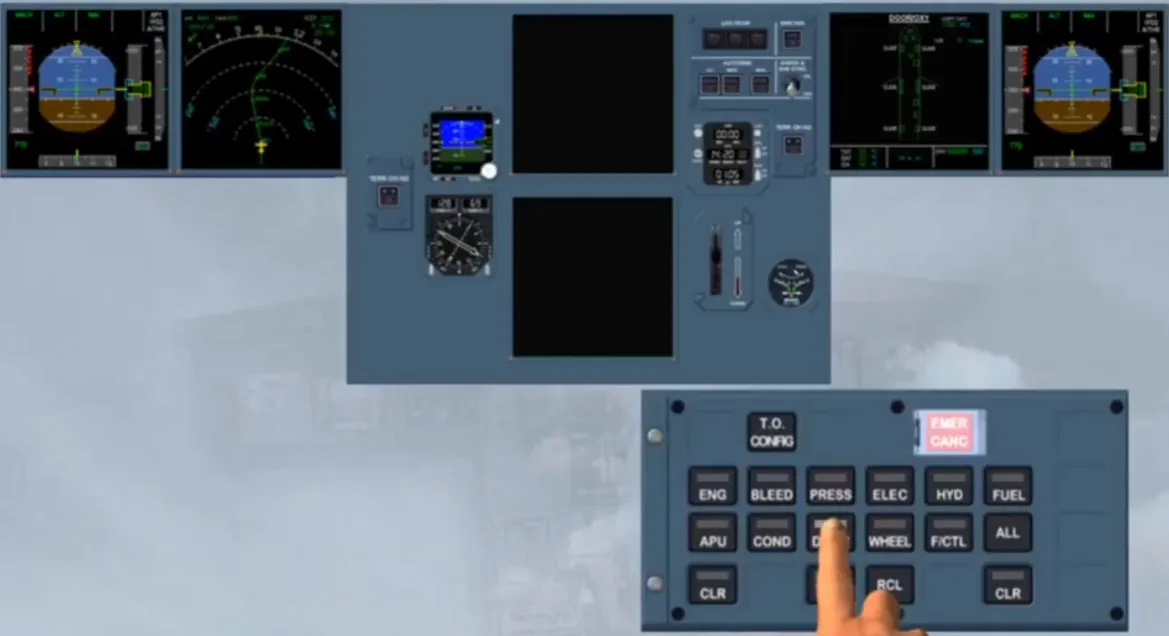
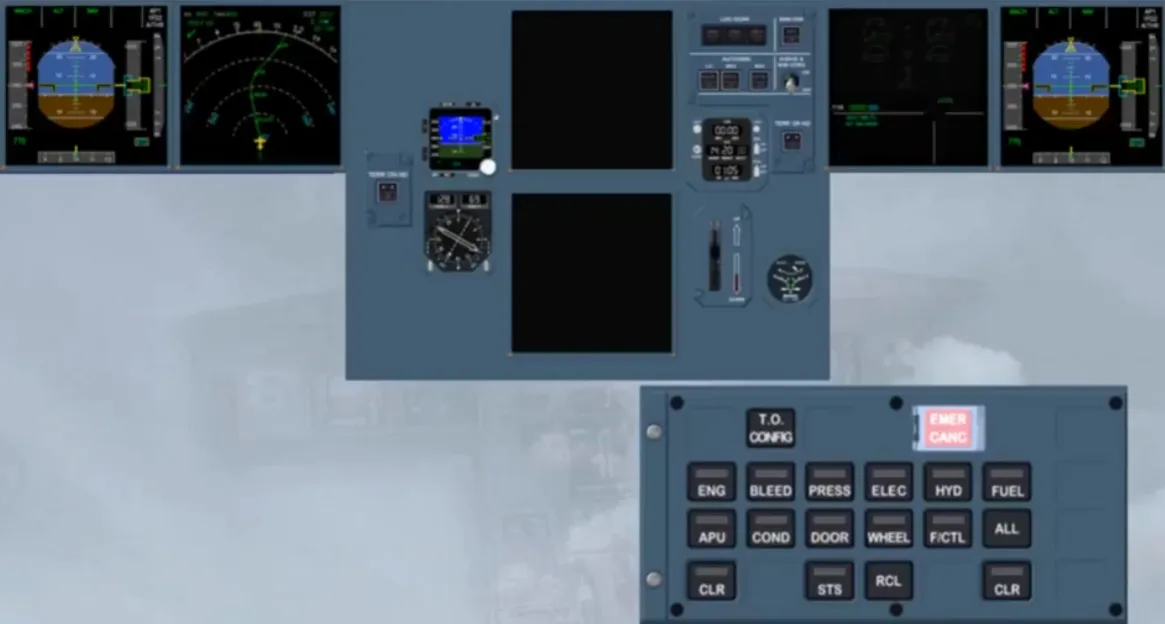
In SINGLE DISPLAY MODE, if the ECAM detects a parameter, that is near the limit but is still in the green range, it will trigger an advisory message. But as there is only one DU, you will be alerted by an ADV caption pulsing white on the EWD screen, and a related system key light flashing. These indications show which system is affected by the faulty parameter and must be manually displayed for analysis. We will do it for you.
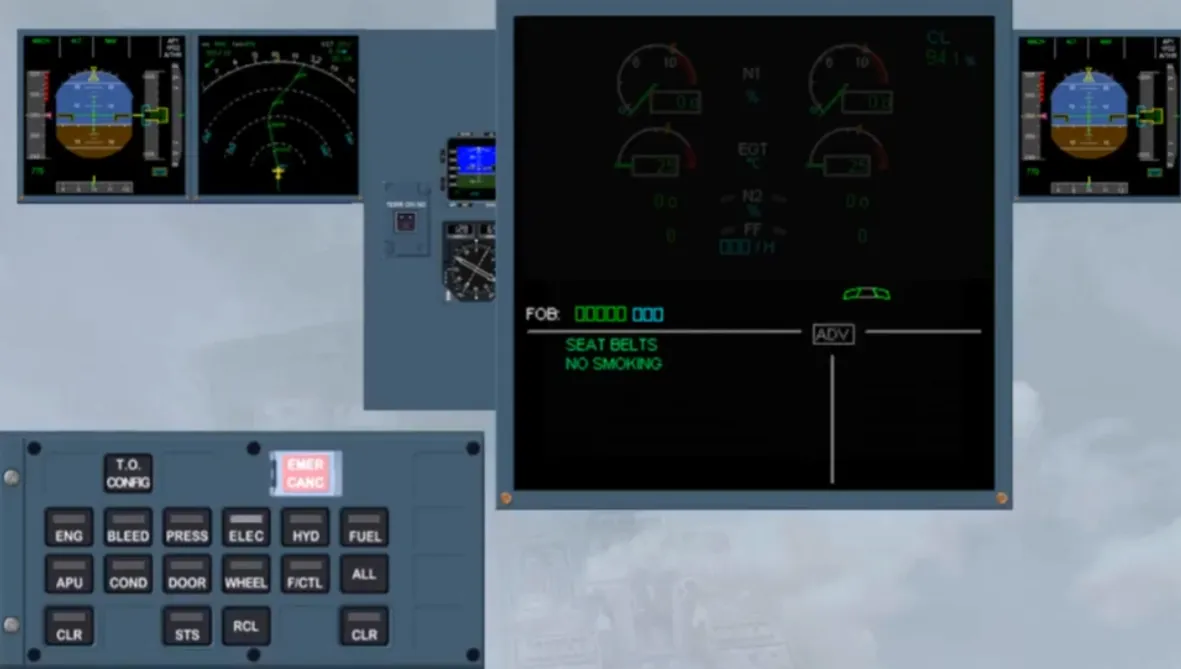
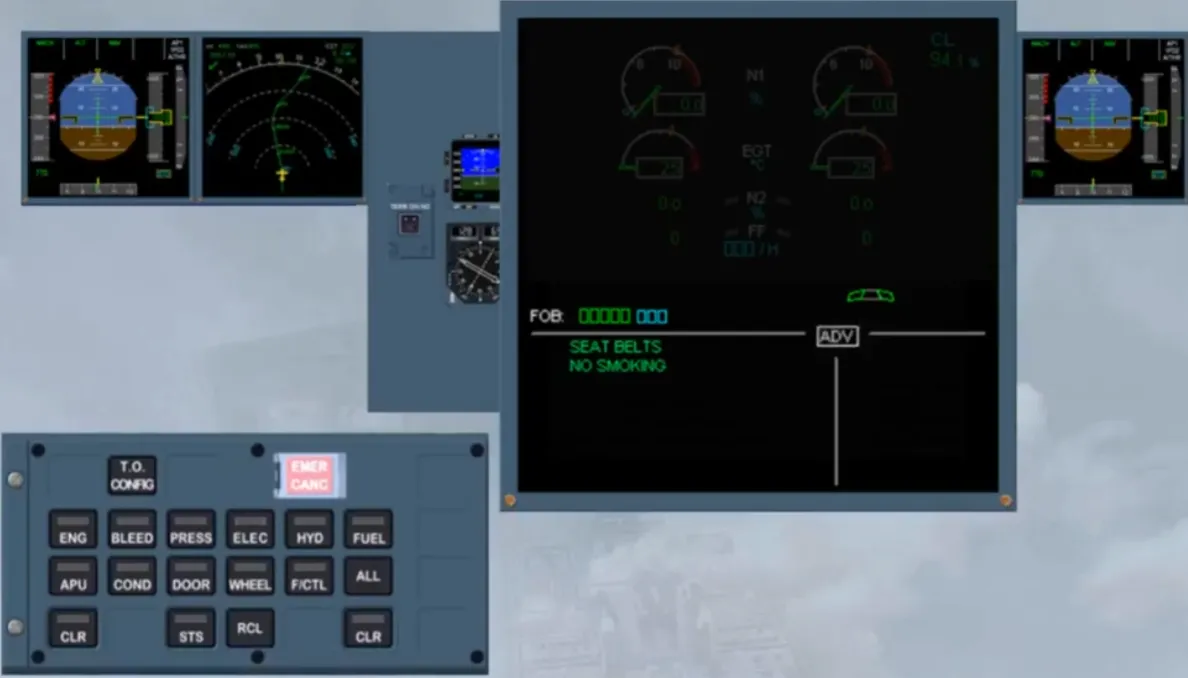
When the flashing key is pressed and held, the related system is displayed for analysis. When the key is released, the E/WD image gets back, the key light goes off and the ADV is cleared.
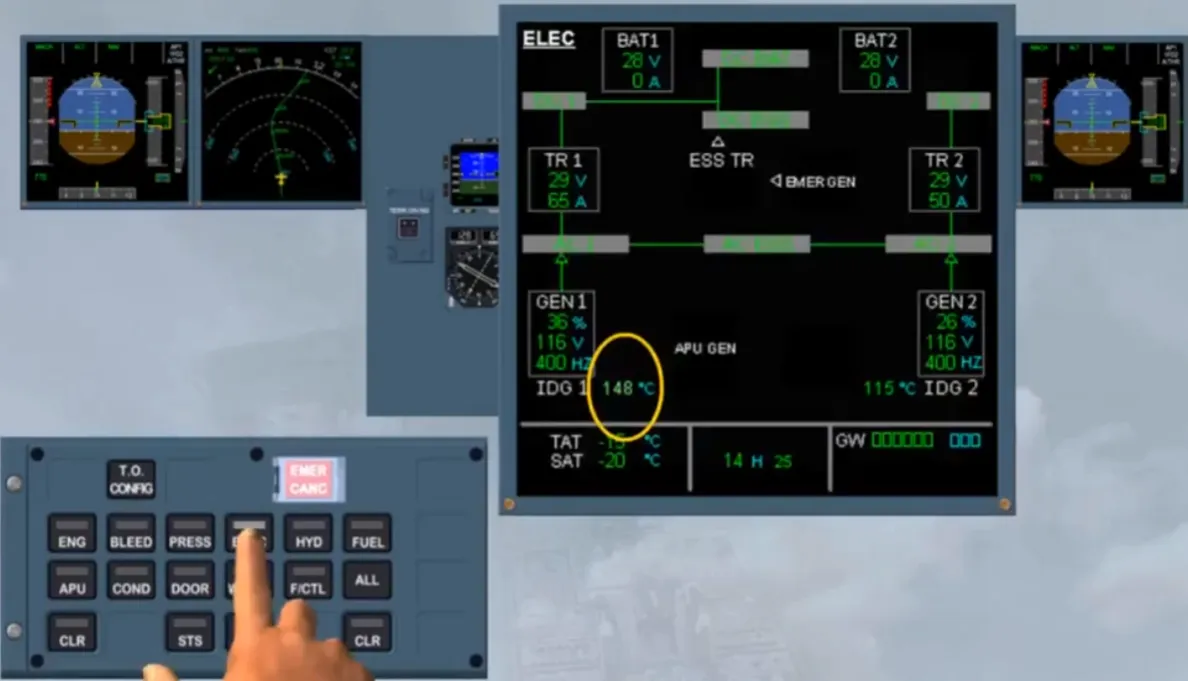
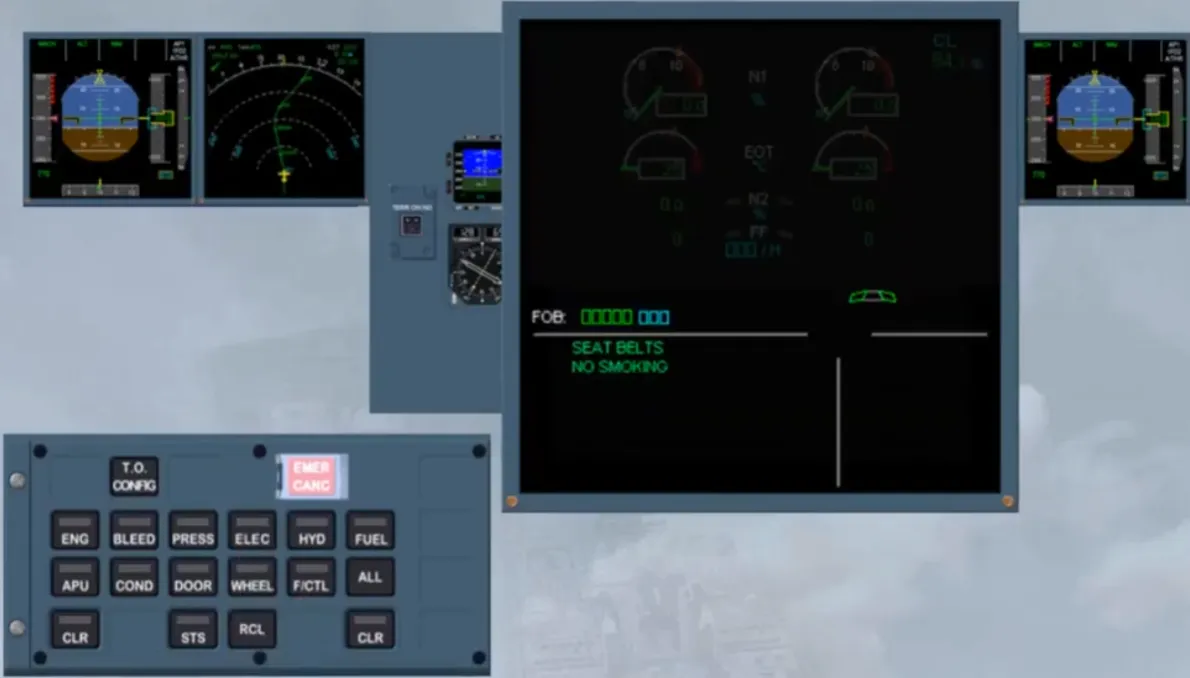
In SINGLE DISPLAY MODE, if a more serious problem is detected, such as a hydraulic fault. The left side of the E/WD image will show the related caution message, and the right side the corresponding affected system. In order to check the fault on the HYD page the PNF has to press and hold the related key. Then, on PF request, the related actions have to be done and the primary failure has to be cleared. So, the normal memos are back on the left side, but on the right side of the E/WD a starred title is still displayed. In order to analyze this affected system the PNF should press and hold the related system key.
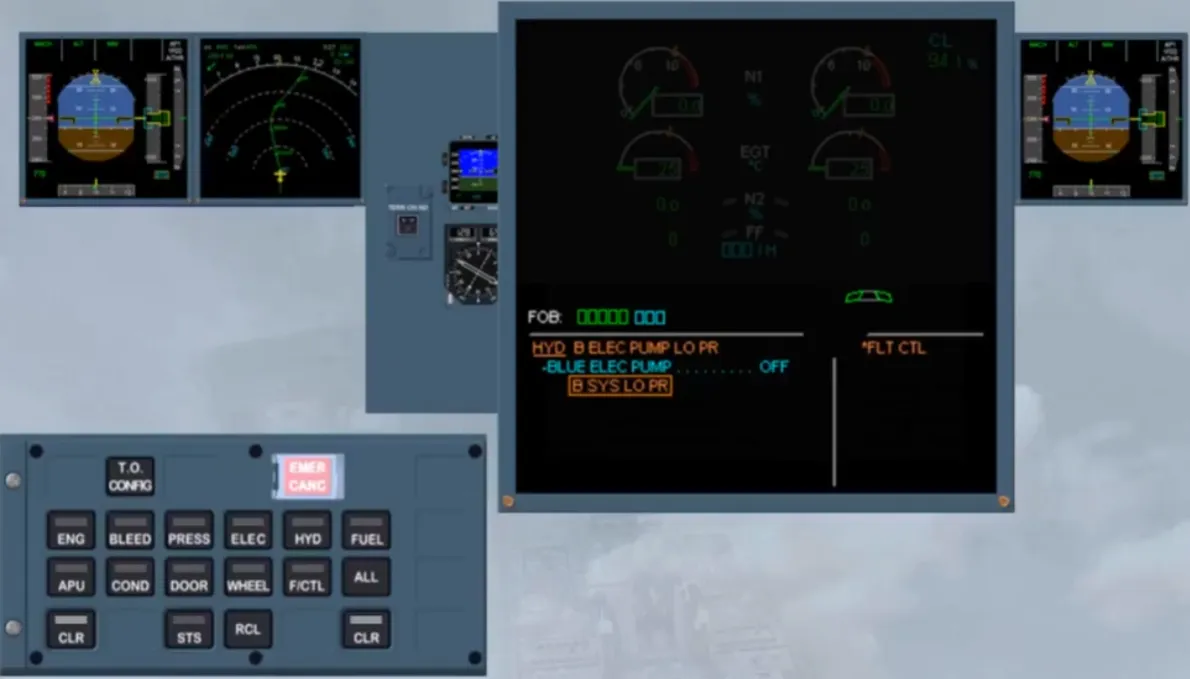
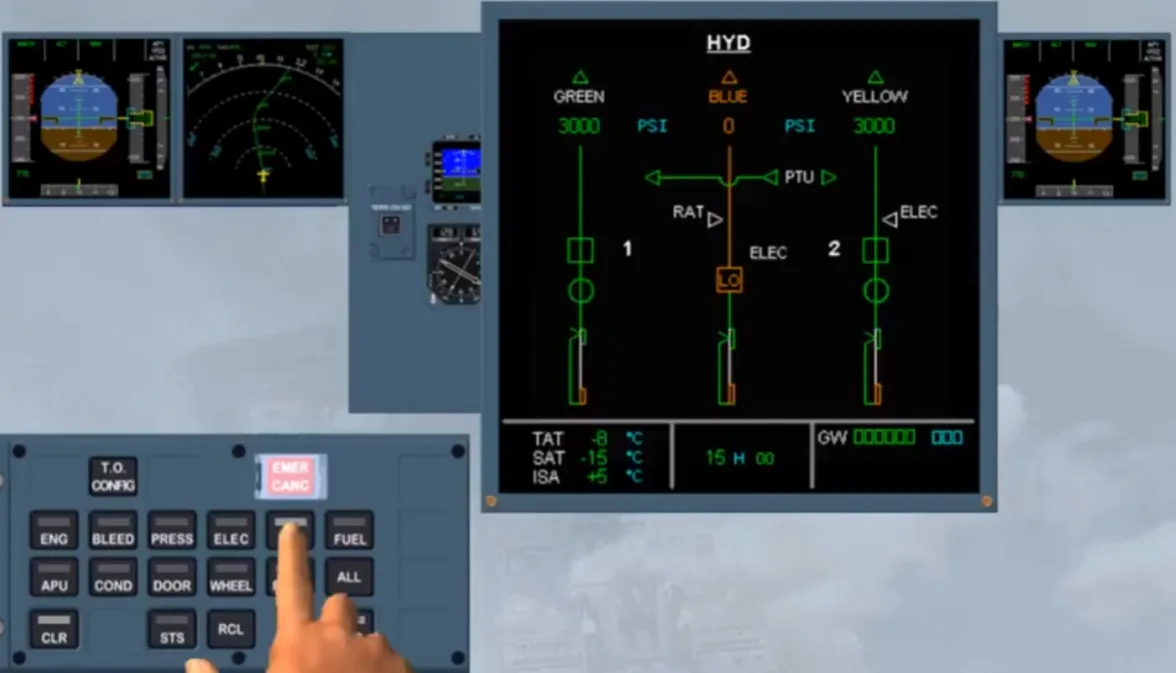
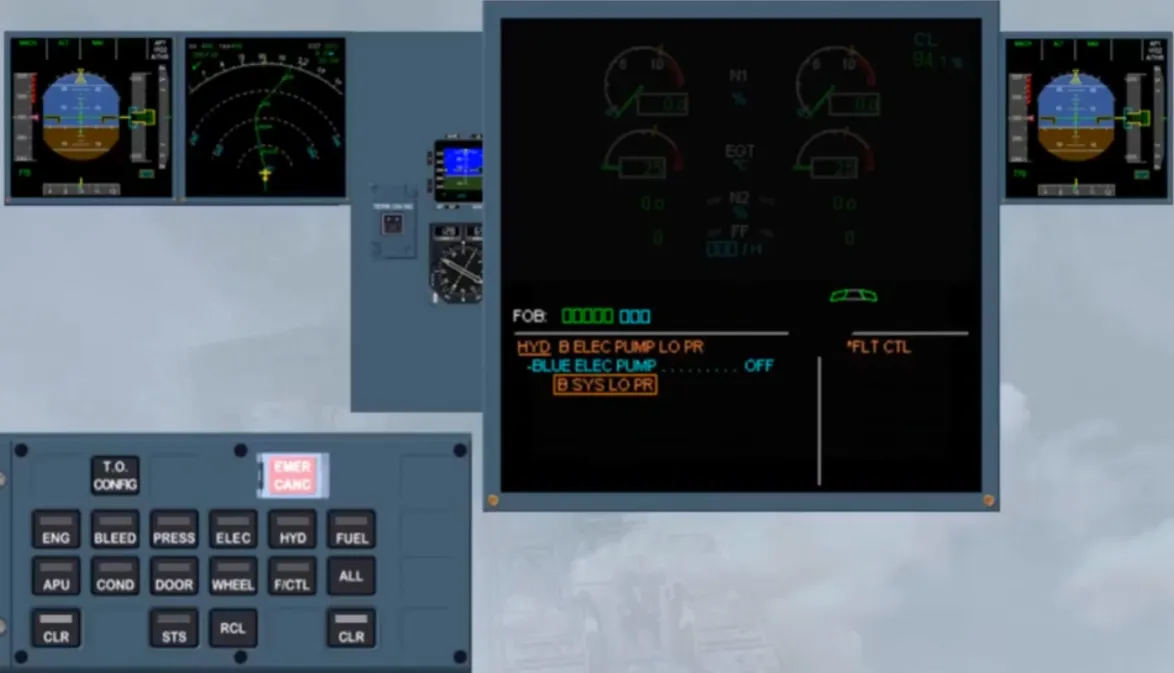
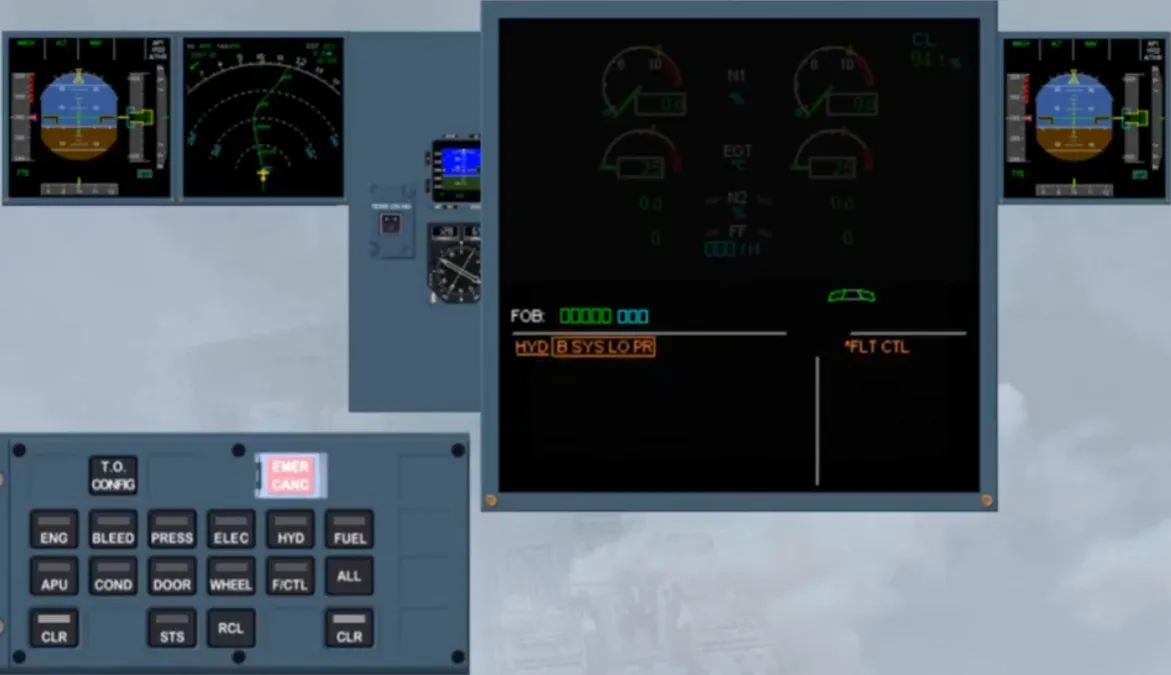
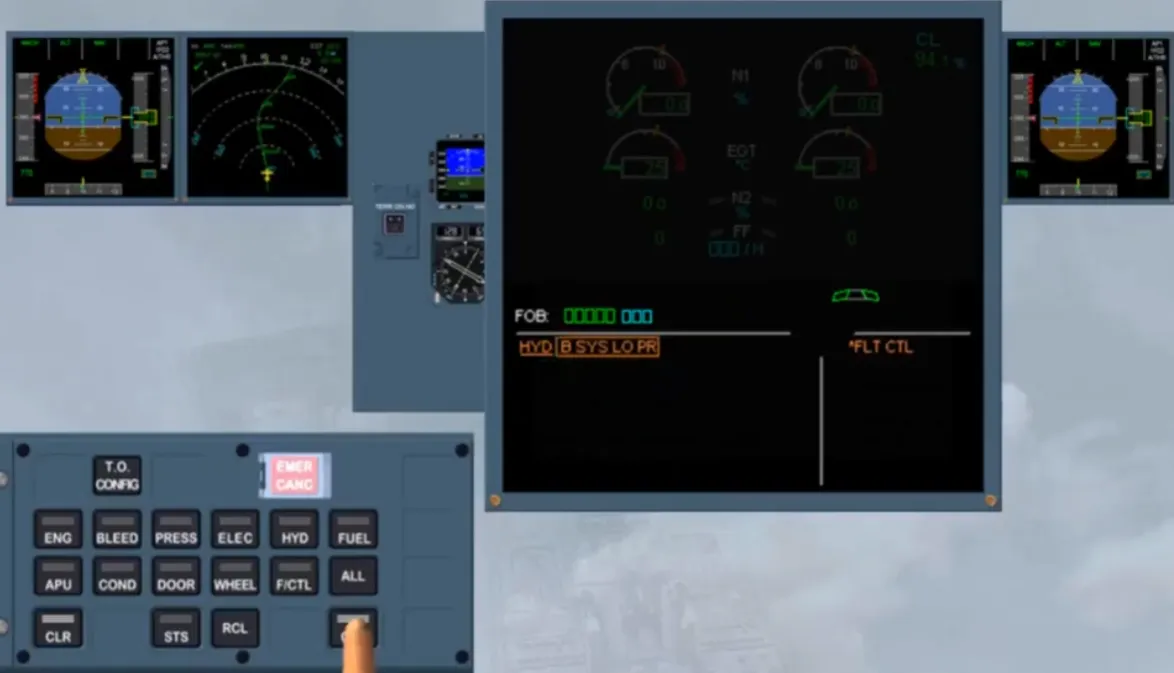
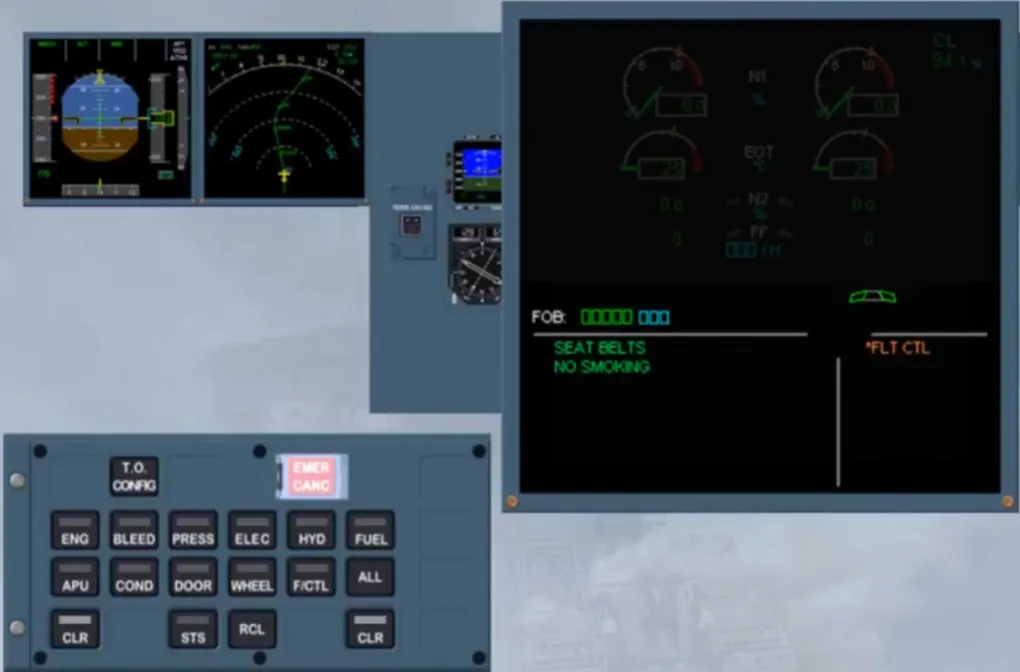
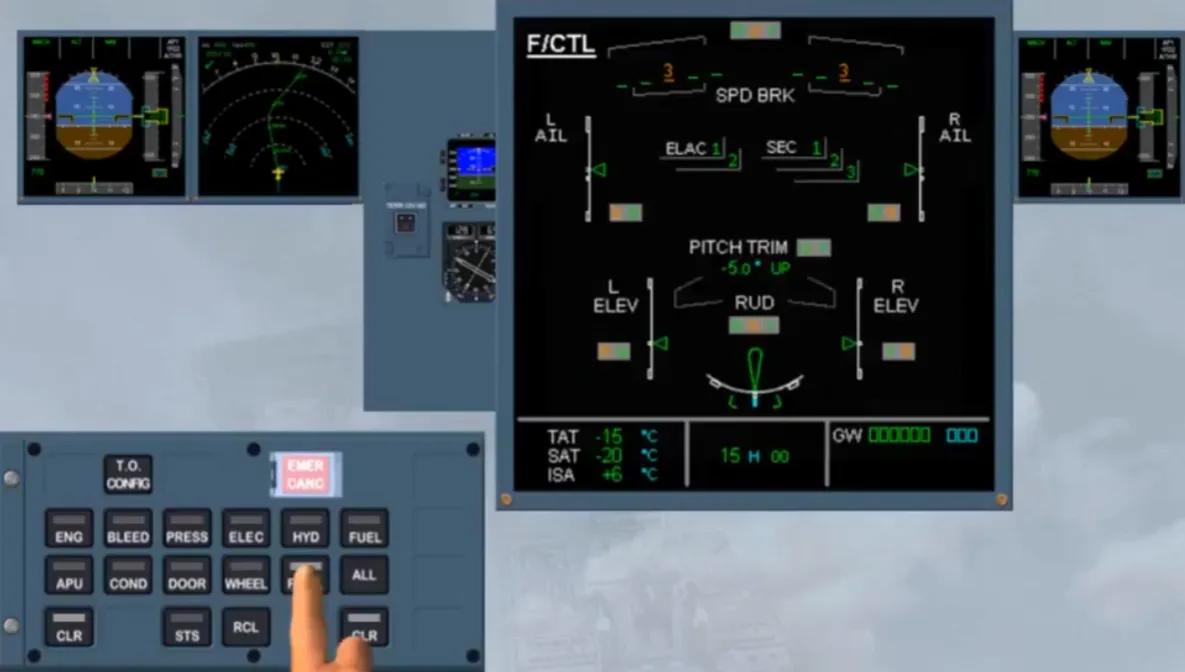
Then after releasing the key, and after confirmation from the PF, the starred title can be cleared. So, the STS caption appears, to indicate that the STATUS page must be selected to review it. So, we pressed and held the STS key for you.
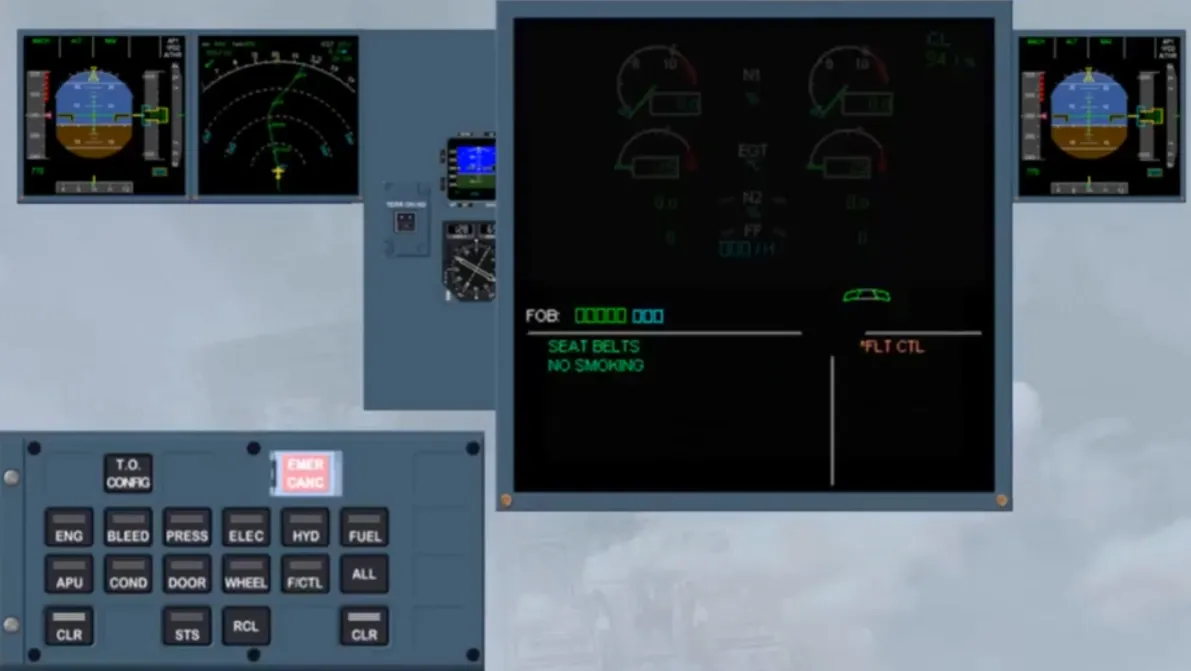
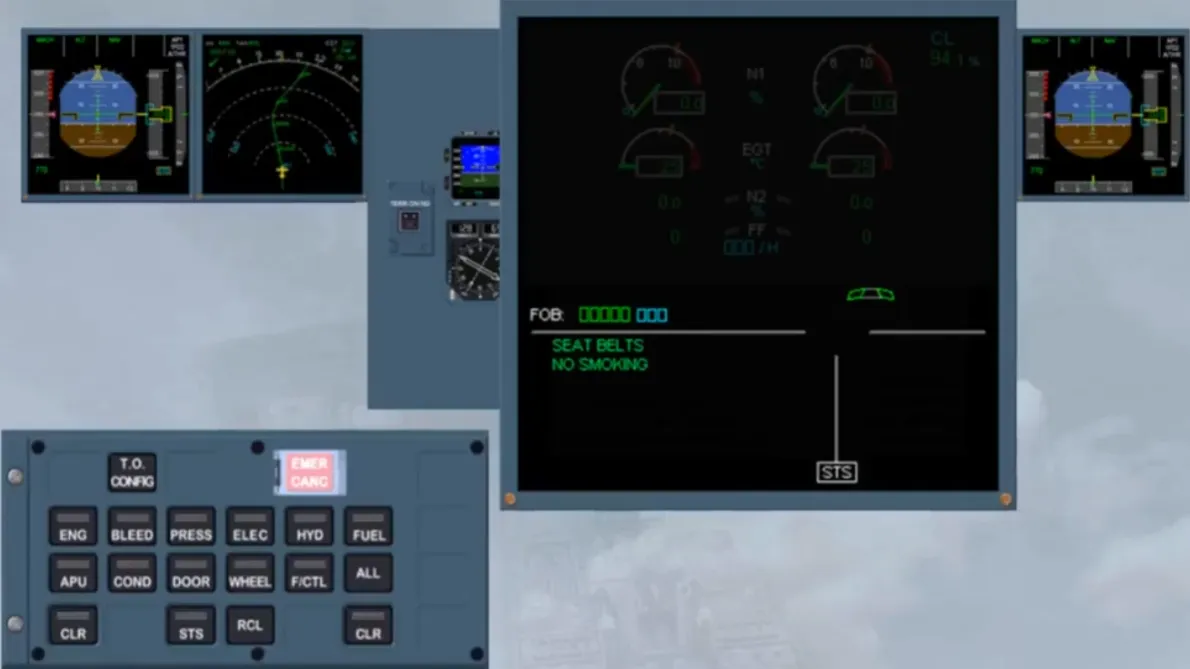
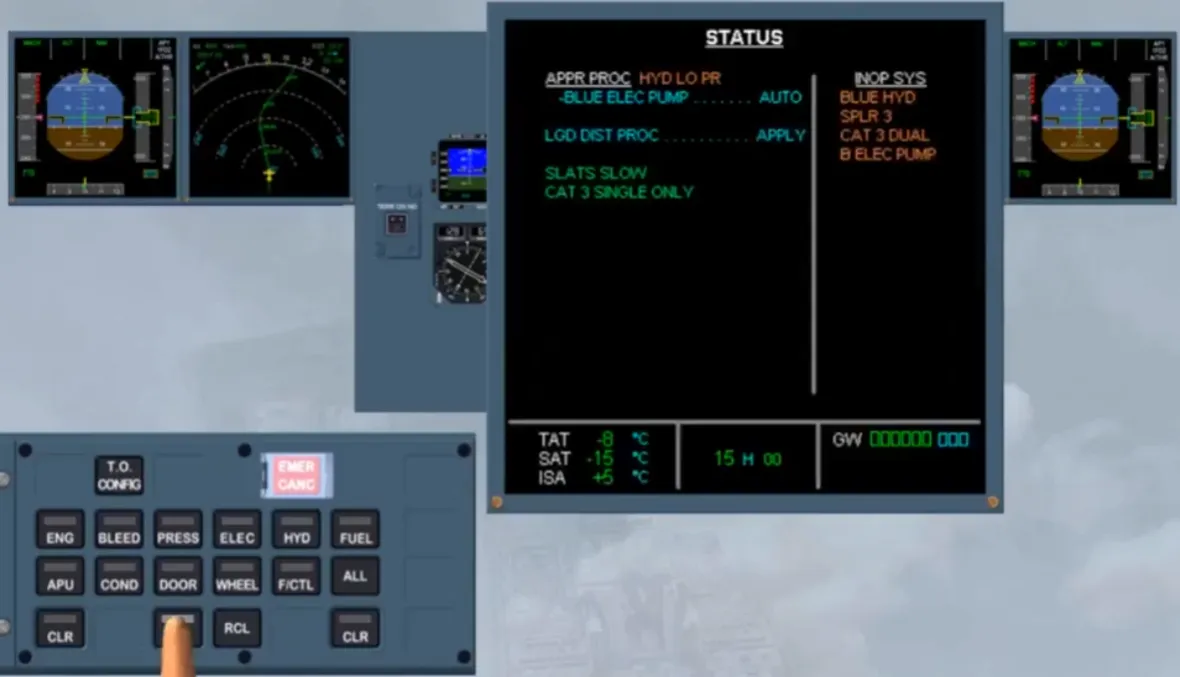
After confirmation from the PF, “REMOVE STATUS”, then”ECAM ACTIONS COMPLETE”.
Note: In descent, the STATUS page must be recalled manually as the automatic display of this page does not work, in SINGLE DISPLAY MODE.
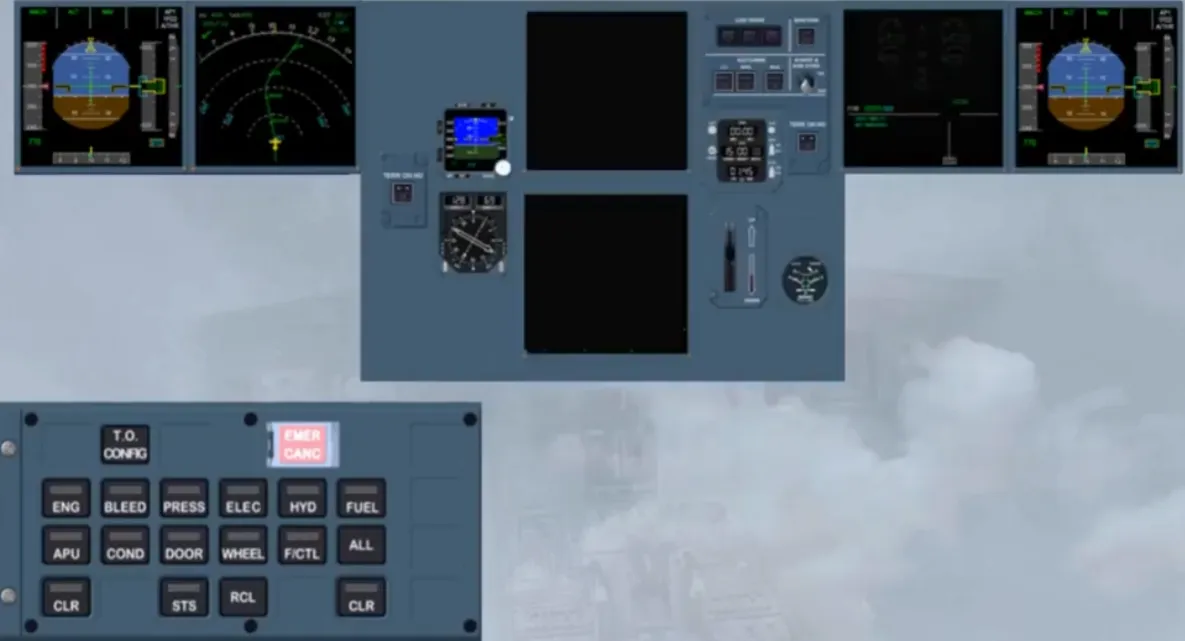
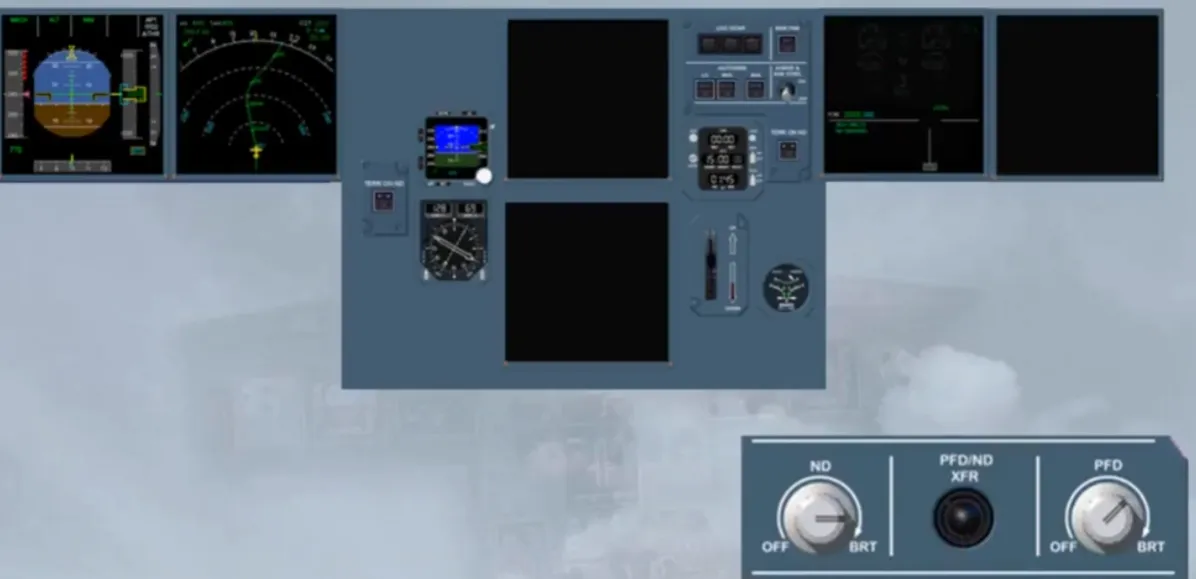
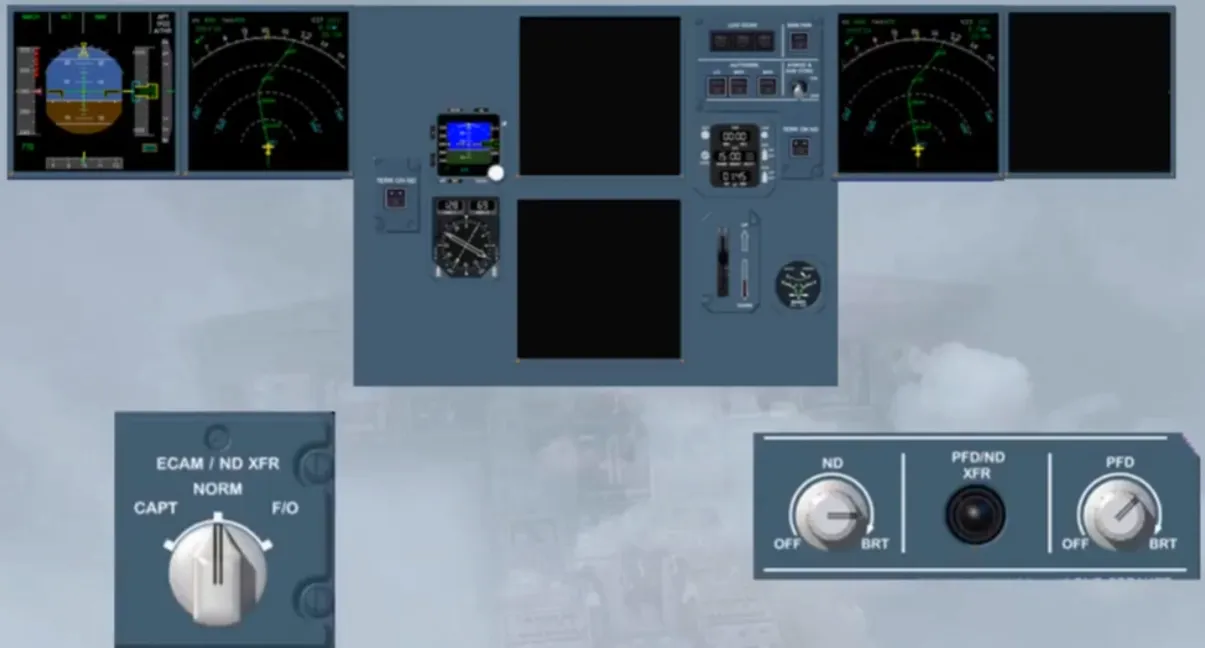
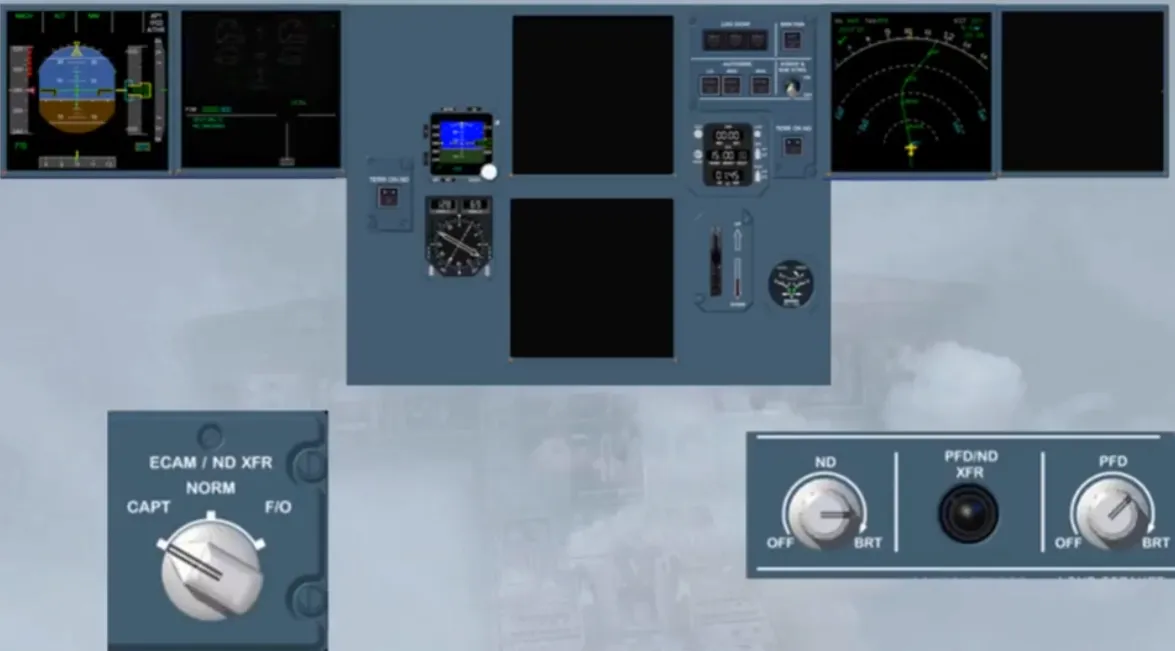
If, unfortunately it is one of those days! and the F/0 PFD screen is blanked. Notice that, the PFD image replaces the ECAM image on the F/O ND screen, because that image is more important. Now, to display the ND image on that single screen, you have to use the PFD/ND XFR pb, then to set back the ECAM/ND XFR selector to NORM which switches off the ECAM display, or to CAPT in order to transfer the ECAM image on the CAPT side.
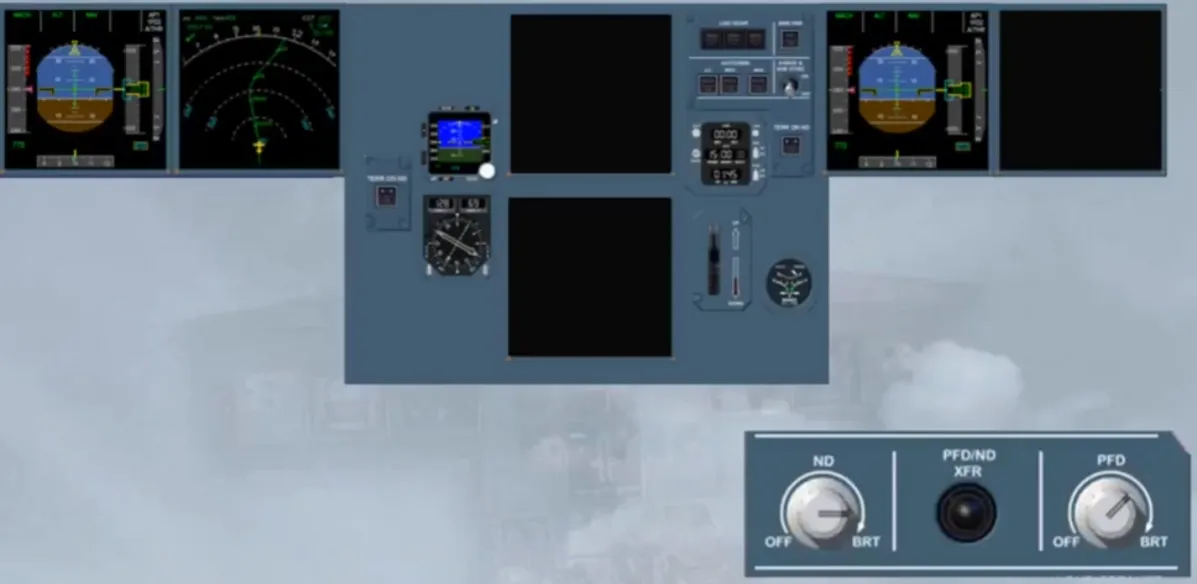
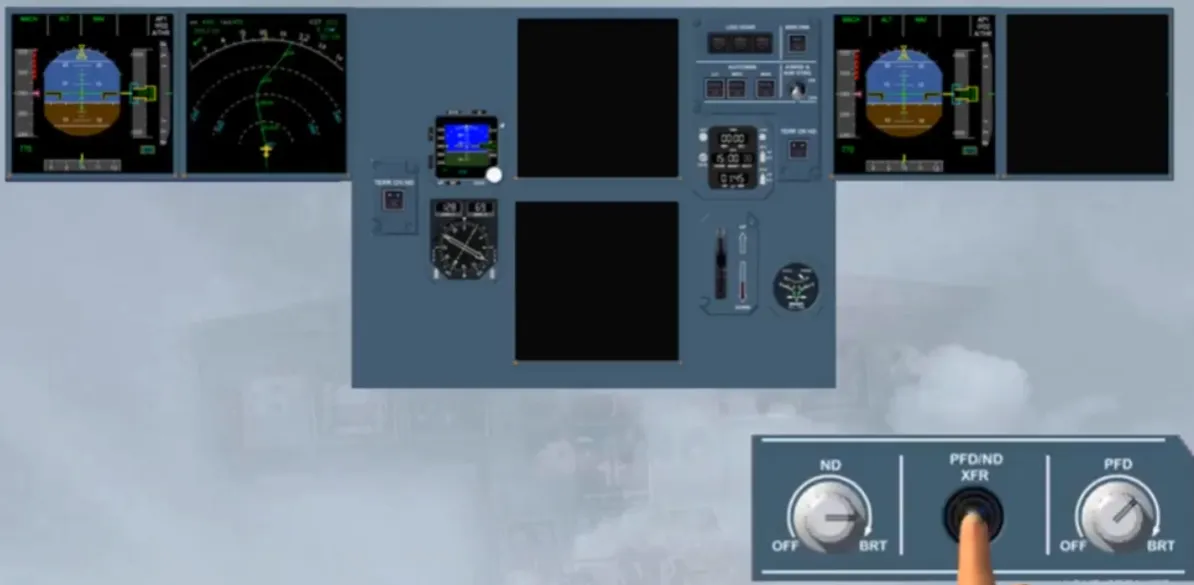
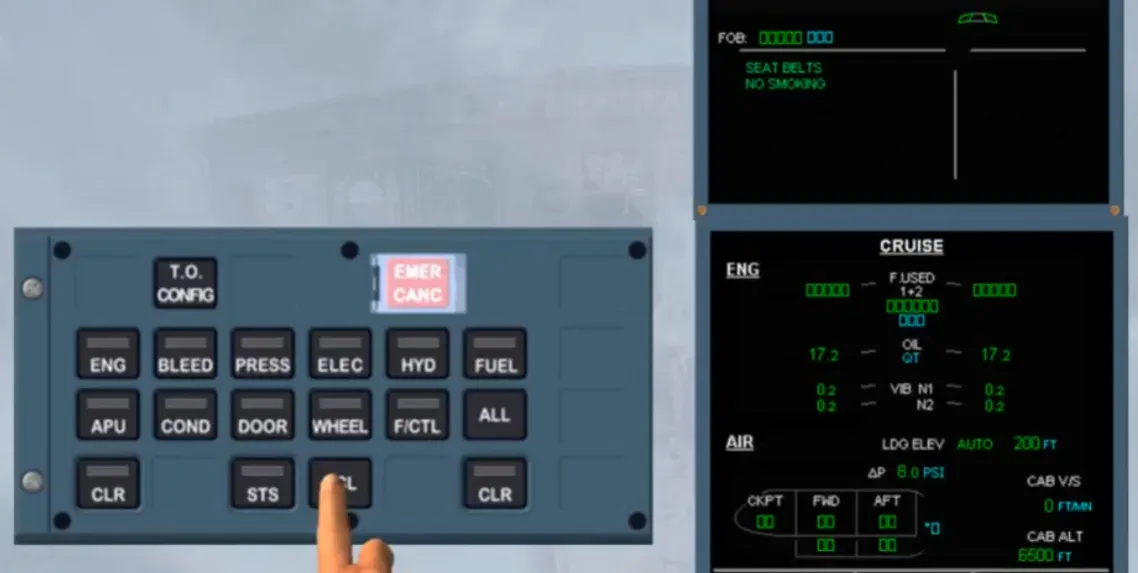
Now, you will be briefed about the use of the emergency cancel pb. It is normally used to cancel an intermittent nuisance caution message. It may be used, if necessary, to stop most of aural warnings.
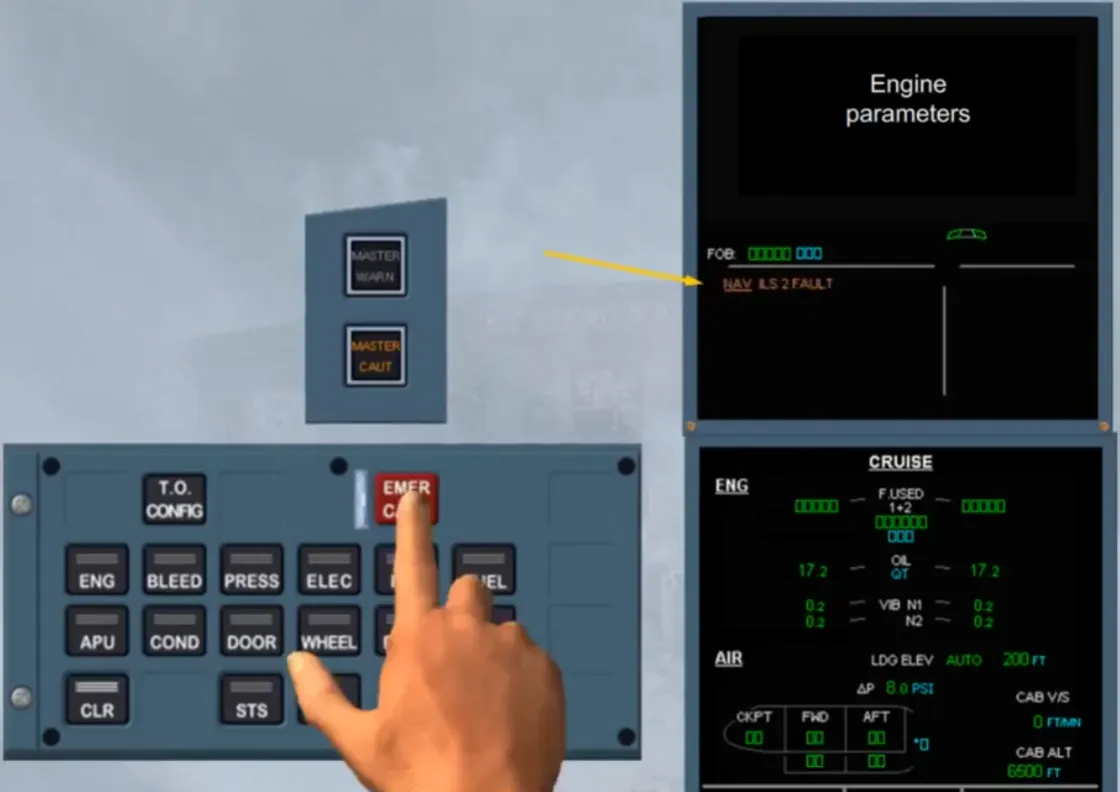
Let’s look at an example of an intermittent nuisance caution message.
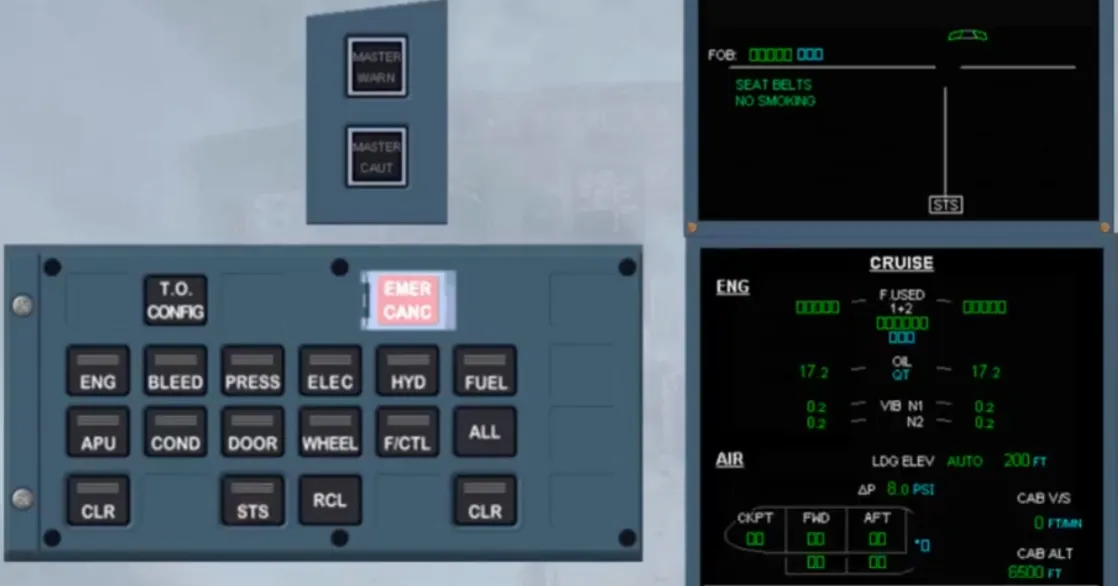
As you confirm, it is a real nuisance, and the only possibility to stop it, is to lift the guard and then to press on the EMERCANC pb. We will do it for you.
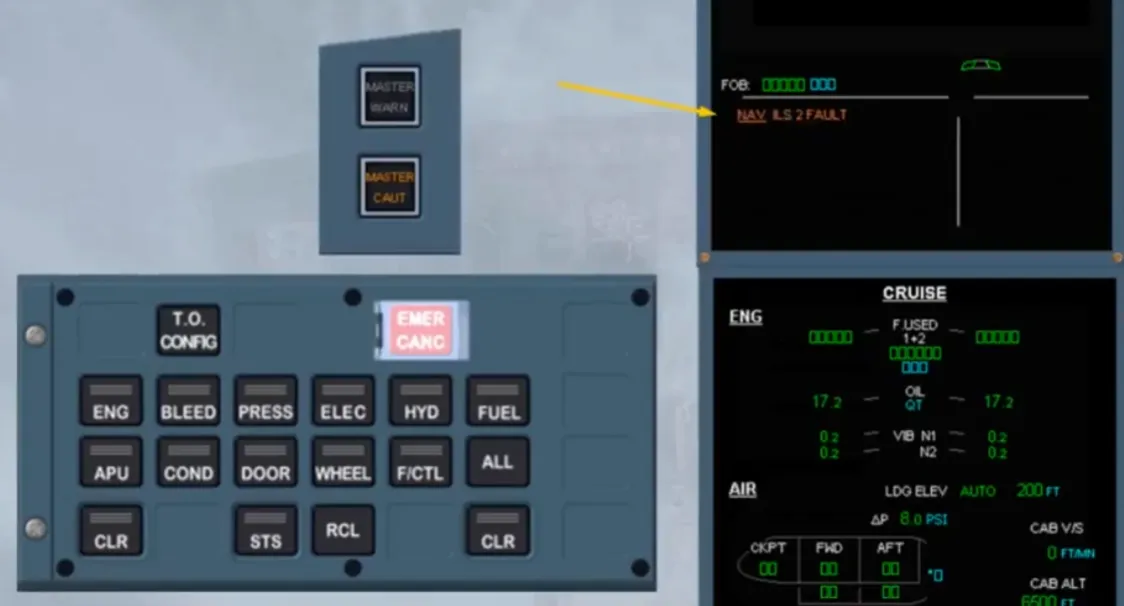
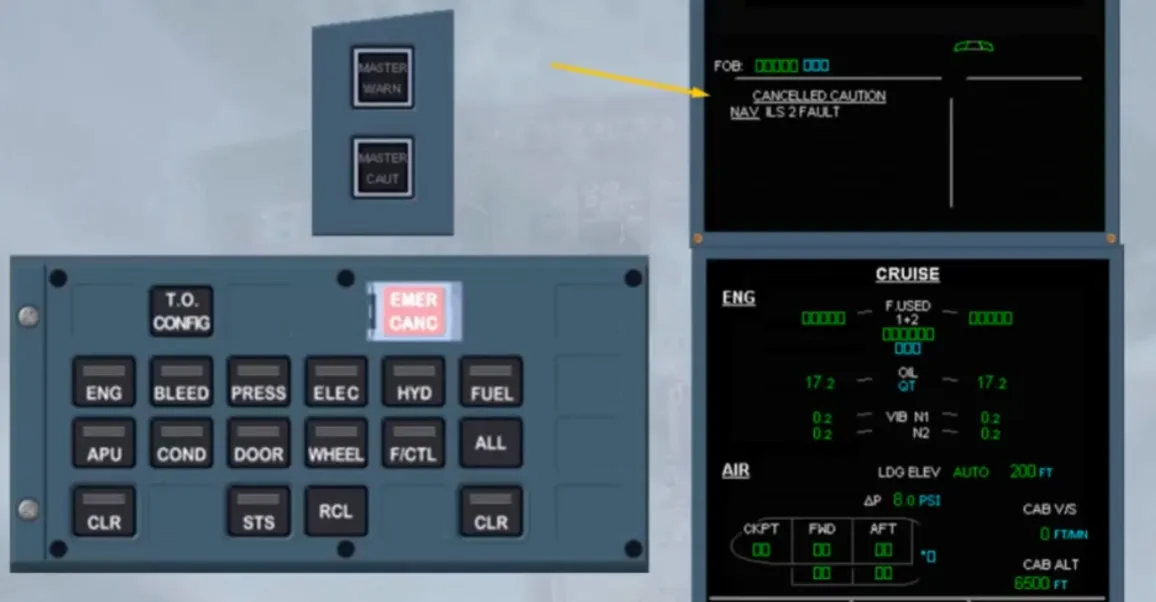
When the EMER CANC pb is pressed, the related caution message on top of the left side of the E/WD is removed. So, to confirm it, a white message is displayed for few seconds and the STS caption appears at the bottom of the E/WD, as the white message has been transferred to the STATUS page. Notice that the MASTER CAUT lights are off.
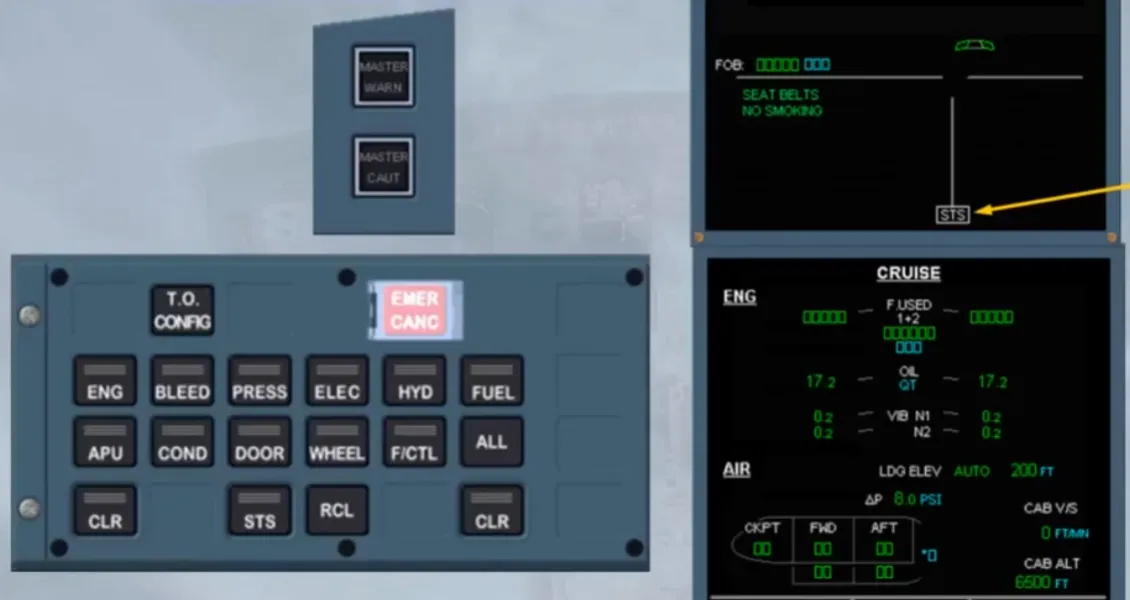
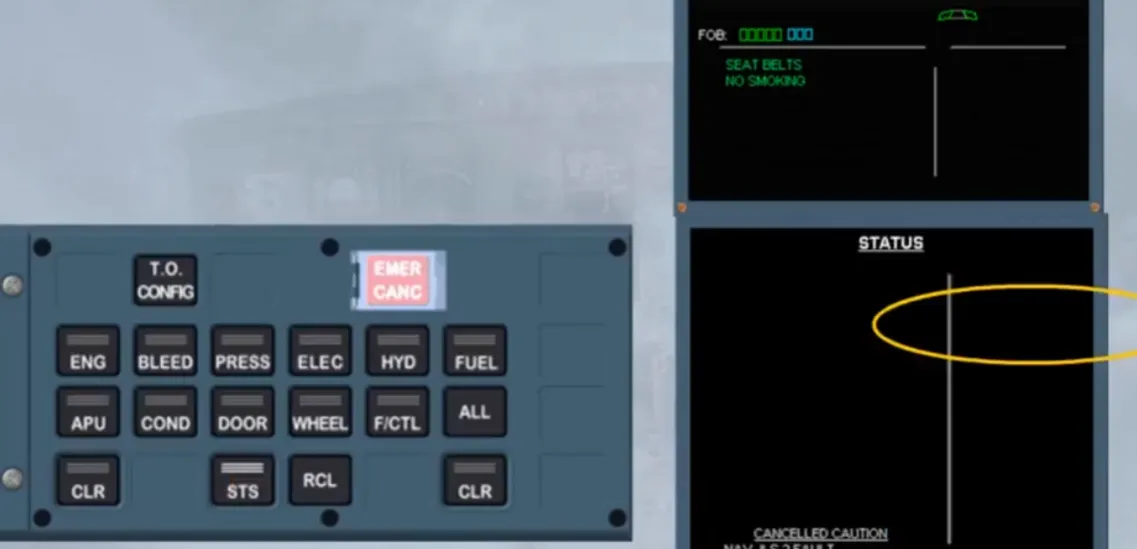
We have selected the STATUS page for you. Notice that, the white message is displayed on the left bottom part of the page.
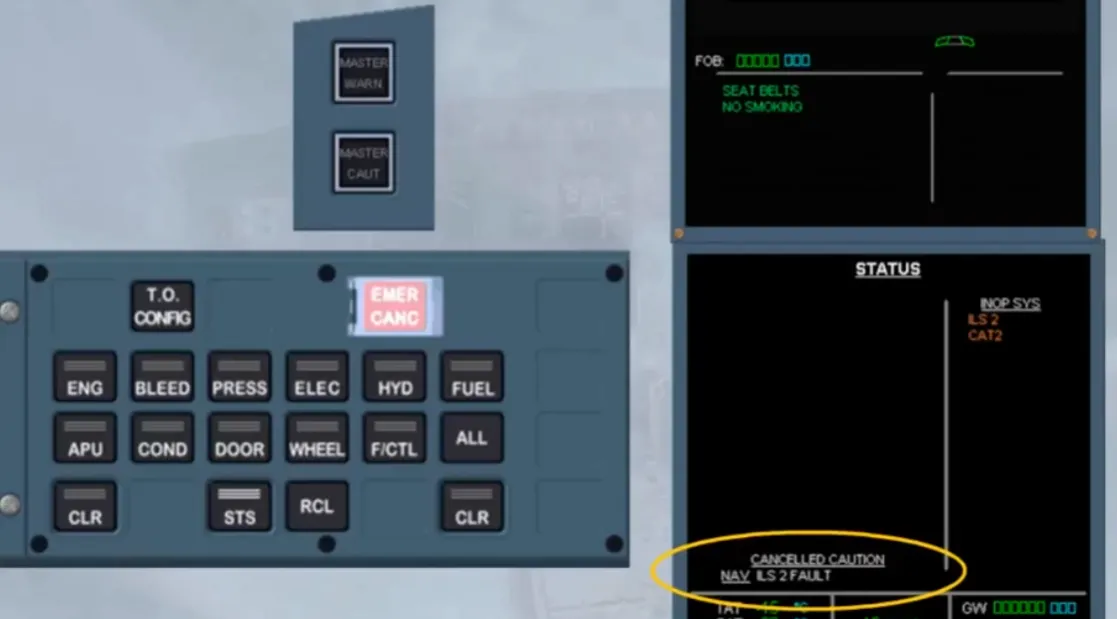
We have removed the STATUS page for you. Now, if you just press on the RCL key, the memo NORMAL message is displayed for few seconds as, the ECAM alert has been cancelled for the related fault.
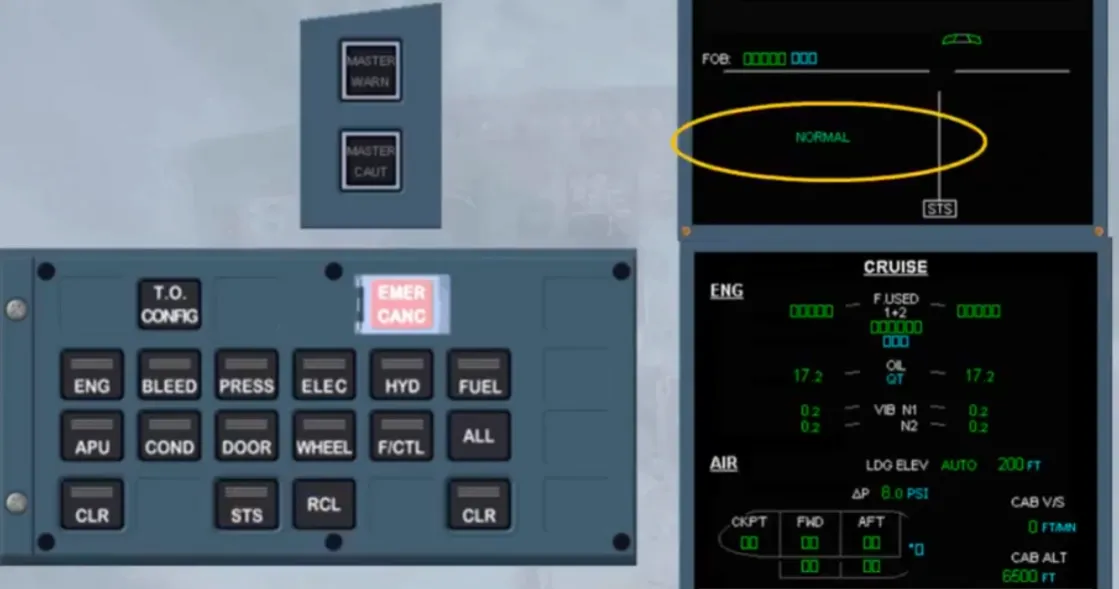
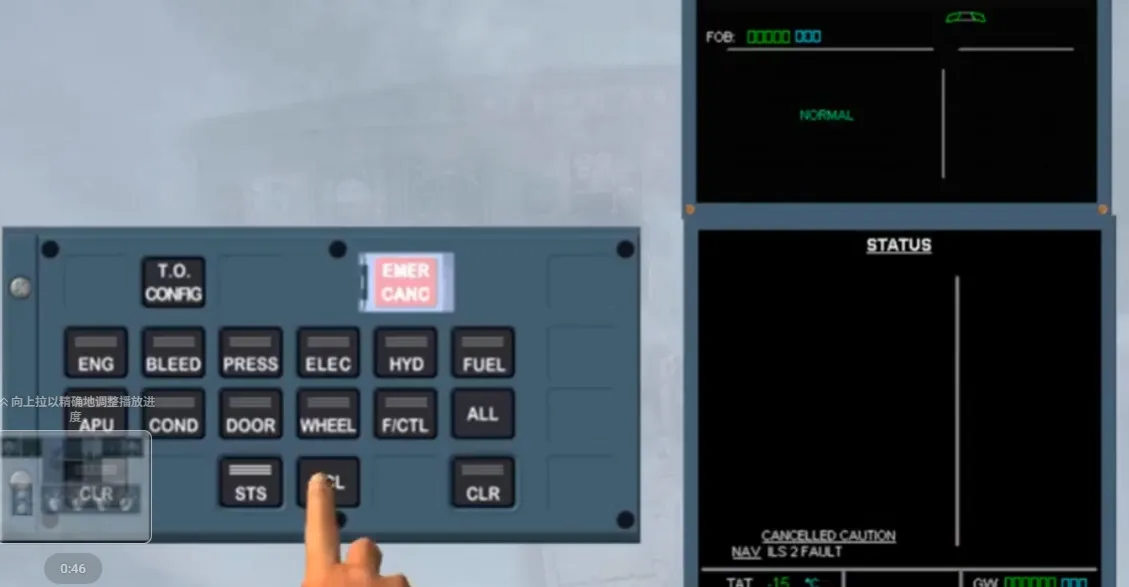
Now, assume that the ILS 2 FAULT is no longer present, as confirm on this STATUS page. Notice that, the ILS 2 FAULT is still cancelled. So, to rearm the full ECAM detection and to clear the cancelled caution, the RCL key must be pressed for more than 3 s. As we did it for you, all indications have returned to normal.
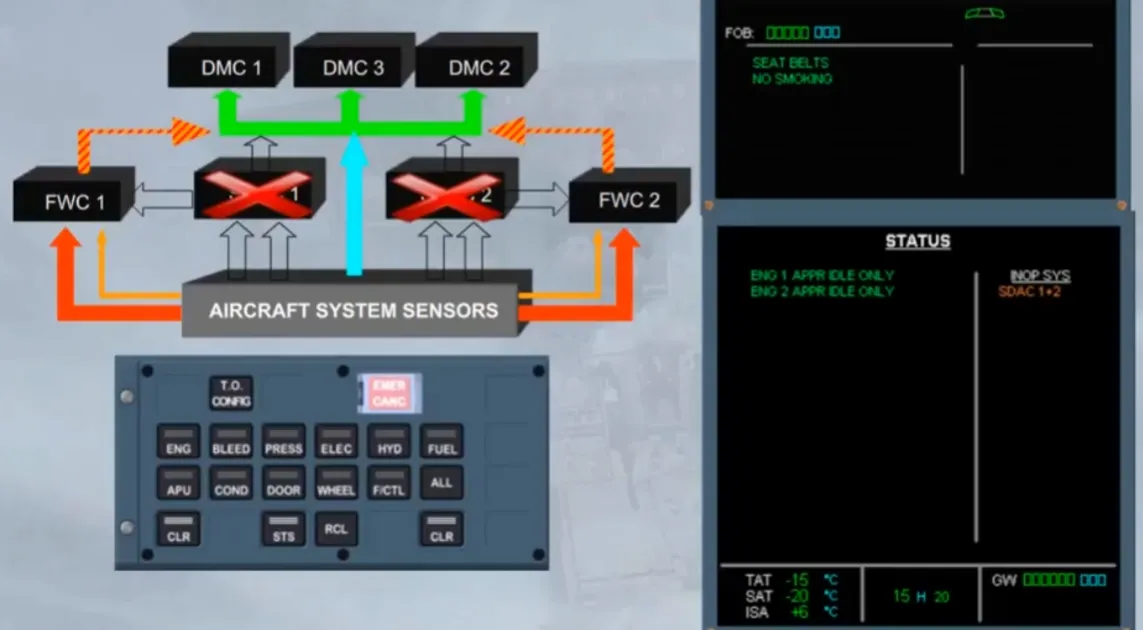
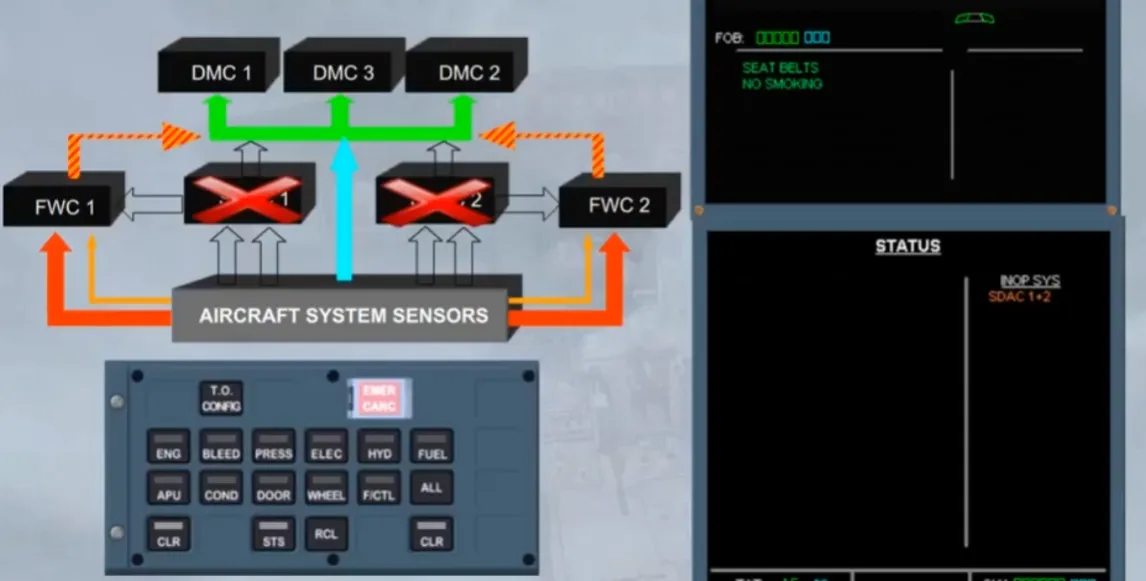
If SDAC 1 and 2 have failed, the data on system pages normally generated by the SDACs are no longer available, and shown by amber XX. Only the data directly processed by the DMC will be still available on the systems listed on the E/WD. Also, most of amber CAUTIONS will be not received by the FWC from the lost SDAC.
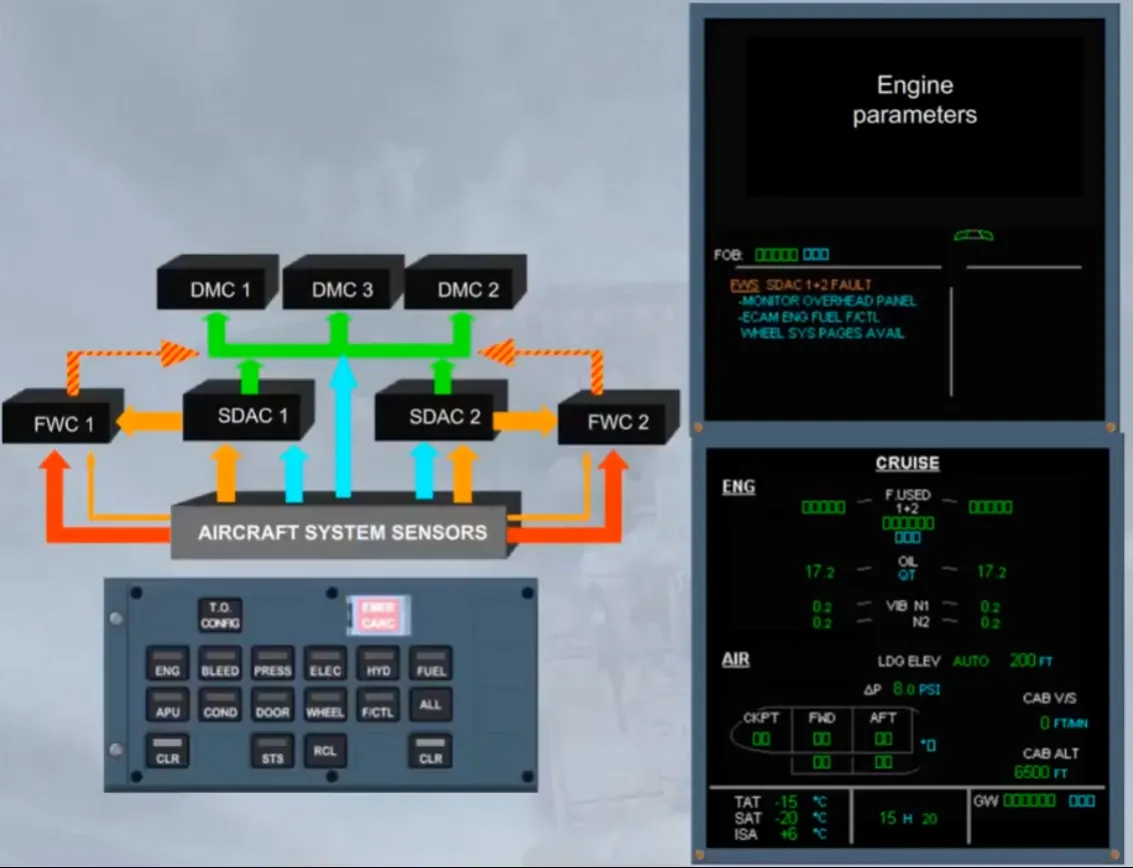
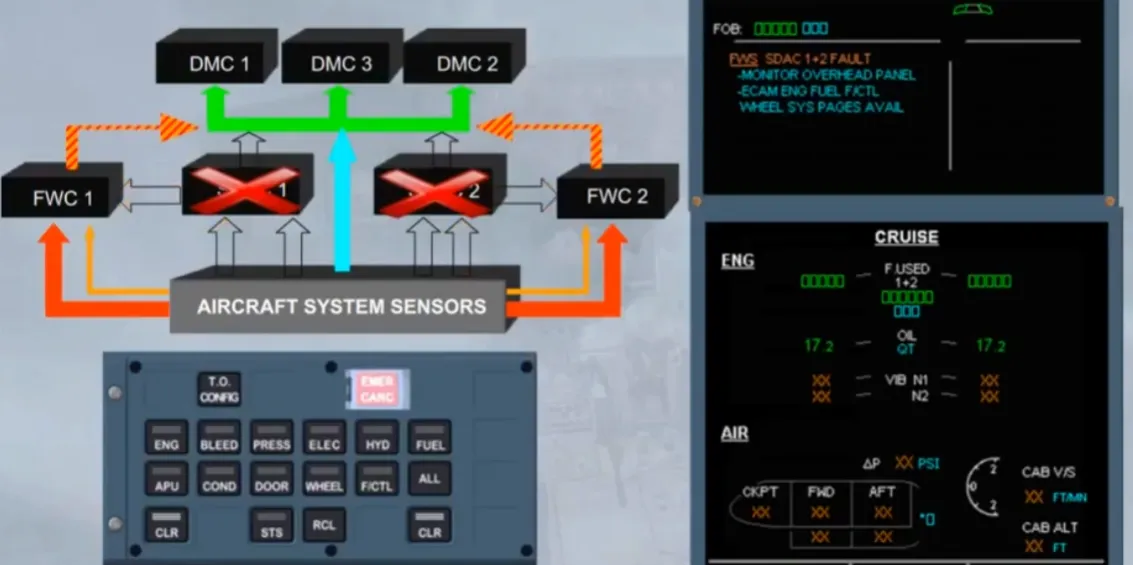
After confirmation from the PF, “CLEAR FWS”. Notice that on the STATUS page, an information message, about the ENG APPRIDLE ONLY, may be displayed, depending on the FWC version. If this message is displayed you have to disregard it, because the engine idle is not affected by the loss of both SDACs.
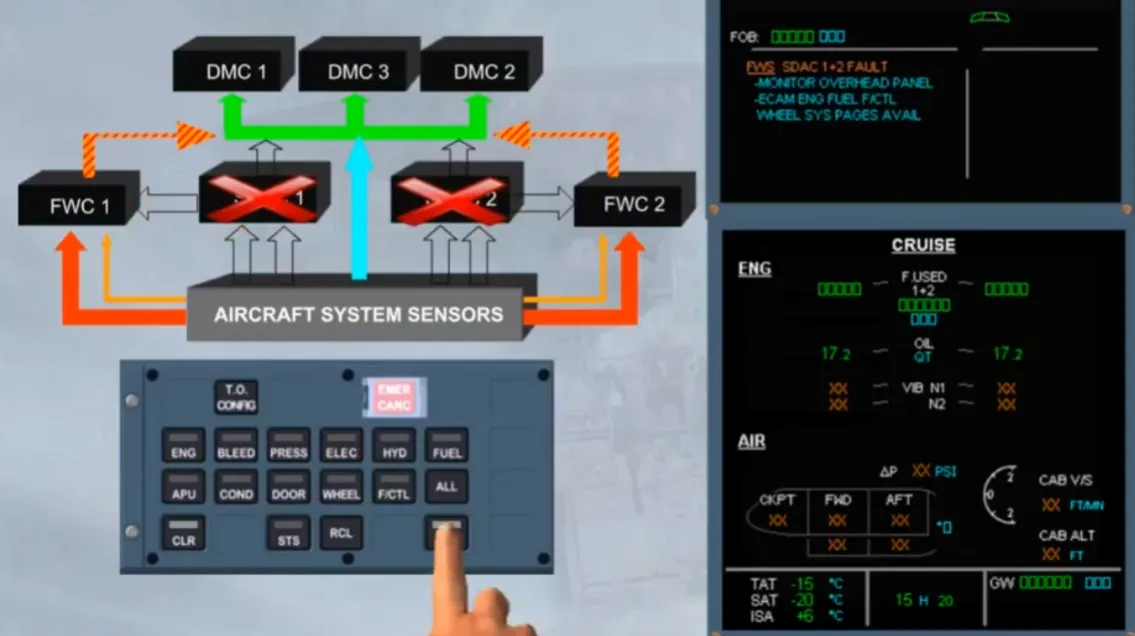
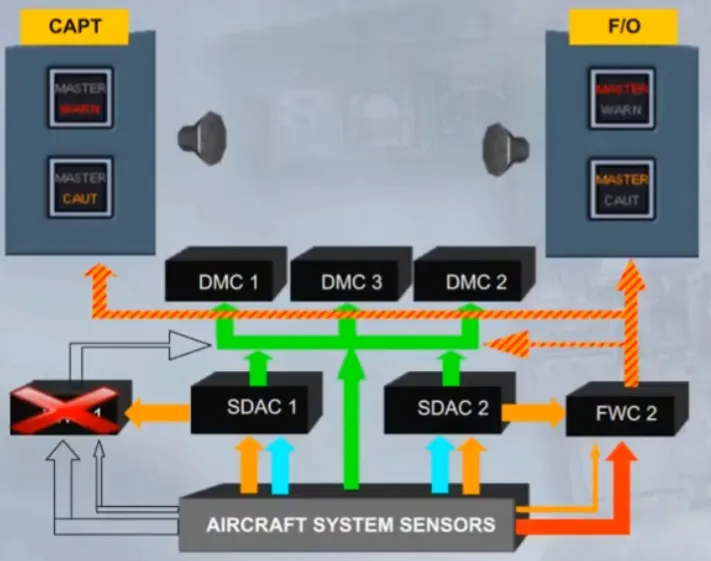
The MASTER WARN lights and the MASTER CAUT lights are triggered by both flight wamning computers, but independently:
- FWC 1 will turn on, the CAPT lights (as shown), and the F/O lights (as shown)
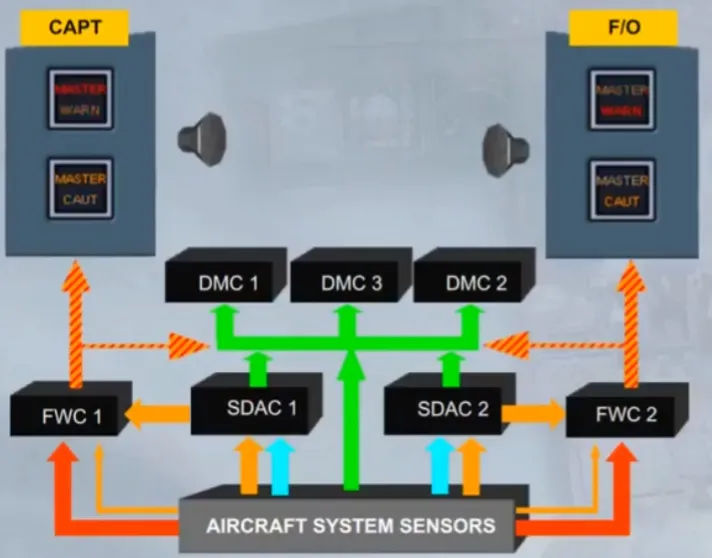
- FWC 2 will turn on, the CAPT lights (as shown), and the F/O lights (as shown).
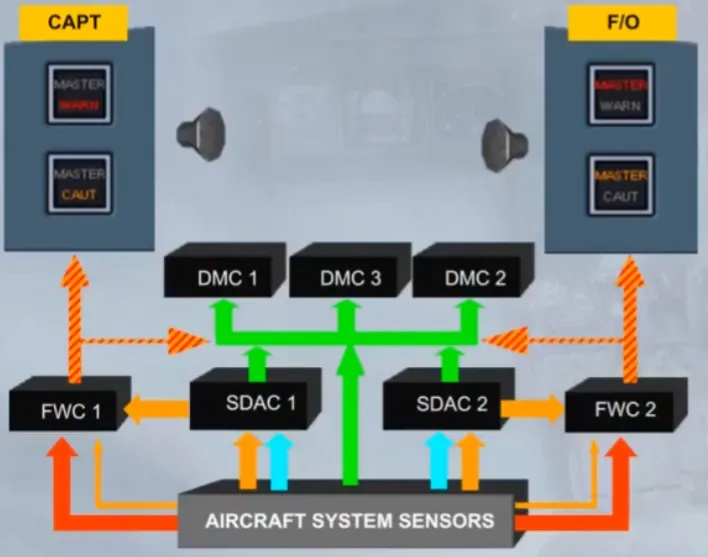 Notice that, in case of one FWC failure, the other FWC ensures all ECAM functions, but it will triggeronly its part of the master warning and master caution pushbuttons.
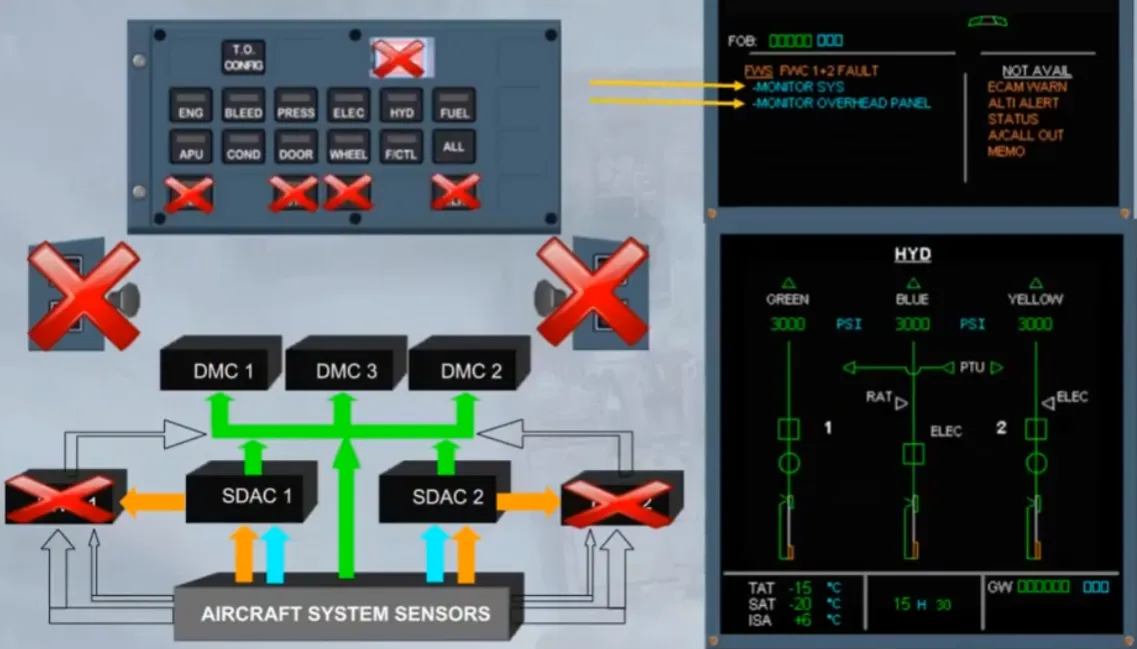
When both Flight Warning Computers have failed, all alarms (aural and visual) are lost, as confirmed on the right side of the E/WD. On the ECP only the system keyboard is available to monitor a related system. Notice that, if a system is selected the related key will be not lighted. Monitor also the overhead panel to detect a fault.
Module completed
Video study
Section titled “Video study”- Watch the video available on YouTube