ECAM Operation
When you initially enter the cockpit, all the EIS display Units are normally off. These DUs require AC electrical power to operate.
For more information, you may refer to the FCOM DSC-31-75 ELECTRICAL SUPPLY section of ATA 31.
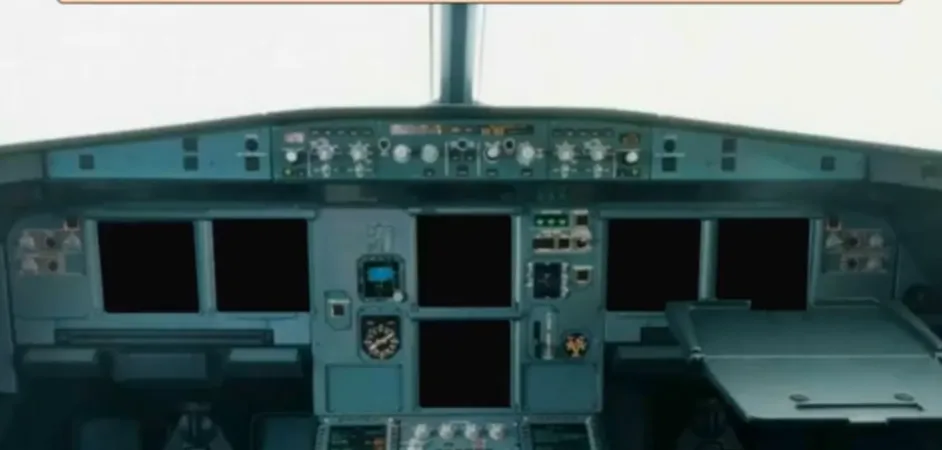
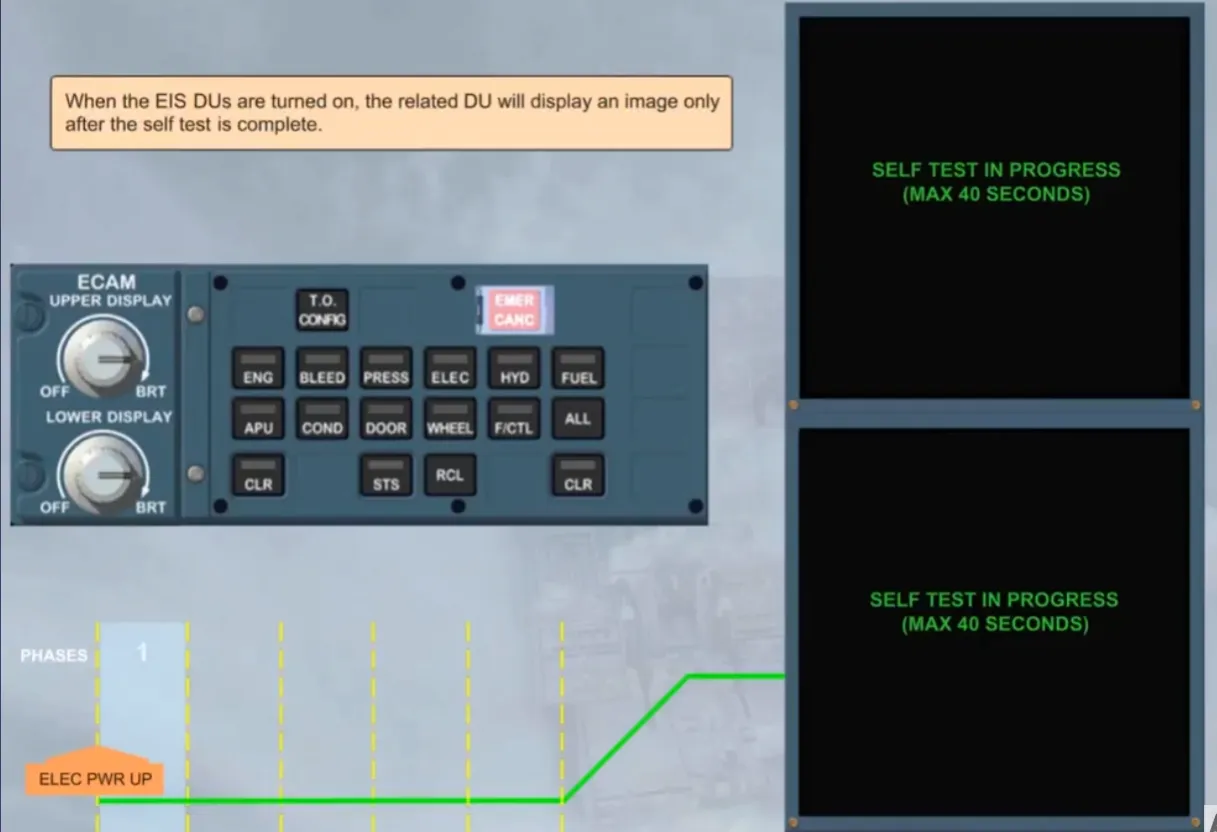
When the EIS DUs are turned on, the related DU will display an image only after the self test is complete.
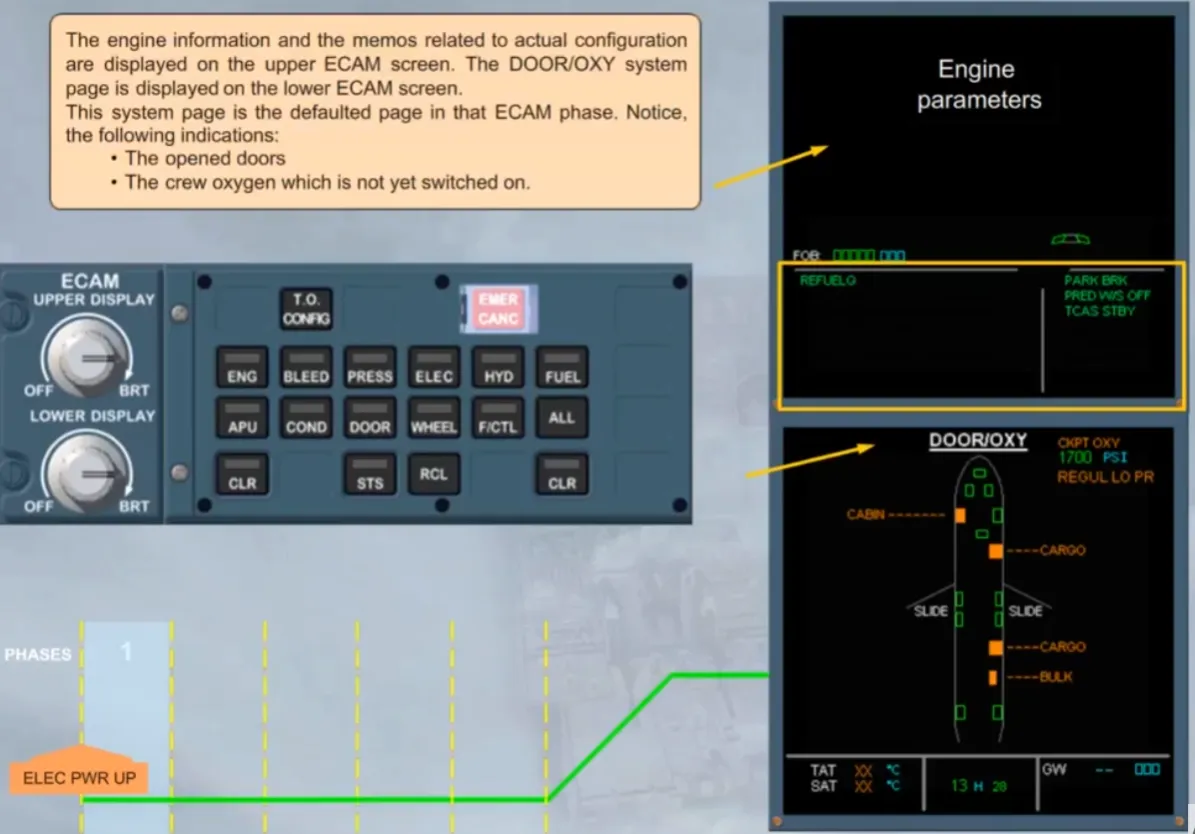
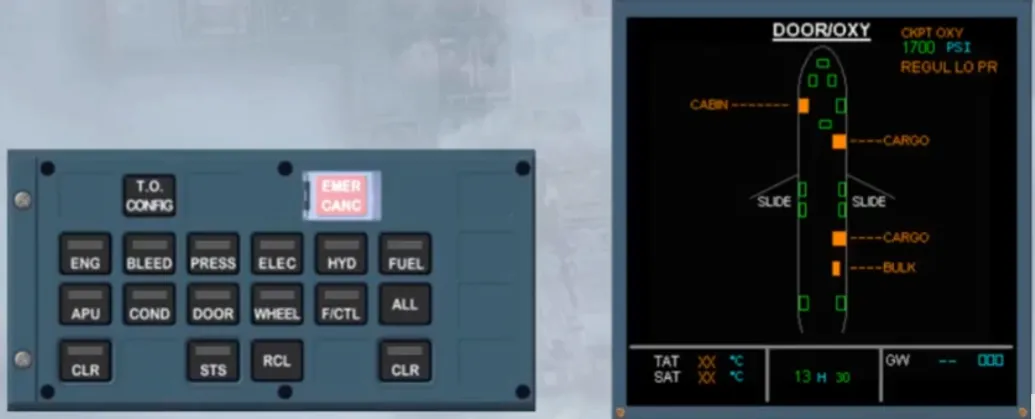
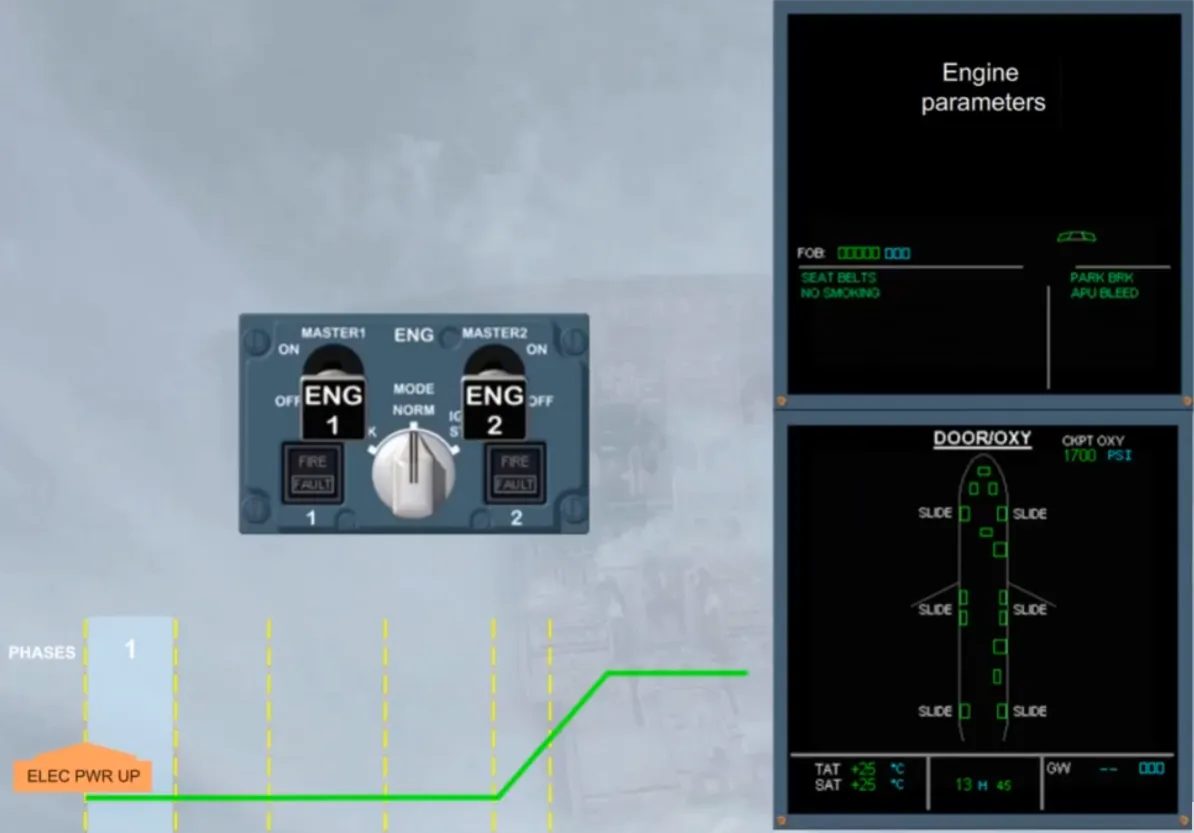
The engine information and the memos related to actual configuration are displayed on the upper ECAM screen. The DOOR/OXY system page is displayed on the lower ECAM screen.
This system page is the defaulted page in that ECAM phase. Notice, the following indications:
- The opened doors
- The crew oxygen which is not yet switched on.
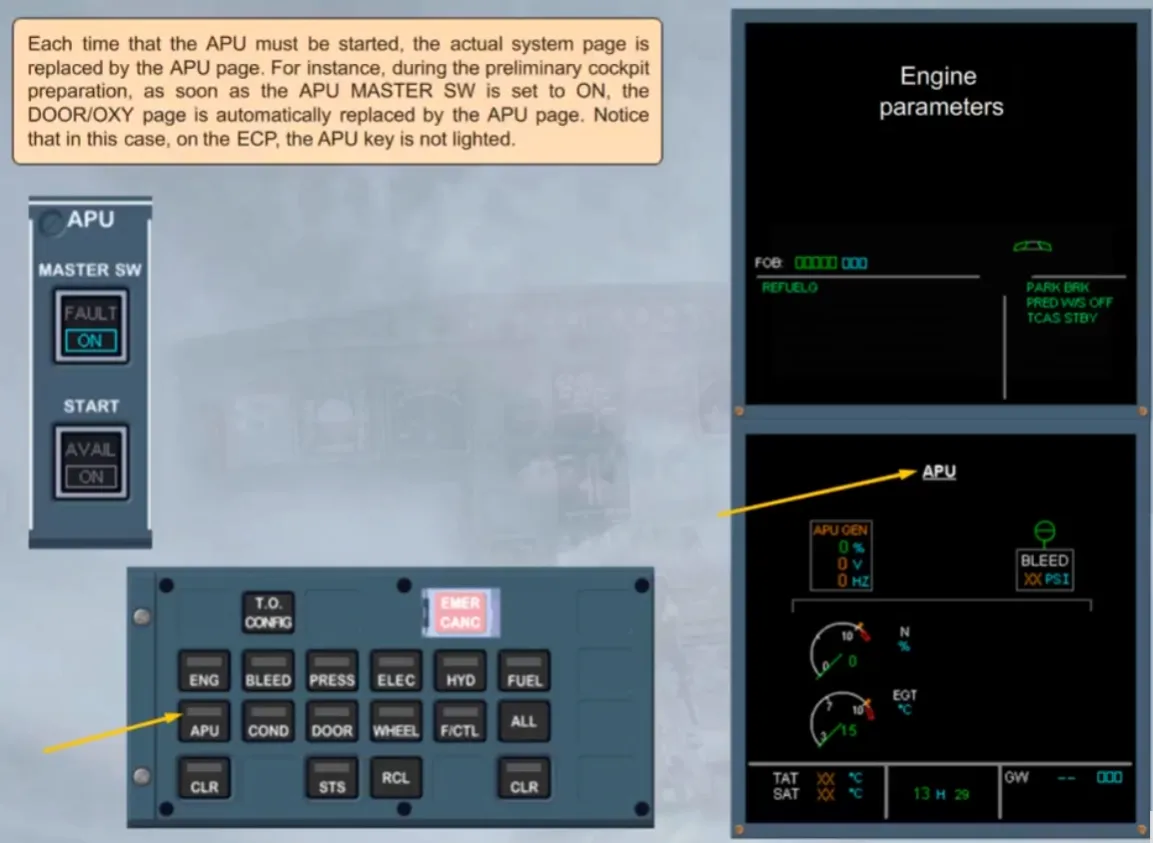
Each time that the APU must be started, the actual system page is replaced by the APU page. For instance, during the preliminary cockpit preparation, as soon as the APU MASTER SW is set to ON, the DOOR/OXY page is automatically replaced by the APU page. Notice that in this case, on the ECP, the APU key is not lighted.
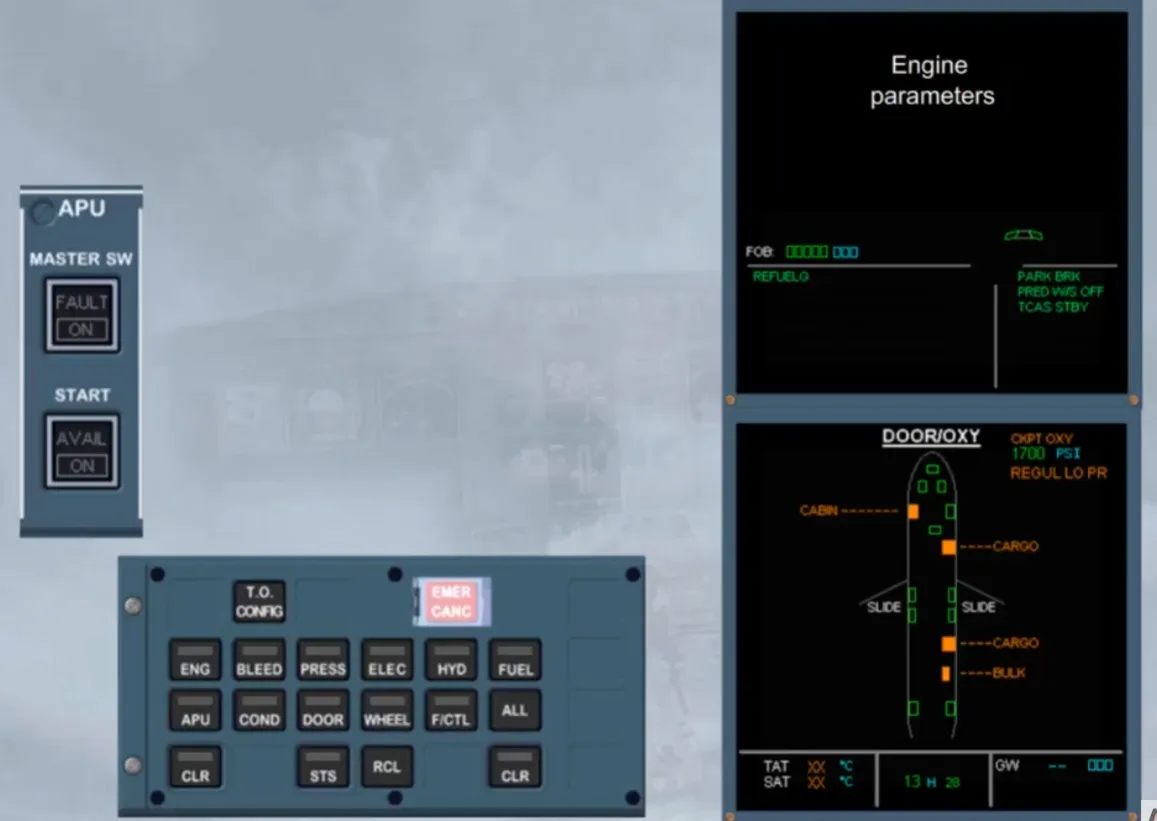
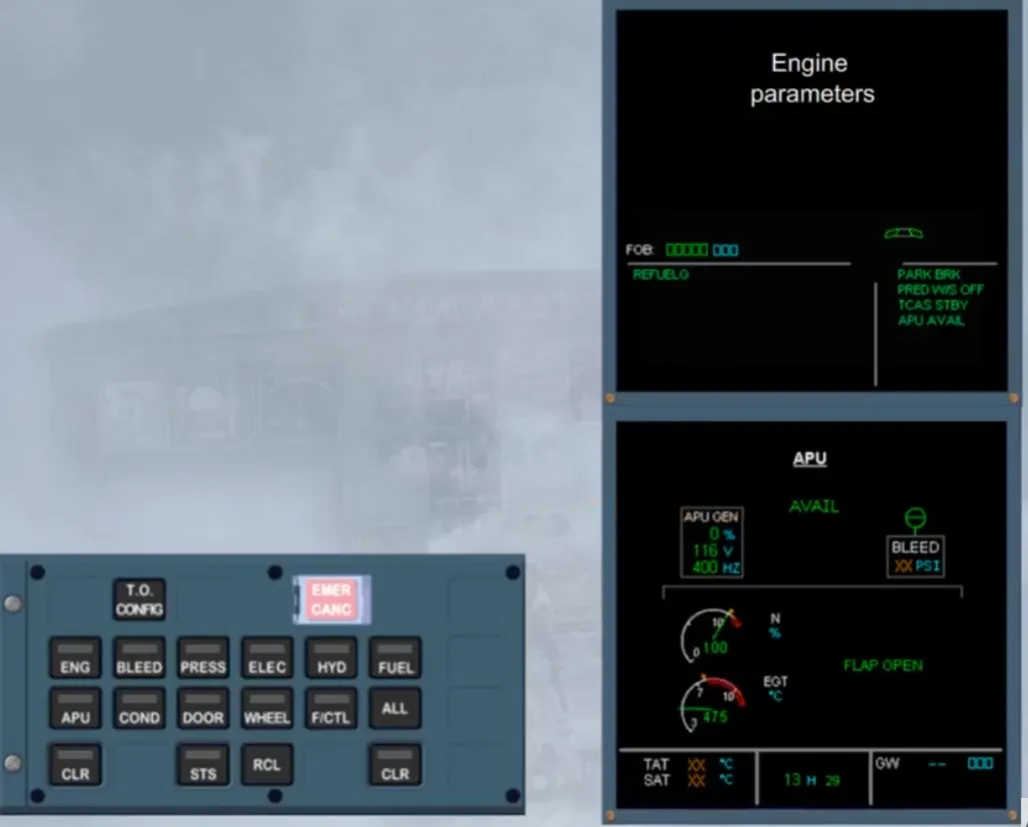
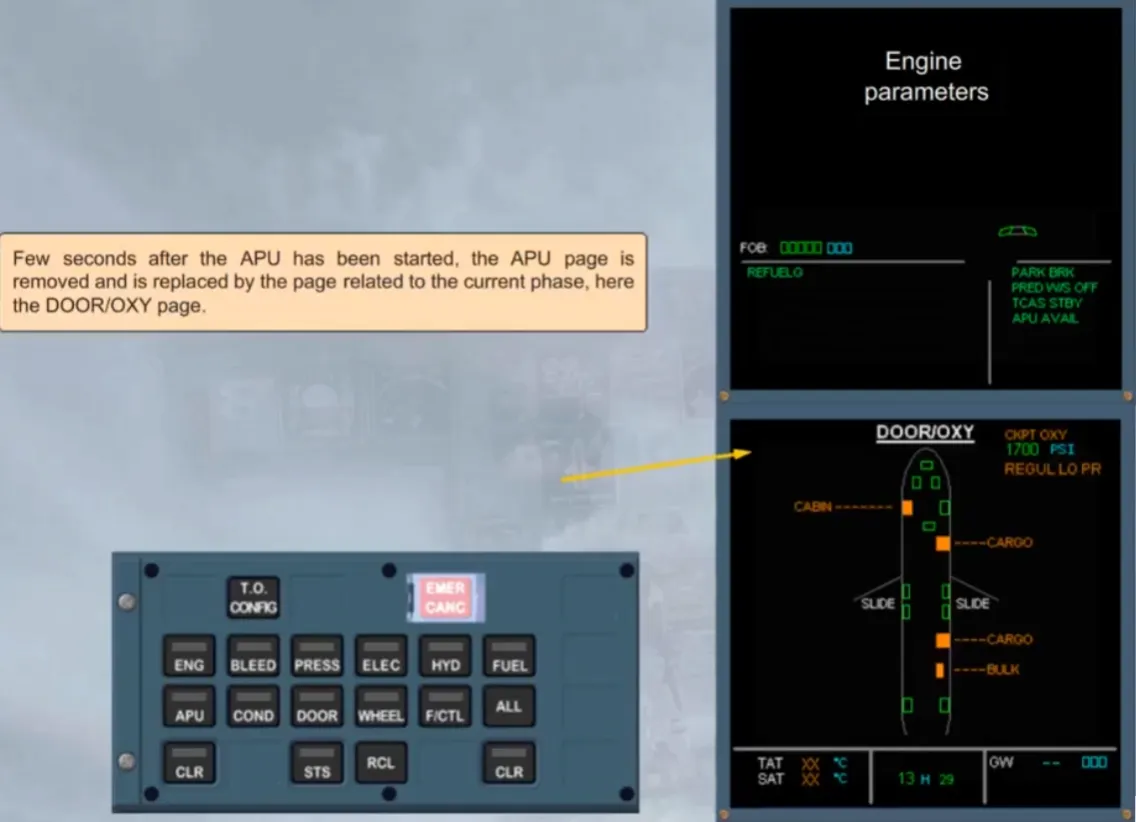
Few seconds after the APU has been started, the APU page is removed and is replaced by the page related to the current phase, here the DOOR/OXY page.
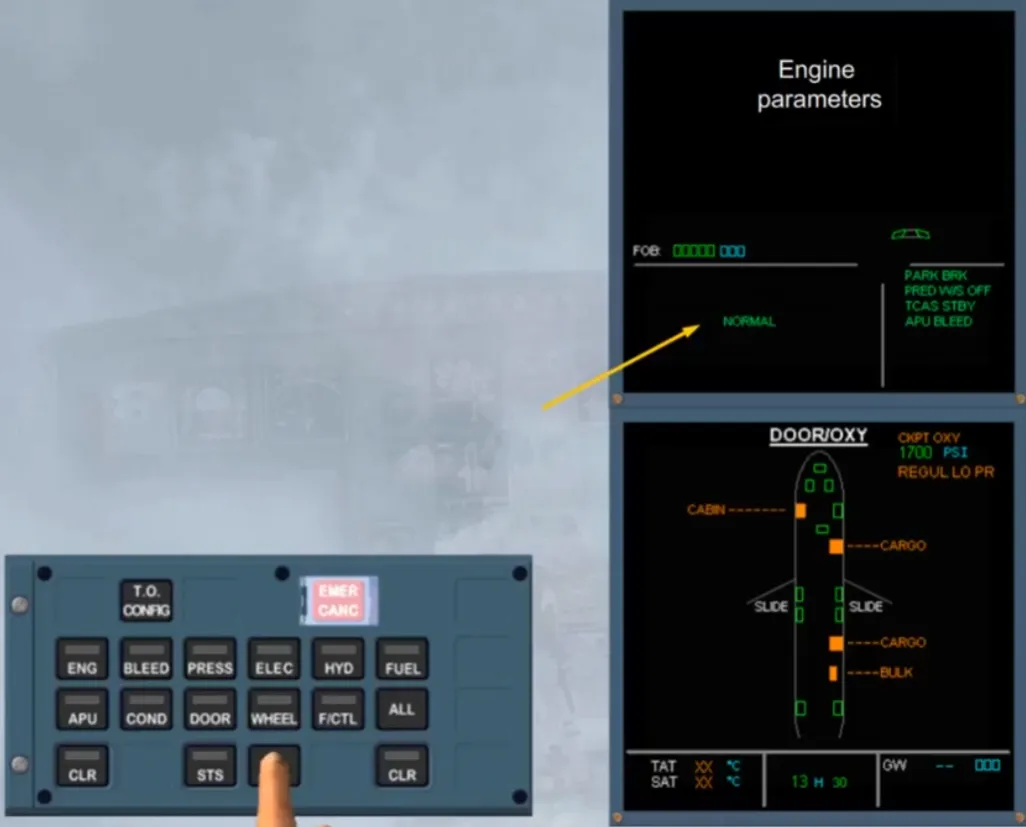
As you are still in preliminary cockpit preparation, the RCL key must bepressed. When it is pressed, a green NORMAL message is displayed for few seconds, on the left side of the E/WD, to indicate that no warning or caution messages have been previously cleared and still present.
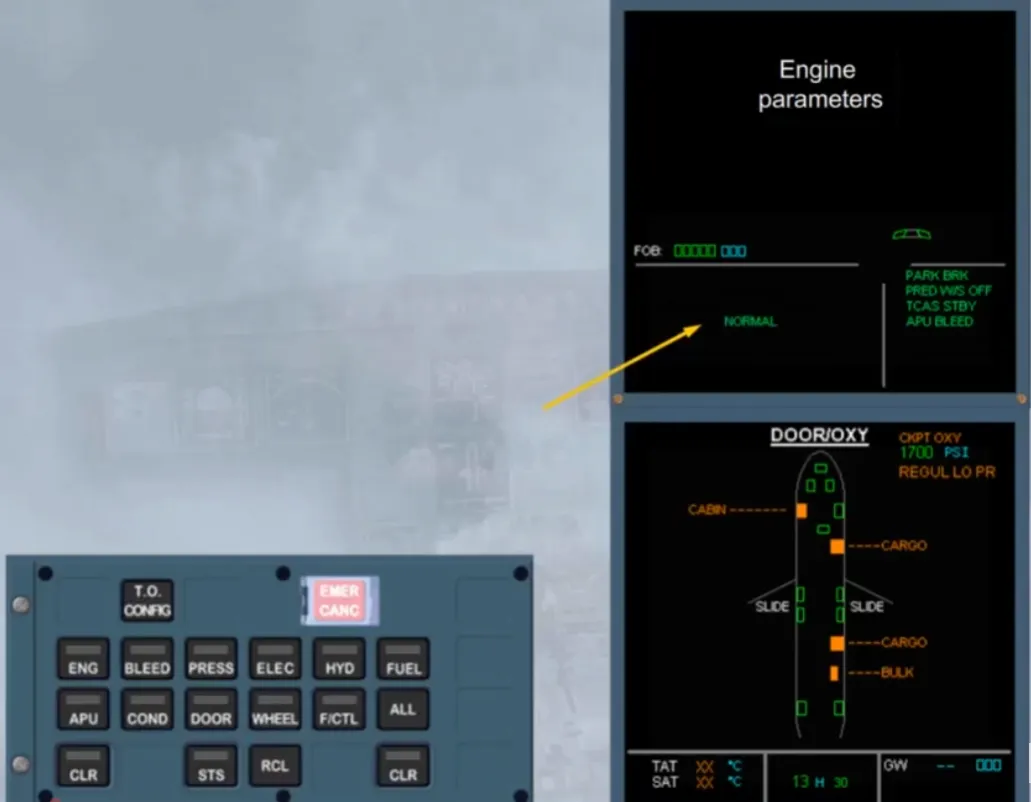
But this key must be pressed for at least 3s, and you have to check that no cautions are displayed. It Indicates that no caution messages have been previously cancelled by the EMER CANC key and still present.
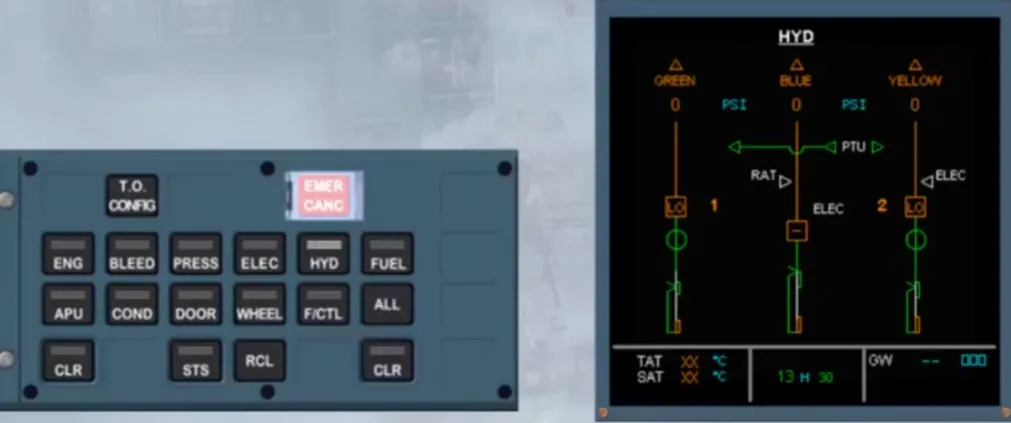
Then, the keyboard of the ECP must be used in order to check systems such as, the HYDraulic and the ENGine. Notice that when pressed, the related key light comes on. When a lighted key is pressed again, the displayed page return to the defaulted one, here the DOOR/OXY page.
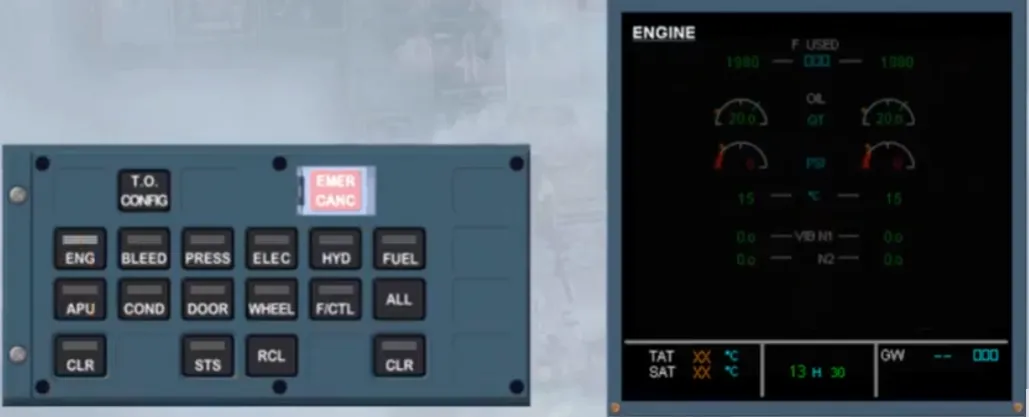
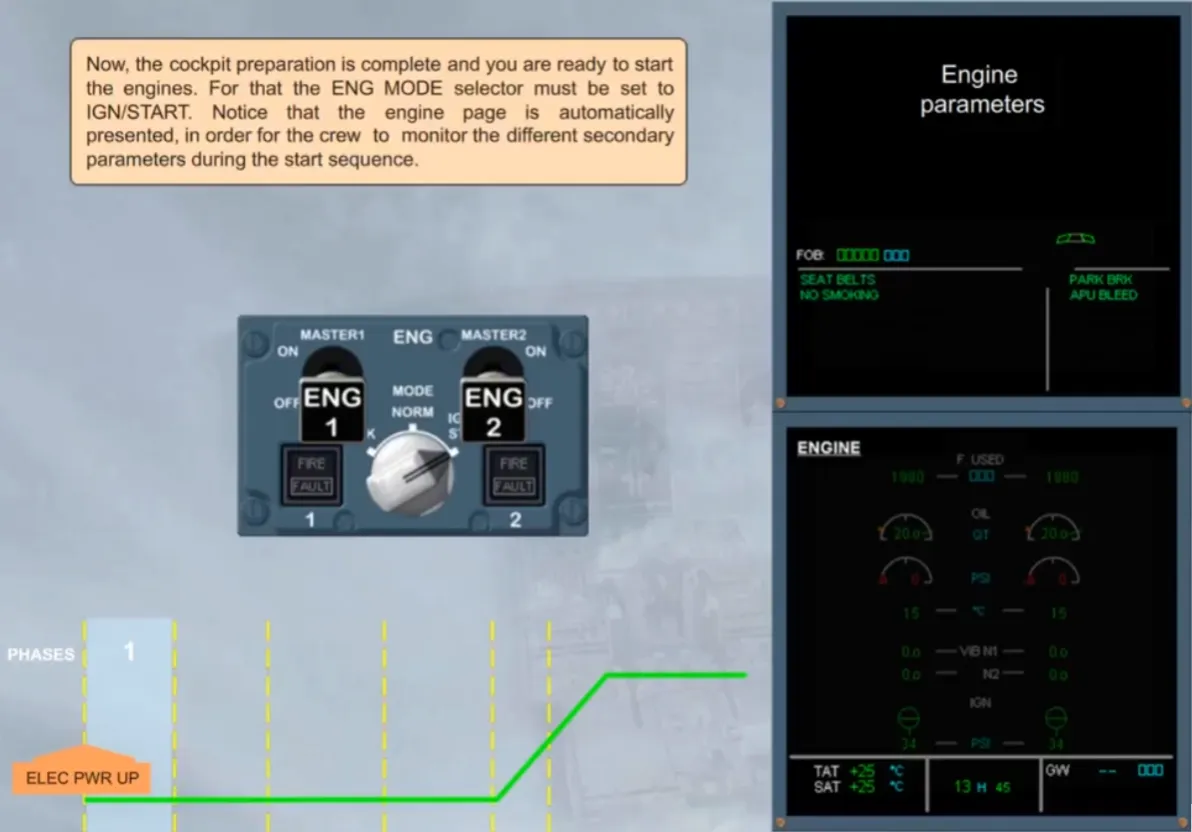
Now, the cockpit preparation is complete and you are ready to start the engines. For that the ENG MODE selector must be set to IGN/START. Notice that the engine page is automatically presented, in order for the crew to monitor the different secondary parameters during the start sequence.
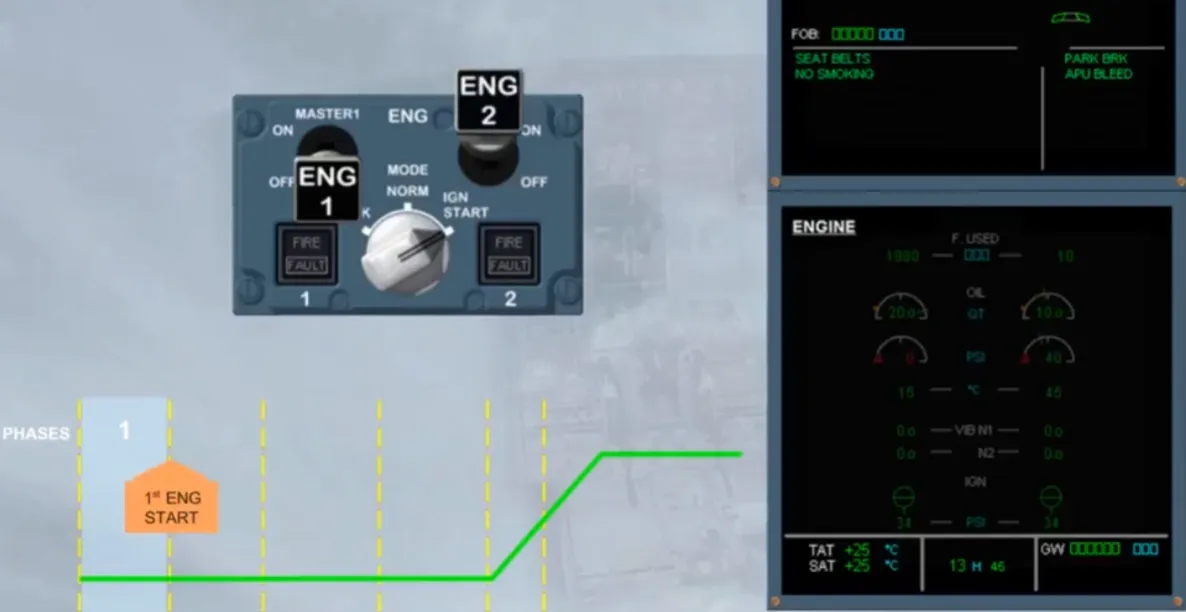
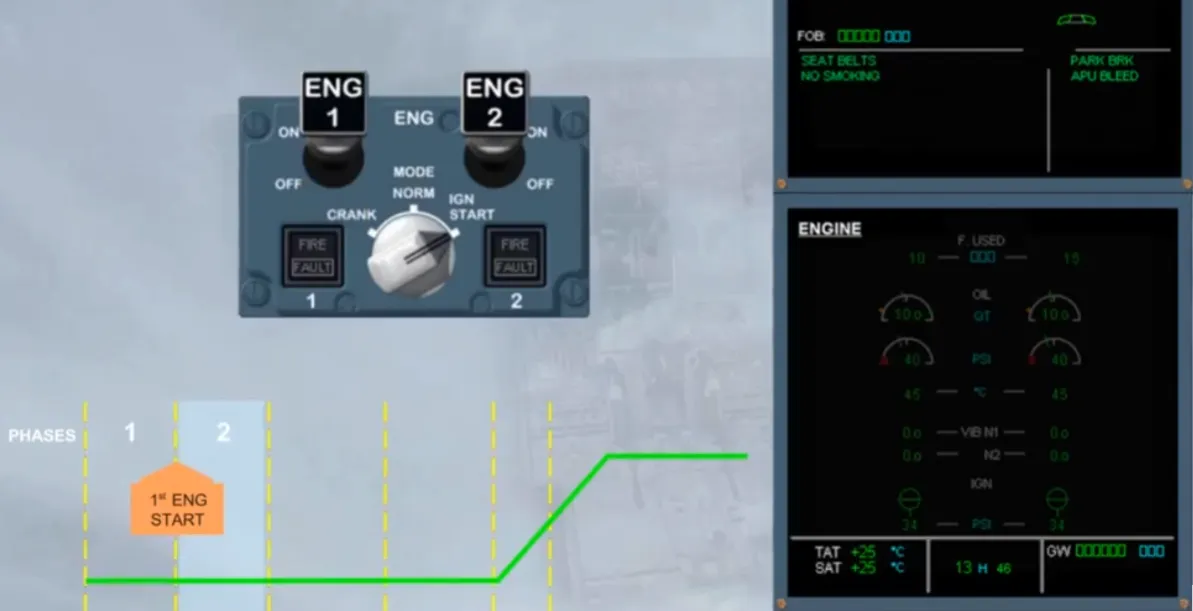
Then, as soon as the first engine has been started, the ECAM phase changes.
After starting the second engine, when the ENG MODE selector is set back to NORM, the ENGINE page is automatically replaced by the WHEEL page, in order for the flight crew to monitor that systemduring taxi.
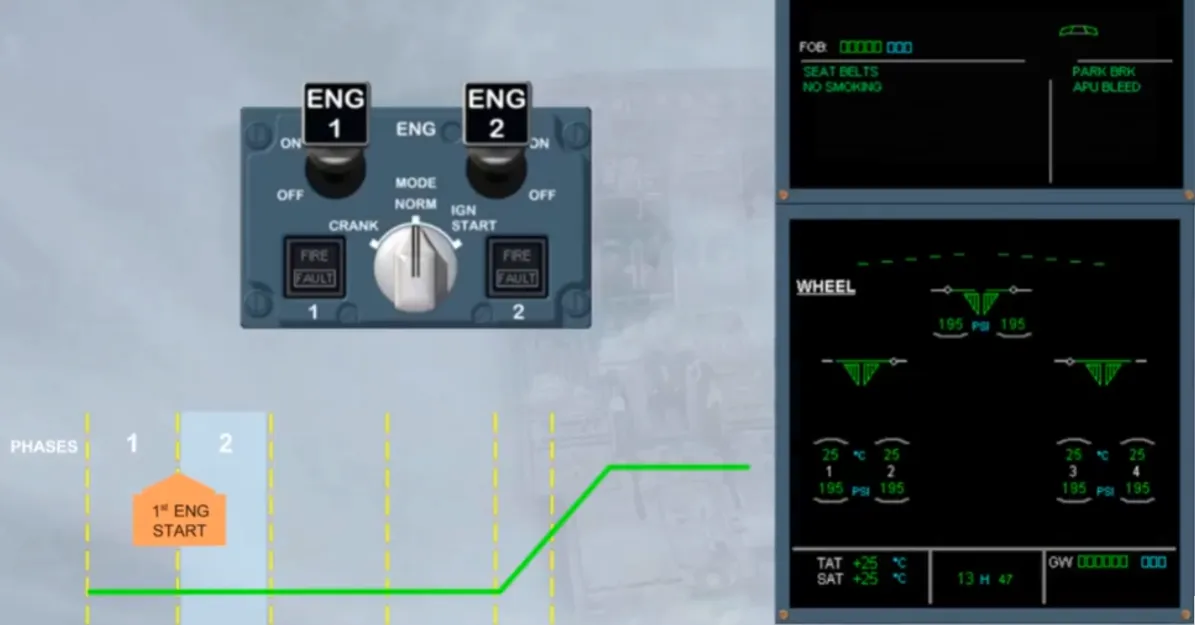
2 minutes after starting engines, on the left side of the E/WD, the T.O memo appears with some items in blue.
As soon as the related action is done, the blue item turns to green.
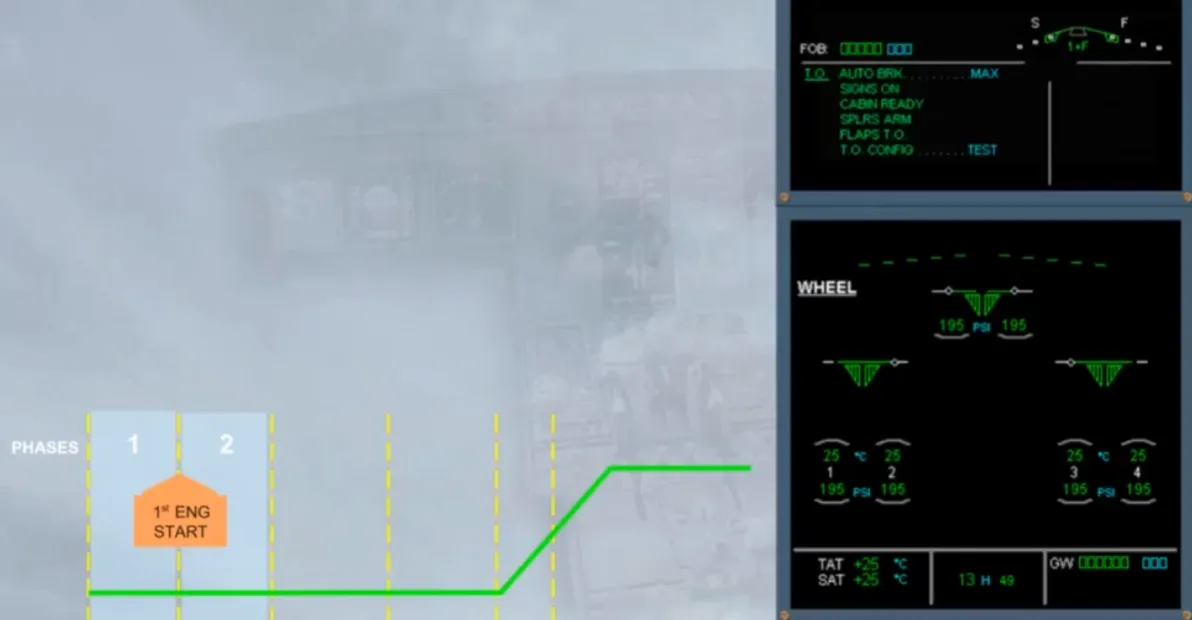
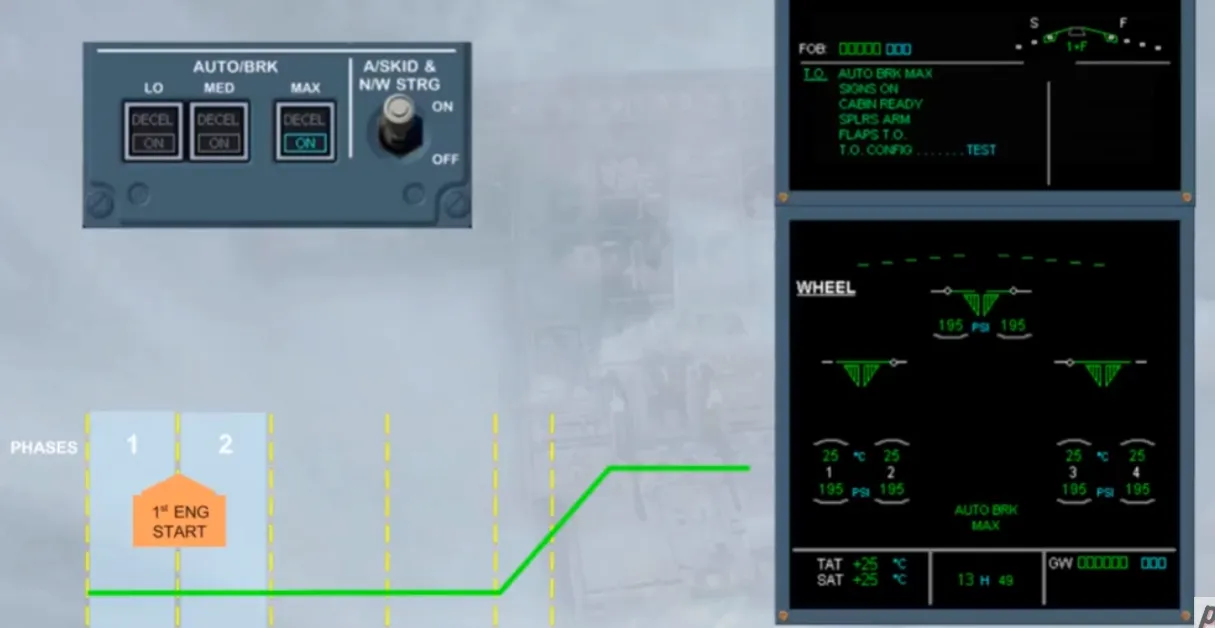
On the ECP, a T.O CONFIG key allows you to check the configuration of the plane for take off, before applying the T.O engine power. Assume that you forgot to set the pitch trim into the green T.O sector, so when the T.O CONFIG key is pressed, an ECAM warning is triggered. When the configuration is correct and the key is pressed again, the blue item turns to green.
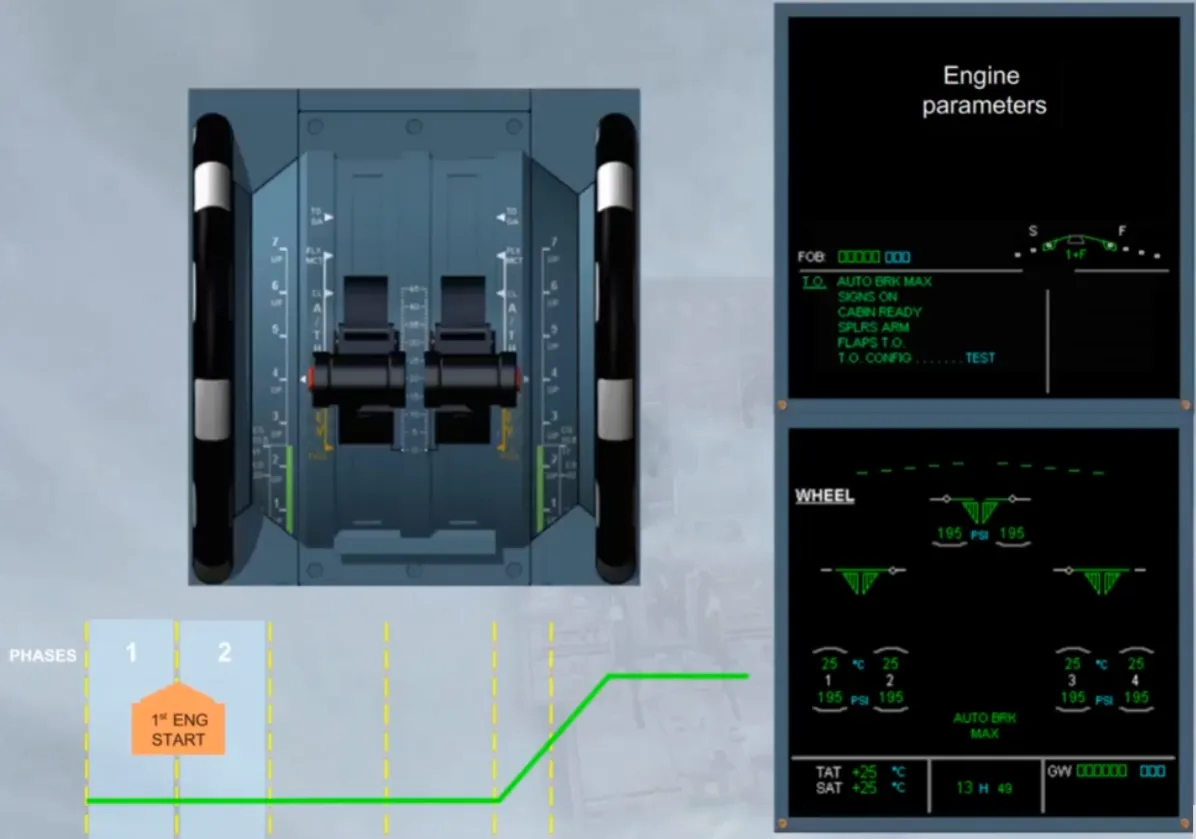
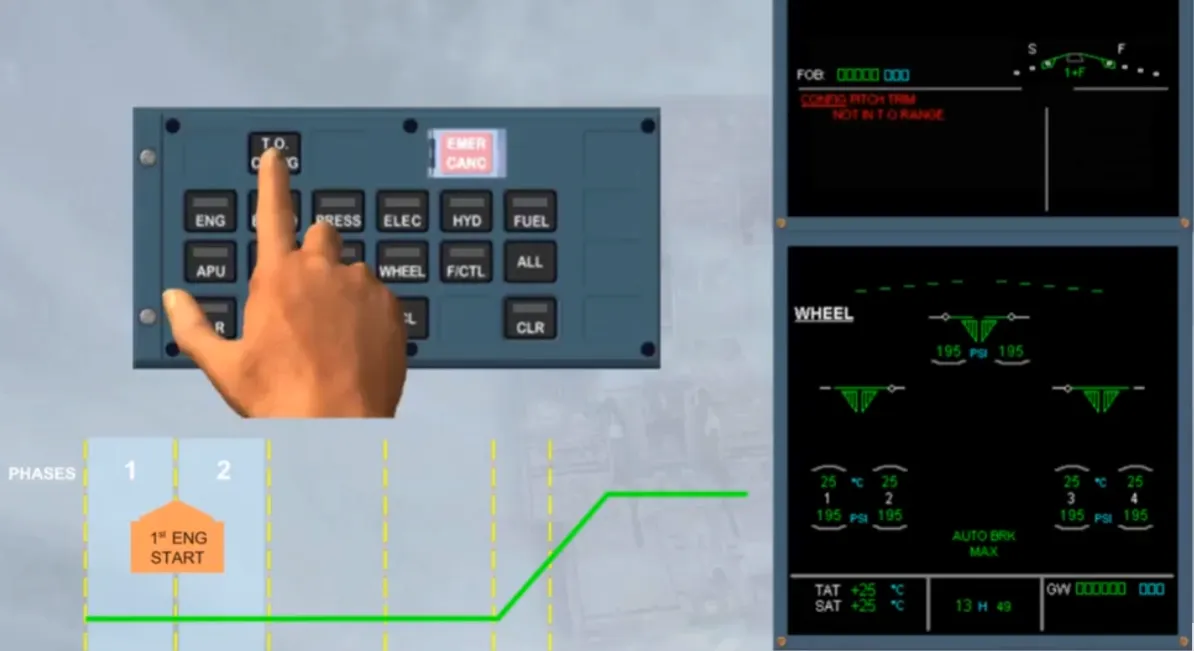
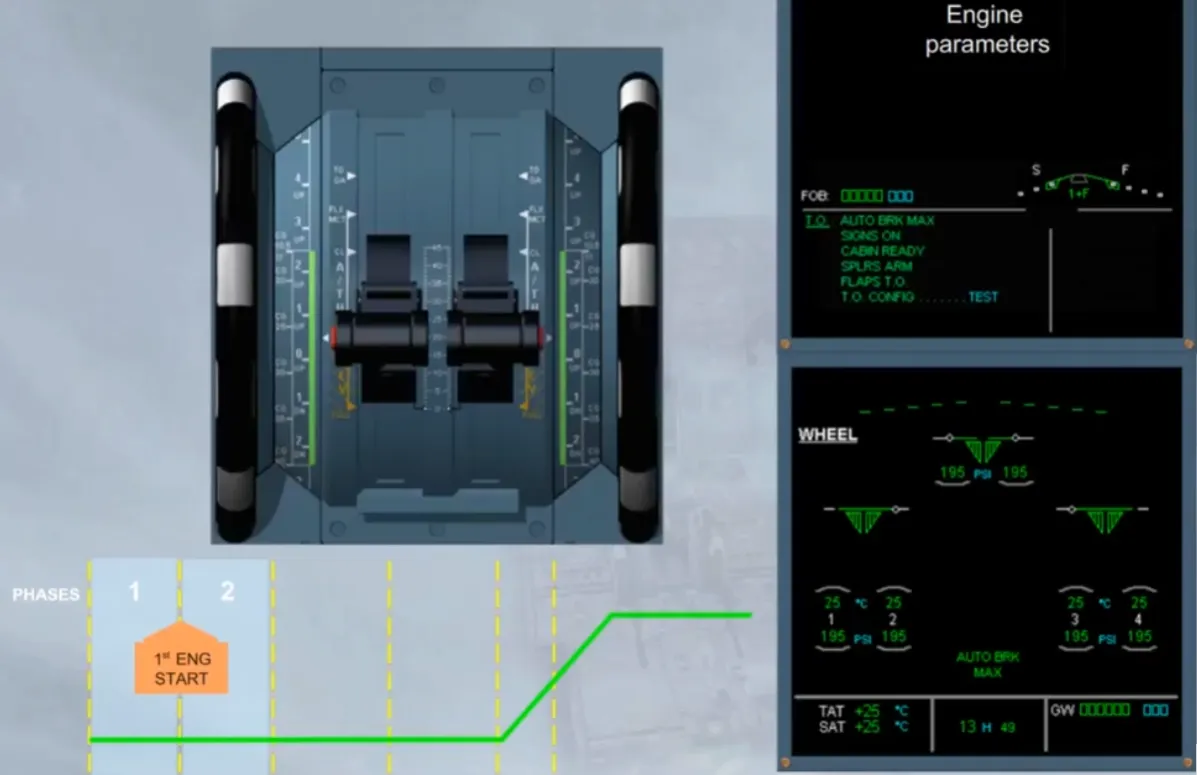
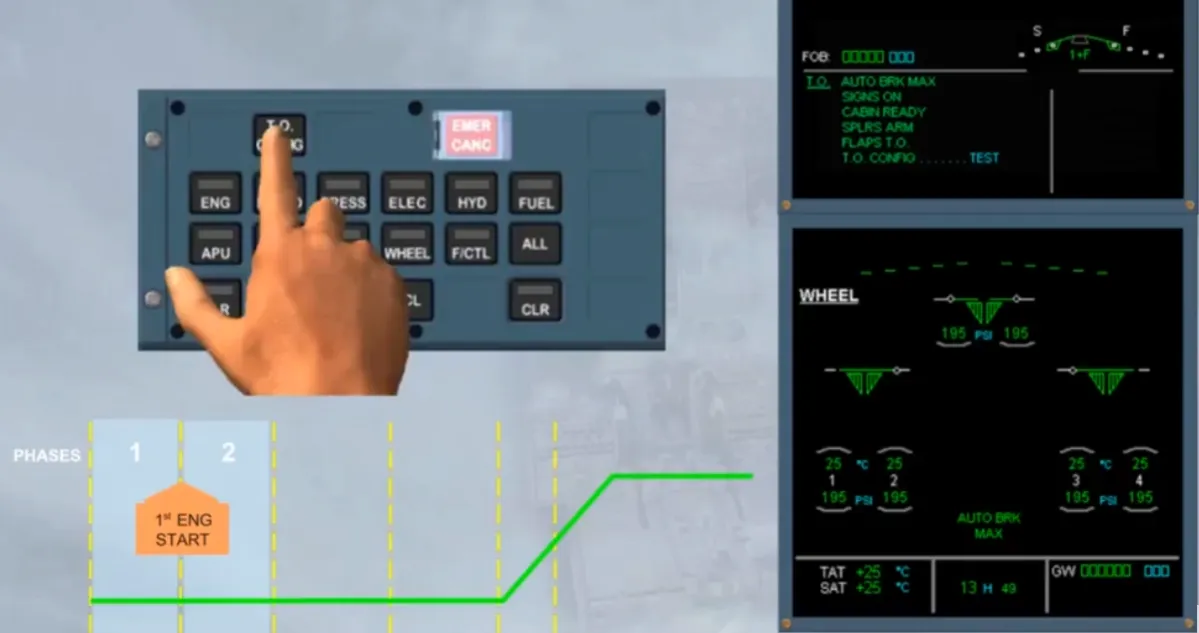
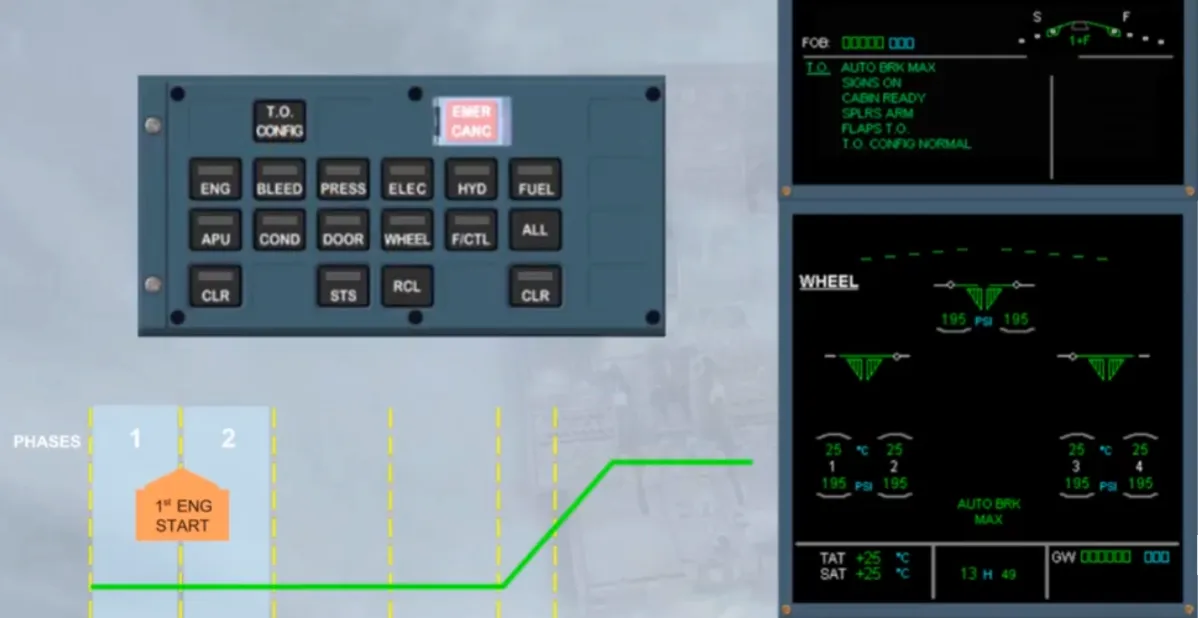
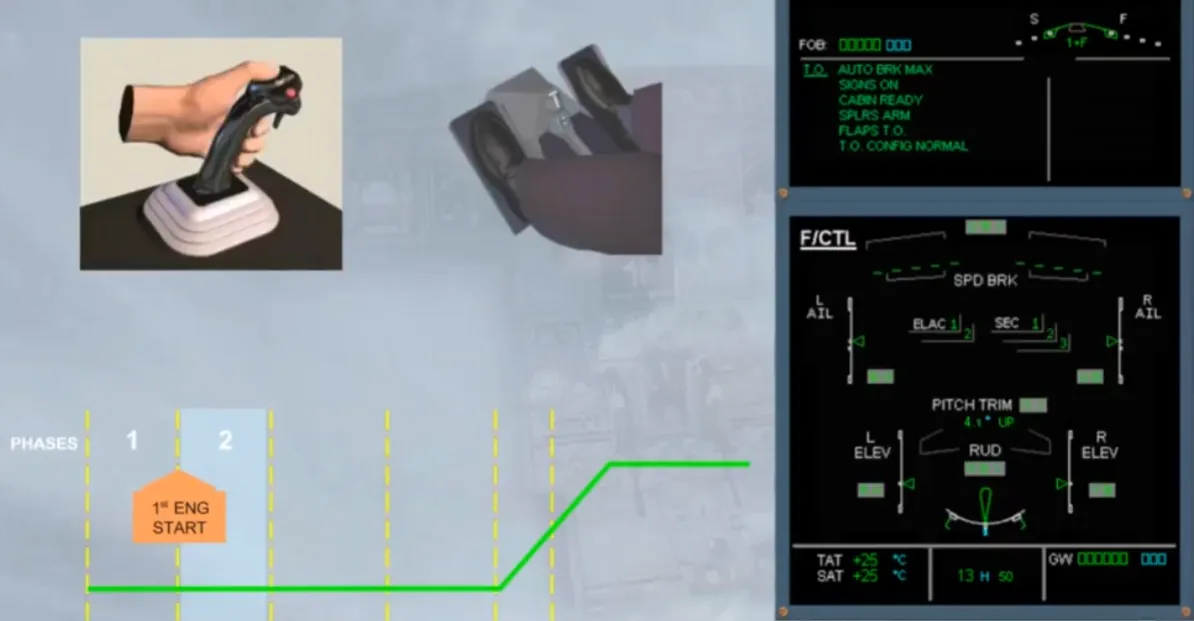
In order to perform the flight controls check, the wheel page will be automatically replaced by the F/CTL page as soon as a side stick or a rudder pedal is moving. When the side stick and the rudder pedals are released the WHEEL page returns. This is because during the taxi phase, the PNF needs to monitor this page.
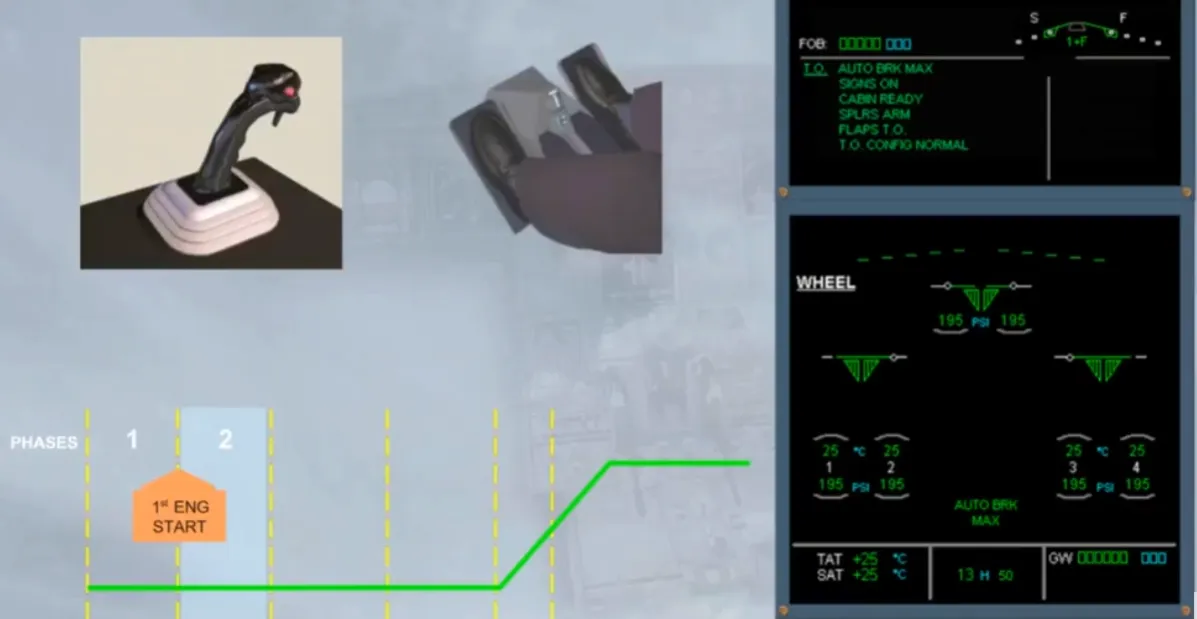
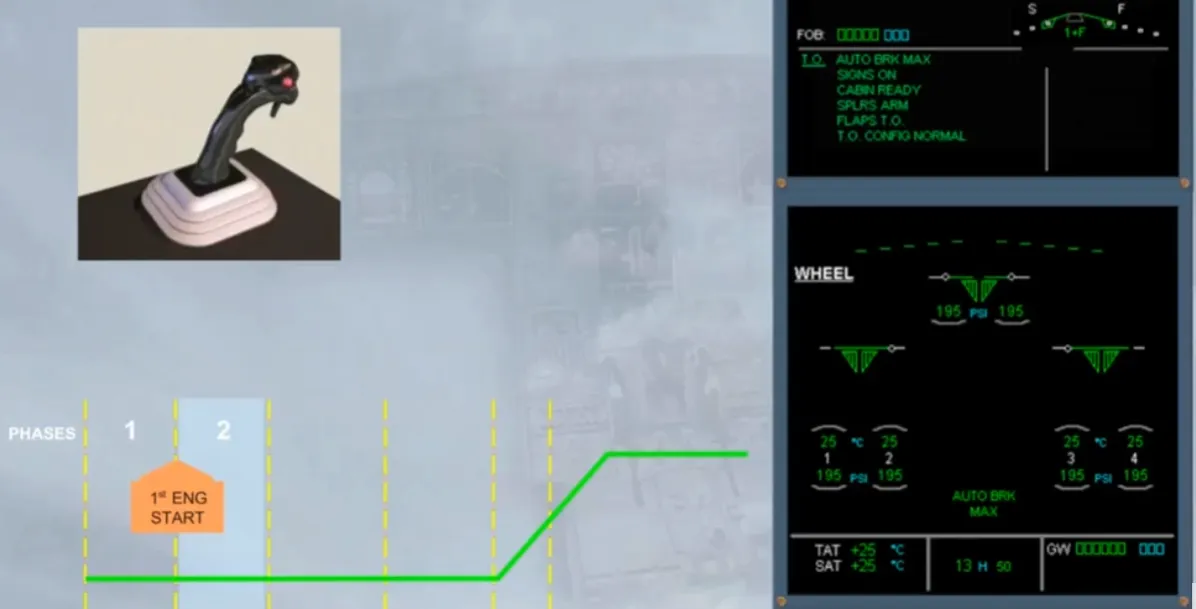
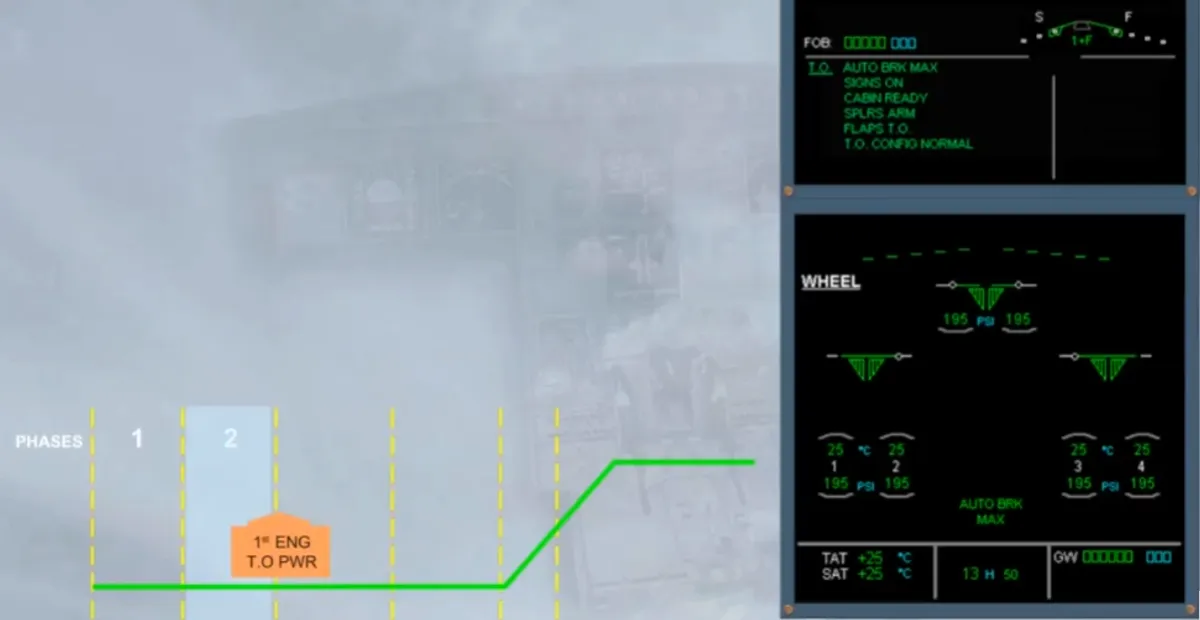
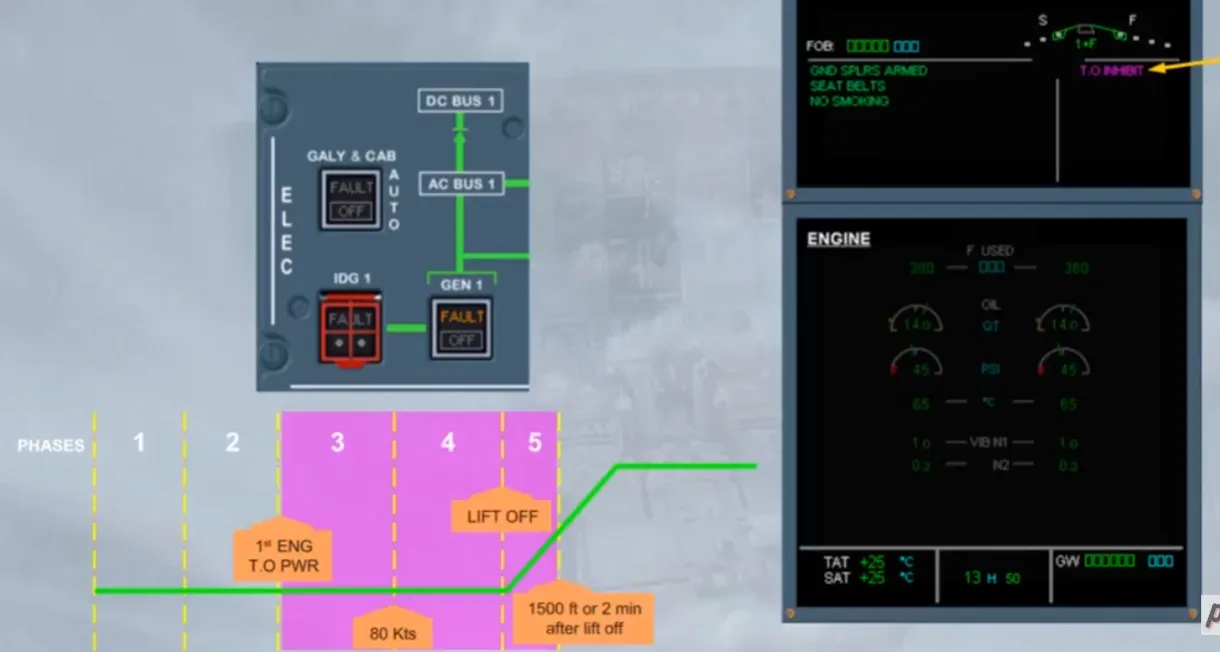
As soon as the engine take off power is applied by moving the thrust lever to TO/GA or FLEX detent, the WHEEL page is replaced by the ENGINE page and the ECAM enters in the inhibition phases. To confirm it the right side of the E/WD, will show a magenta message “T.O INHIBIT”.
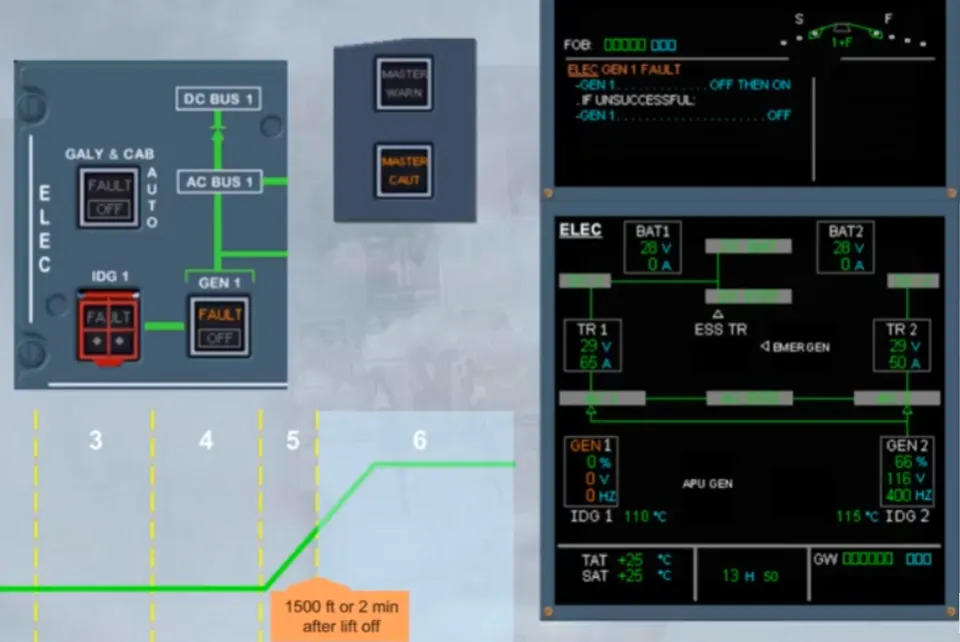
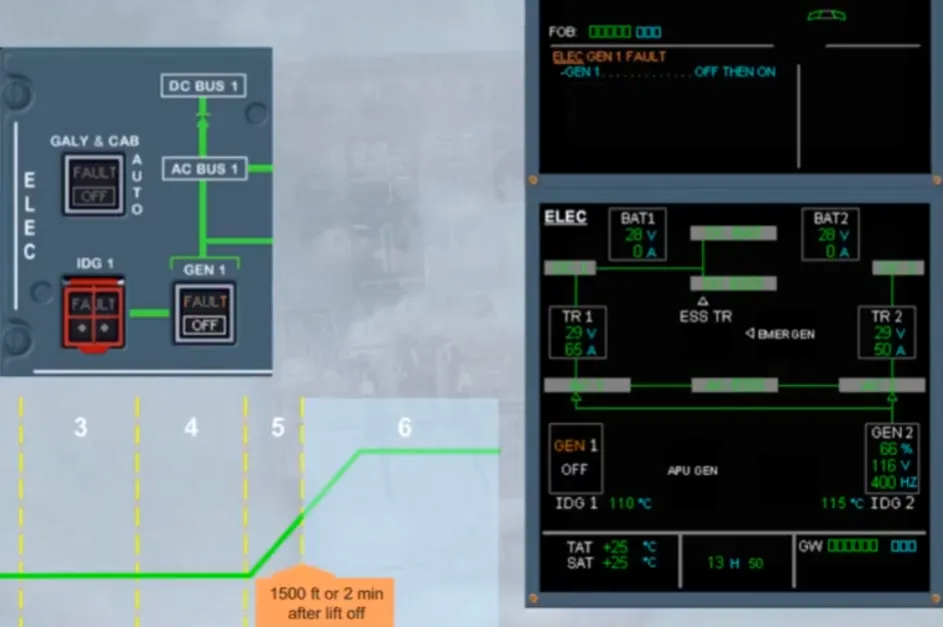
When a fault is detected while the ECAM is in these phases, and depending on the importance of the fault, the caution message will be delayed. Here a generator FAULT has been detected, but it will be inhibited until the end of the phase 5.
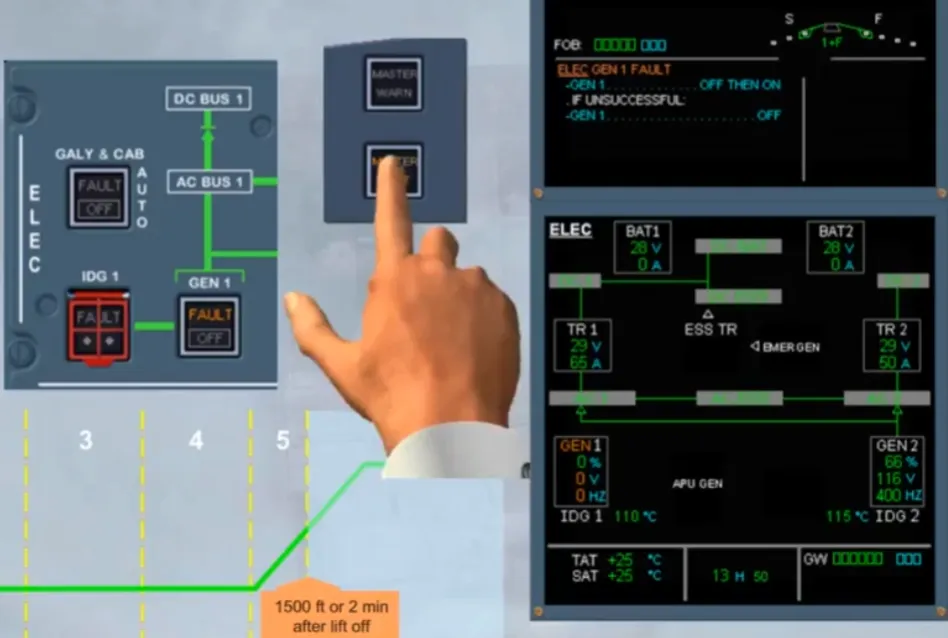
Above 1500 ft or 2 minutes after lift-off, the magenta T.O INHIBIT message is removed and the left side of the E/WD displays the related caution message as it is no longer inhibited.
First, cancel the MASTER CAUTION lights, read the title of the caution, then follow the actions requested by the PF. For instance, retract the flaps and slats and do the AFTER T.O checklist.
Then, when established on a safe flight path, the PF will ask for ECAM actions. We will do it for you.
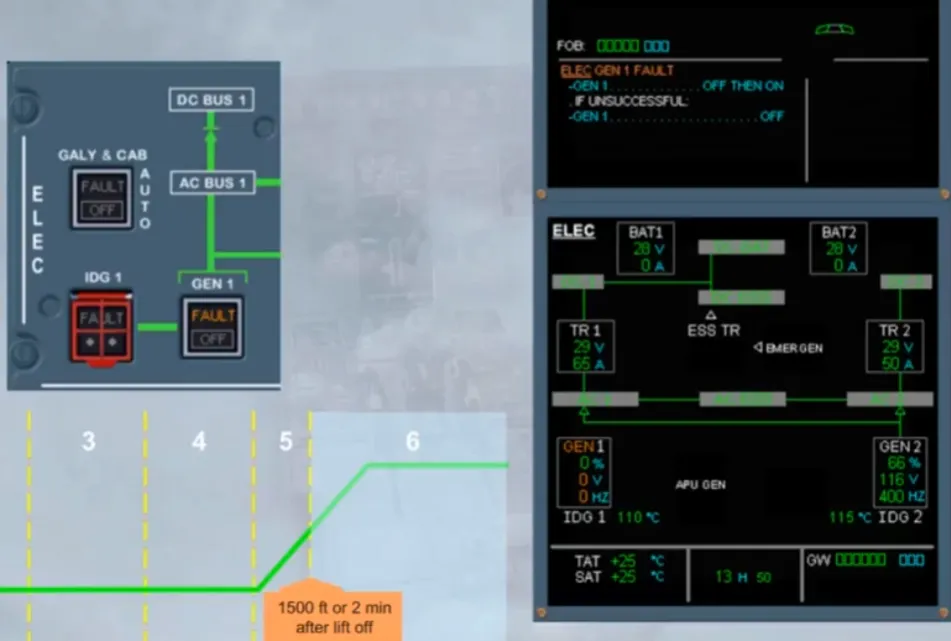
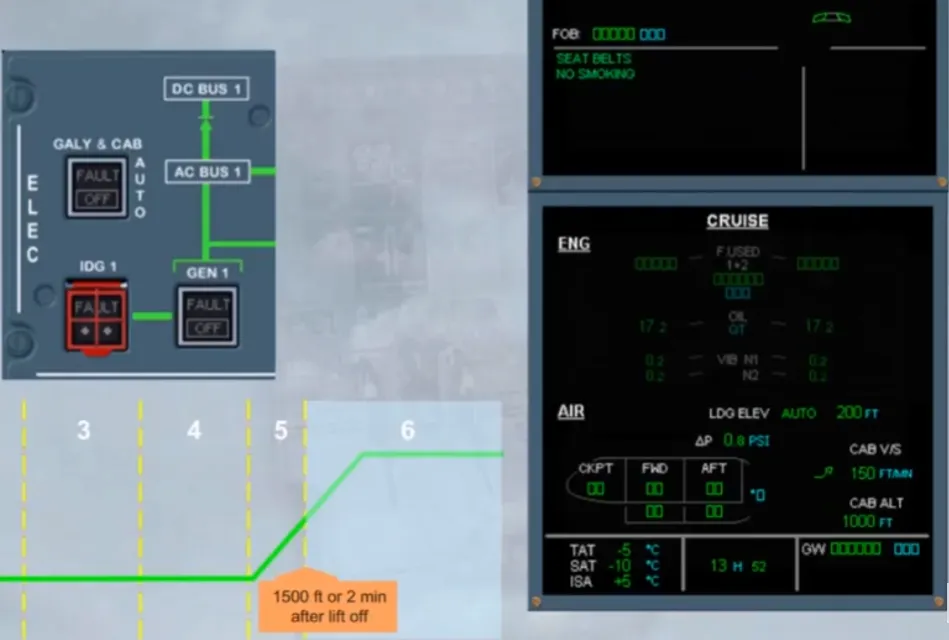
Notice that as the faulty generator has been recovered the ECAM is back to the normal memo messages on the E/WD, and to the defaulted page on the SD. That defaulted page will be the CRUISE page, if in this phase (6):
- S/F have been retracted and T.O power is not maintained, or
- After a delay of 1 minute with S/F not retracted, or
- After a delay of 1 minute with T.O power maintained.
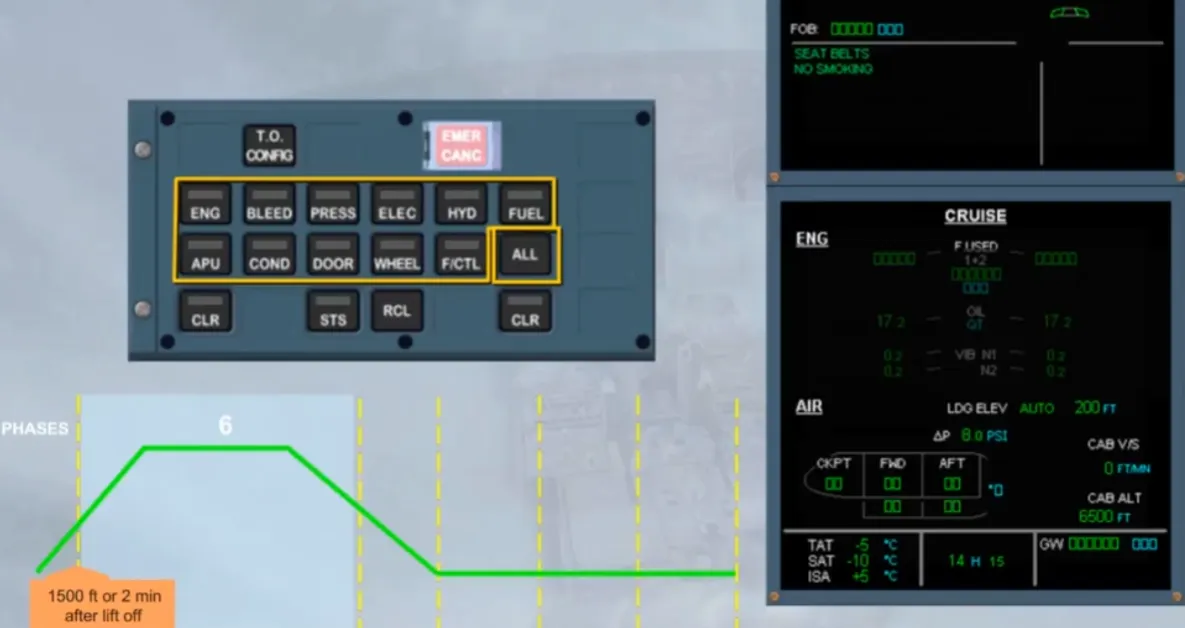
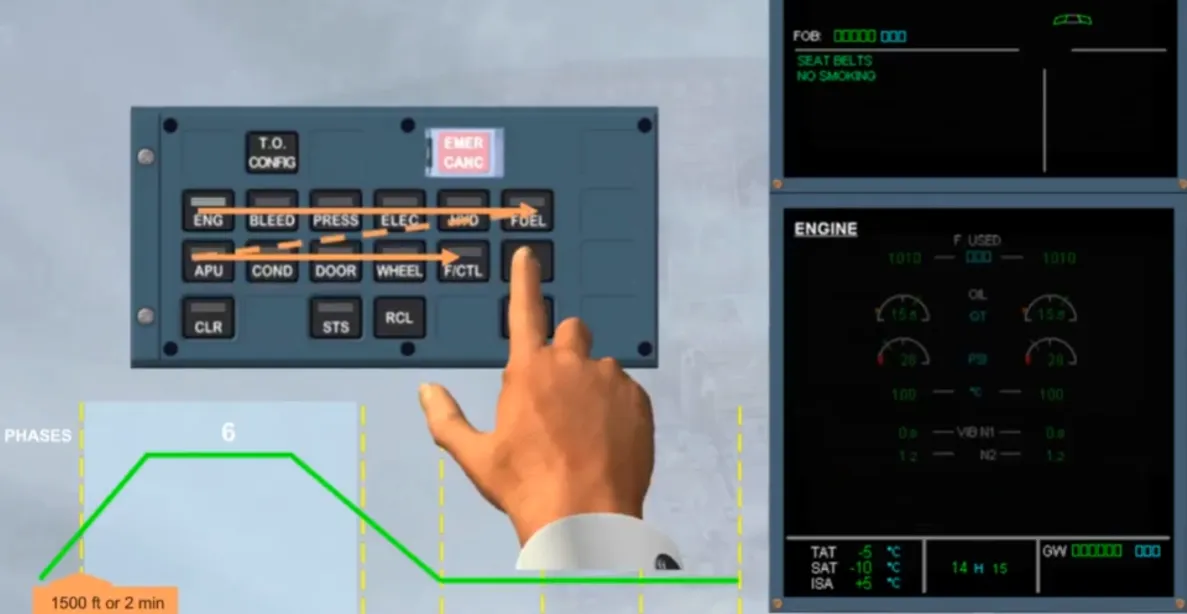
In the cruise phase, the PNF has to review some systems, by using the individual system keys, or the ALL key.
When that ALL key, is pressed and helddown, the CRUISE page is replaced by the different system pages, successively at one second interval, starting from ENGINE page, and following the keyboard order. As soon as, that key is released, the sequence stops on the displayed system and the related key light is on. If the ALL key is pressed again and helddown, the sequence continues. Notice that if a system key has been already selected and the ALL key is pressed and held down the sequence will start from this selected system.
Note: the ALL key is always available, even if the system keyboard does not work.
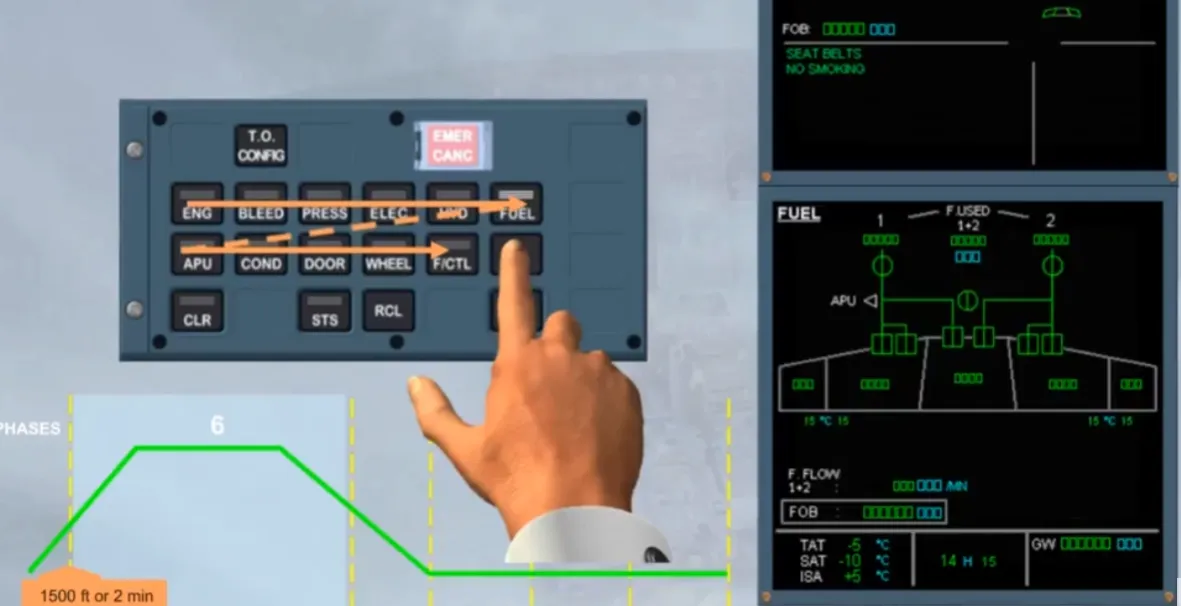
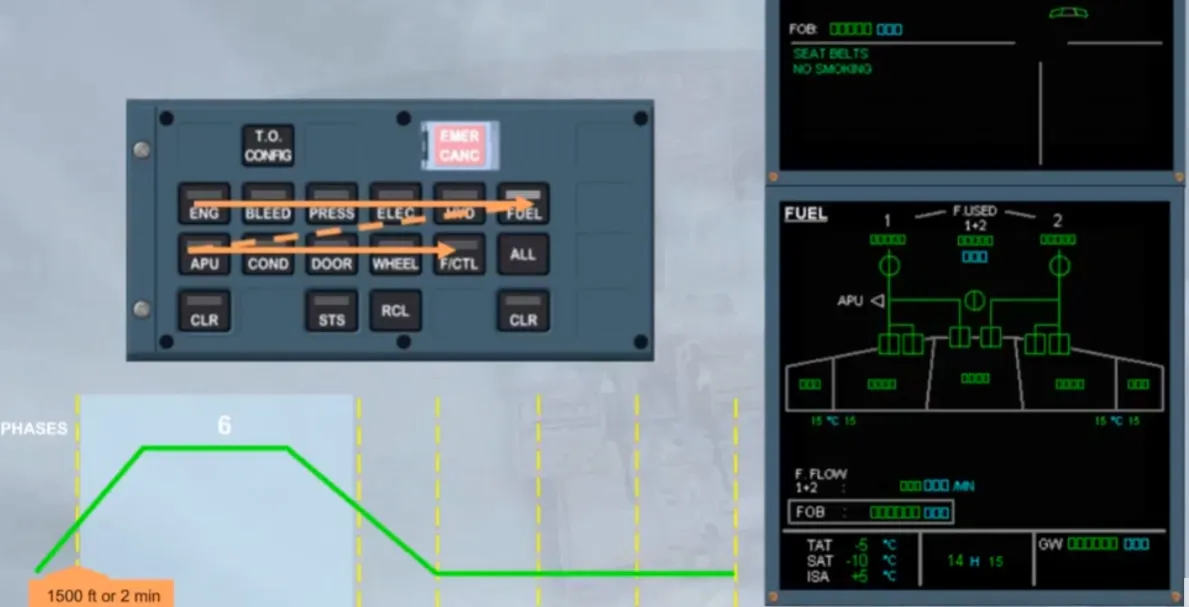
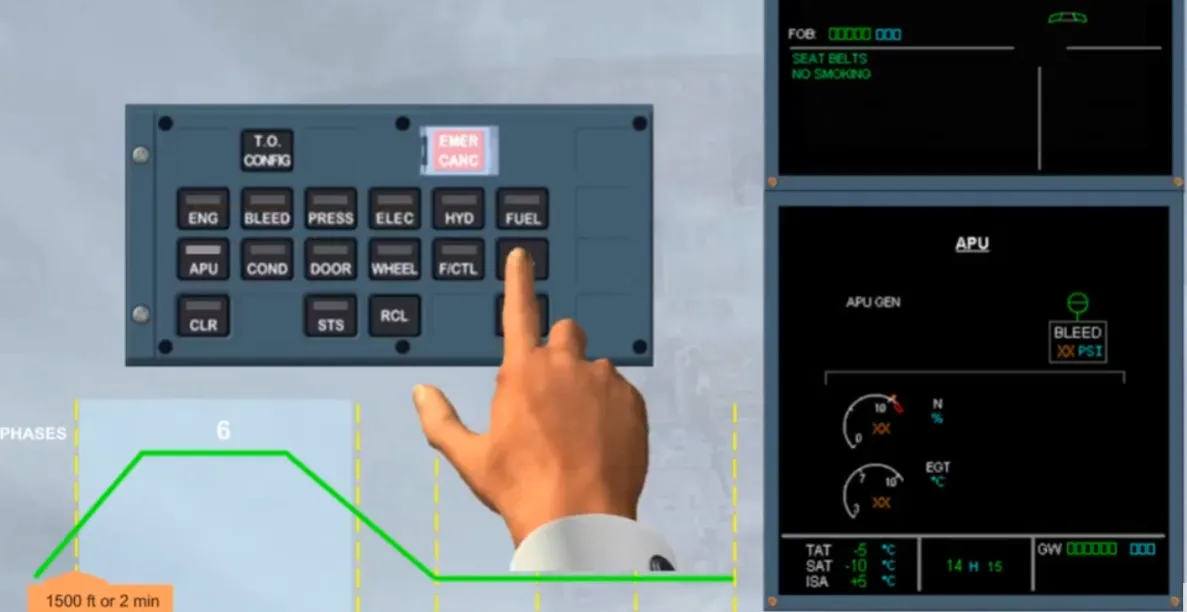
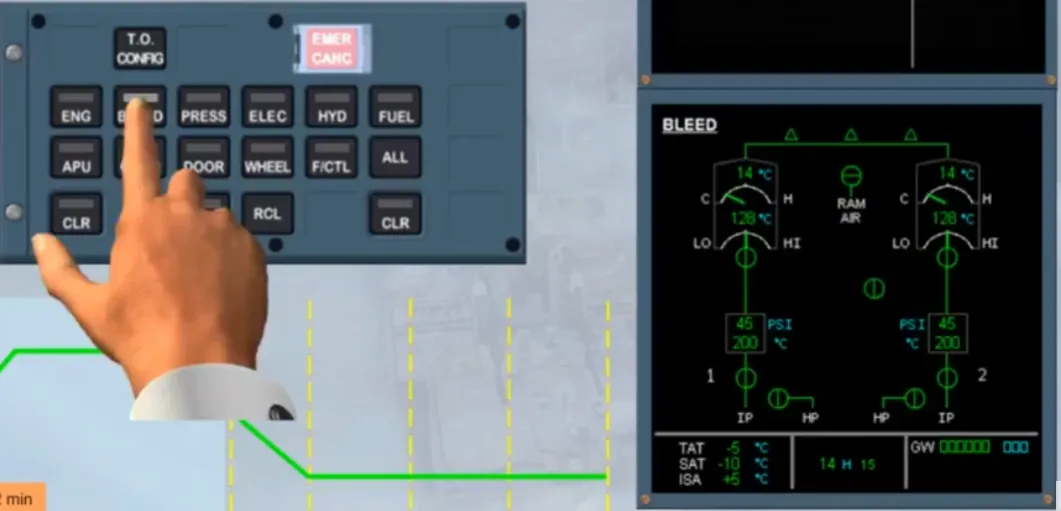
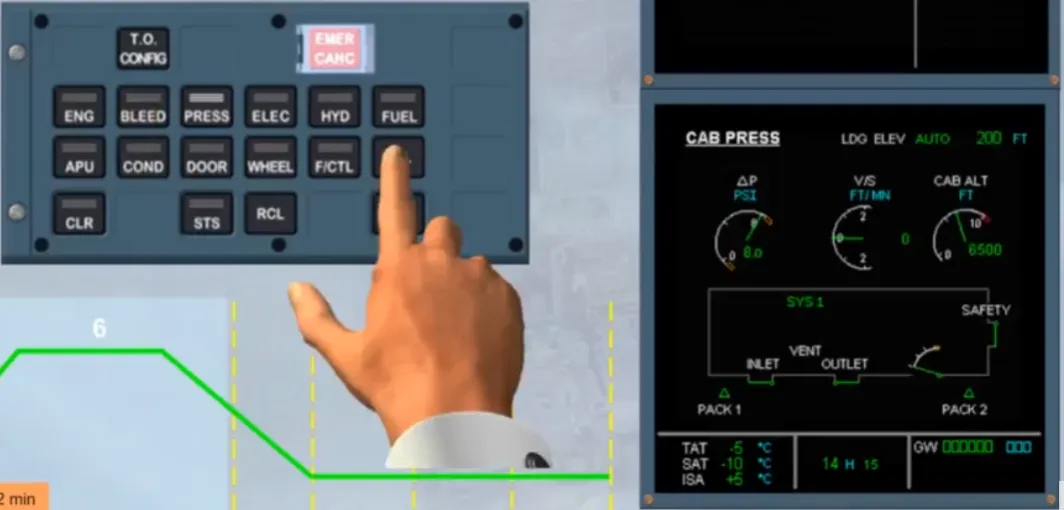
During the descent, the ECAM STATUS page must be checked. To do that we will press the STS key for you. Notice that, as this page is empty it will stay displayed for few seconds.
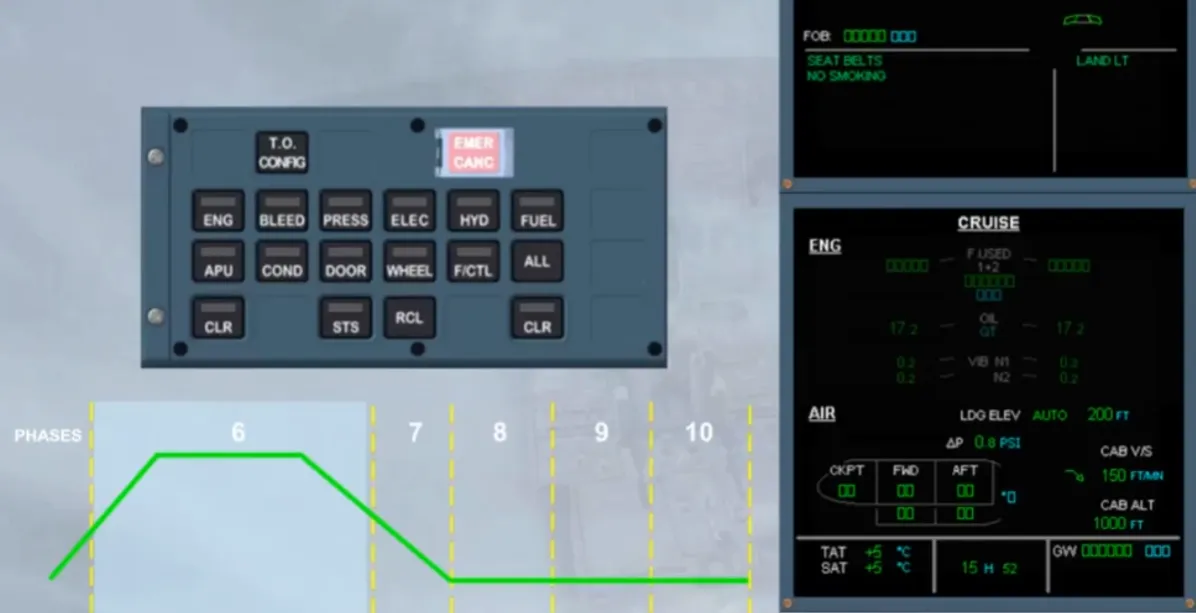
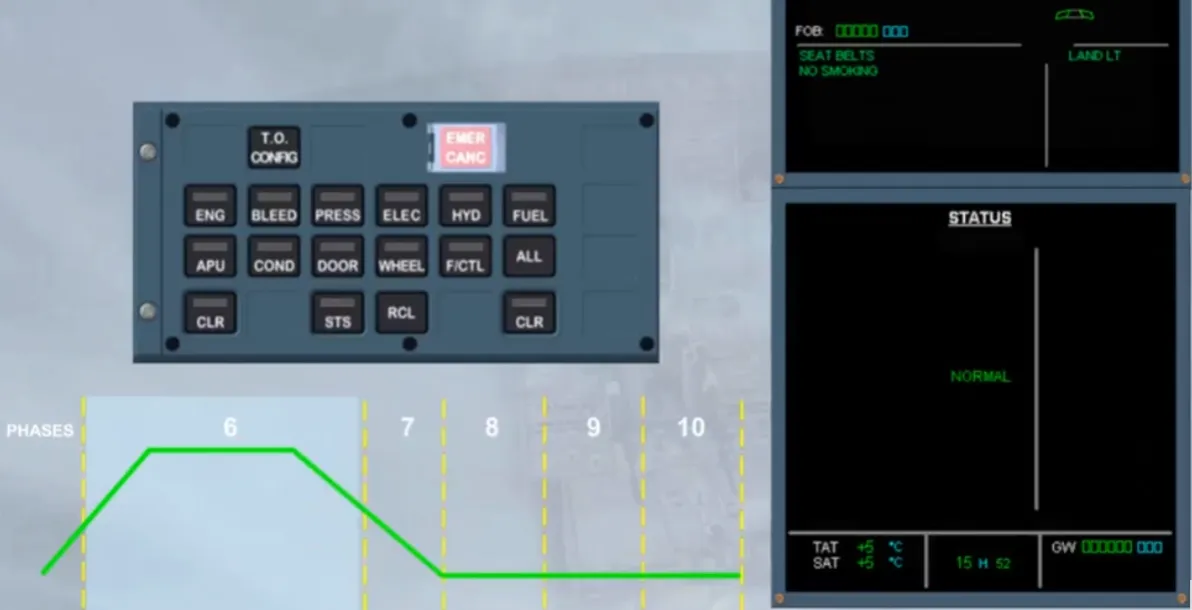
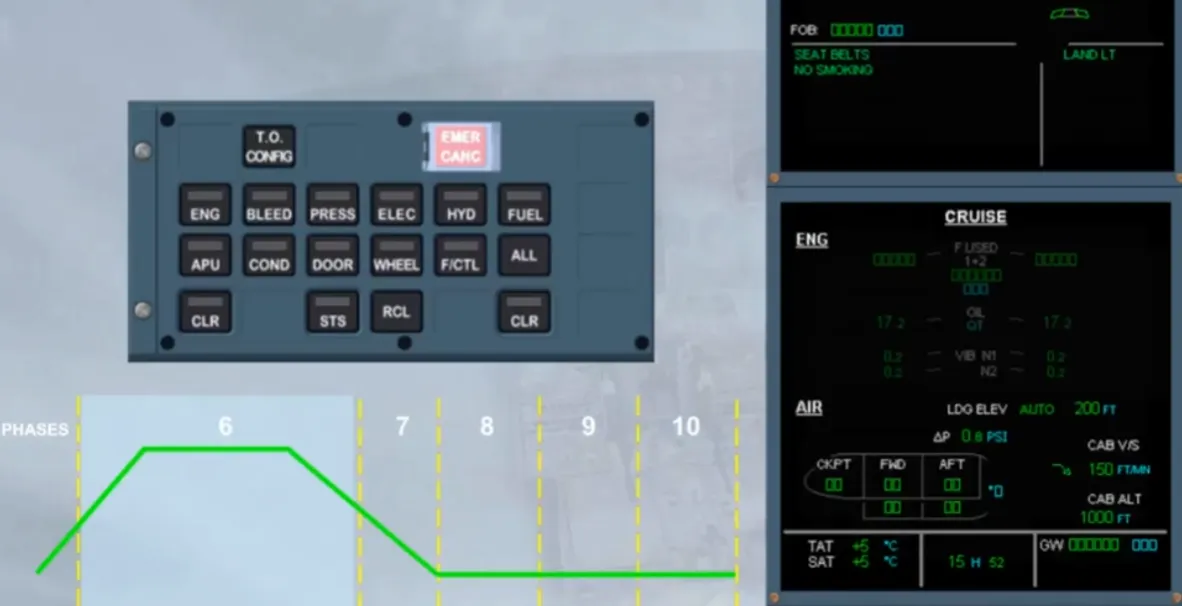
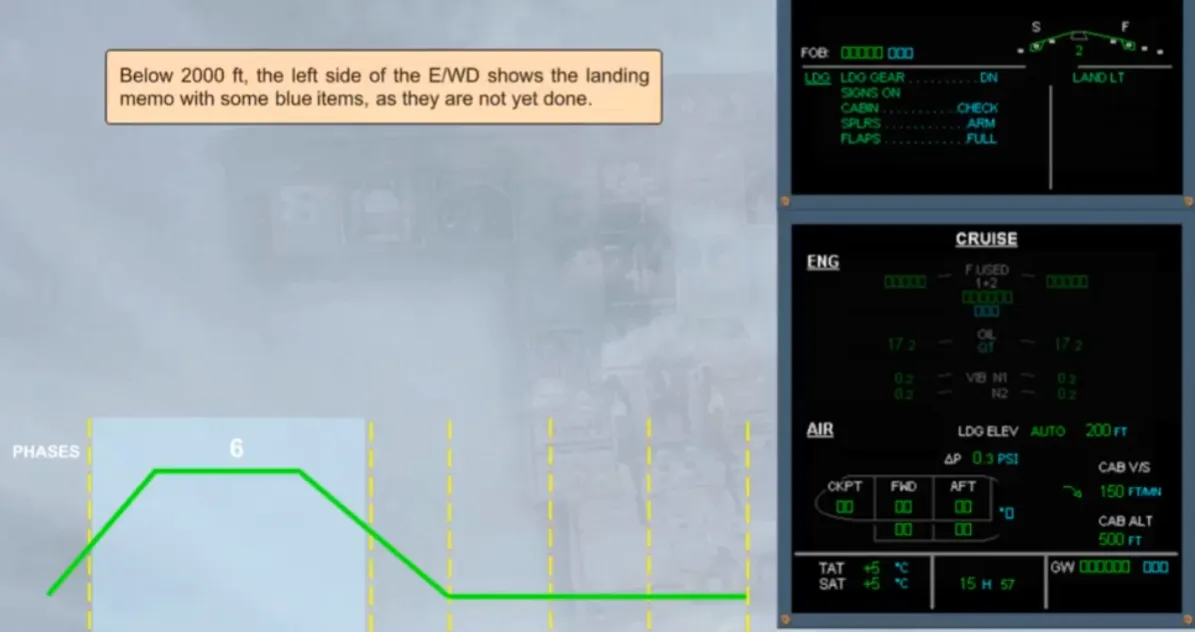
Below 2000 ft, the left side of the E/WD shows the landing memo with some blue items, as they are not yet done.
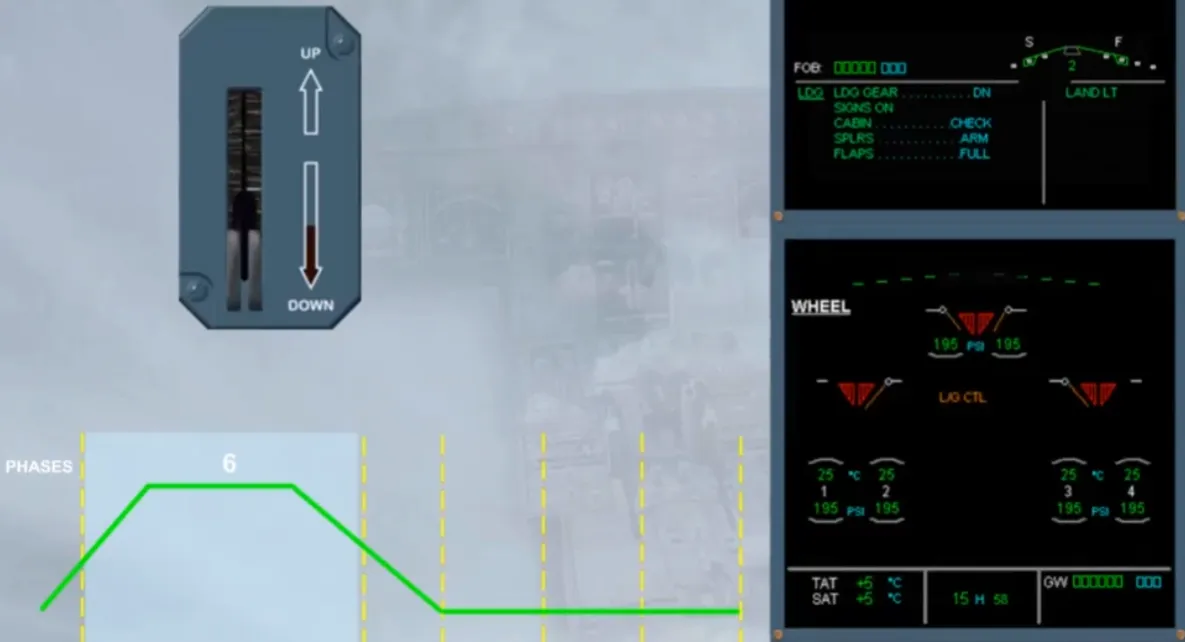
As soon as the gear lever is set to DN, and provided the altitude is below 16000 ft, the WHEEL page is automatically shown in order to monitor the landing gear extension. Then, the flaps can be set to the next position.
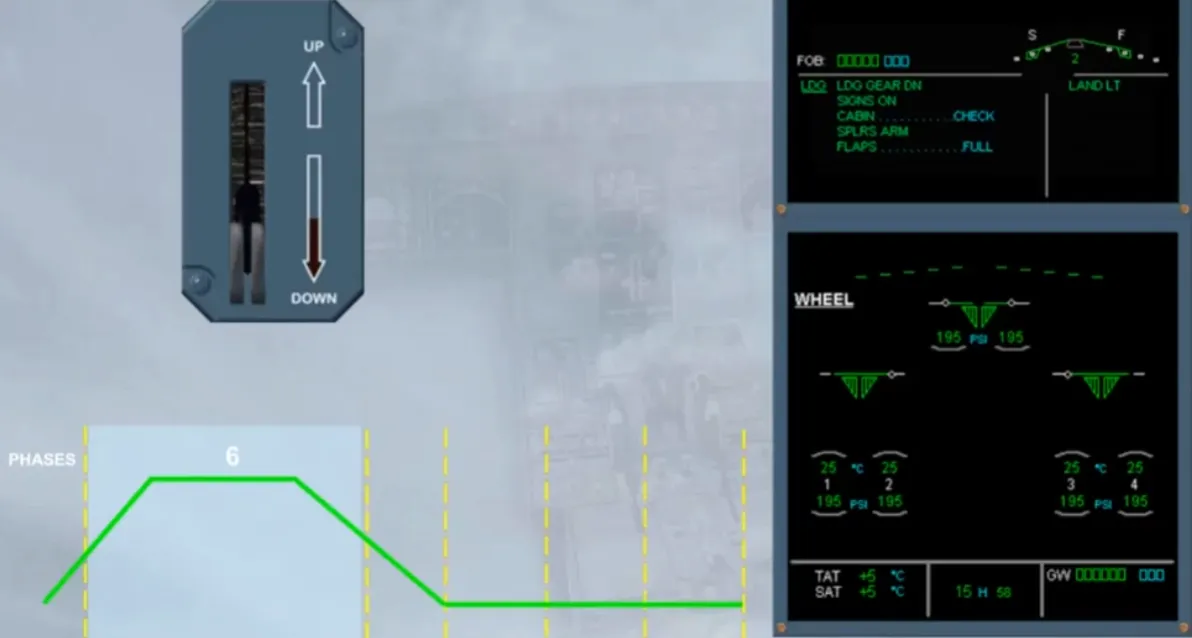
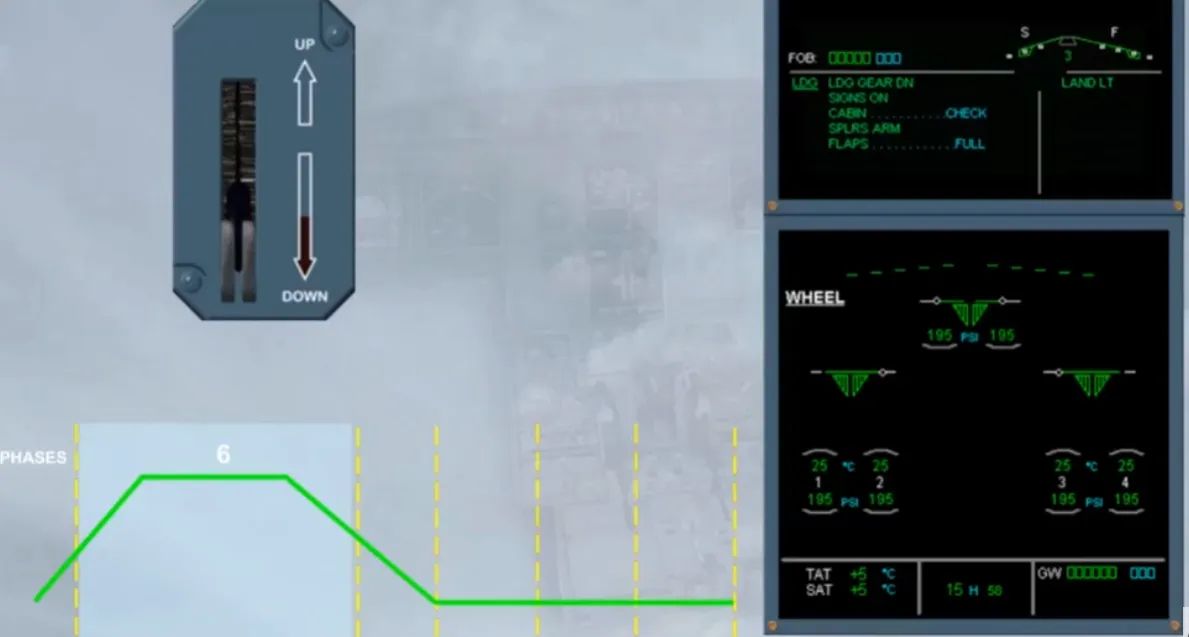
Below 800 ft, the ECAM enters in the inhibition phases. So to confirm it, the right side of the E/WD shows a magenta message LDG INHIBIT.
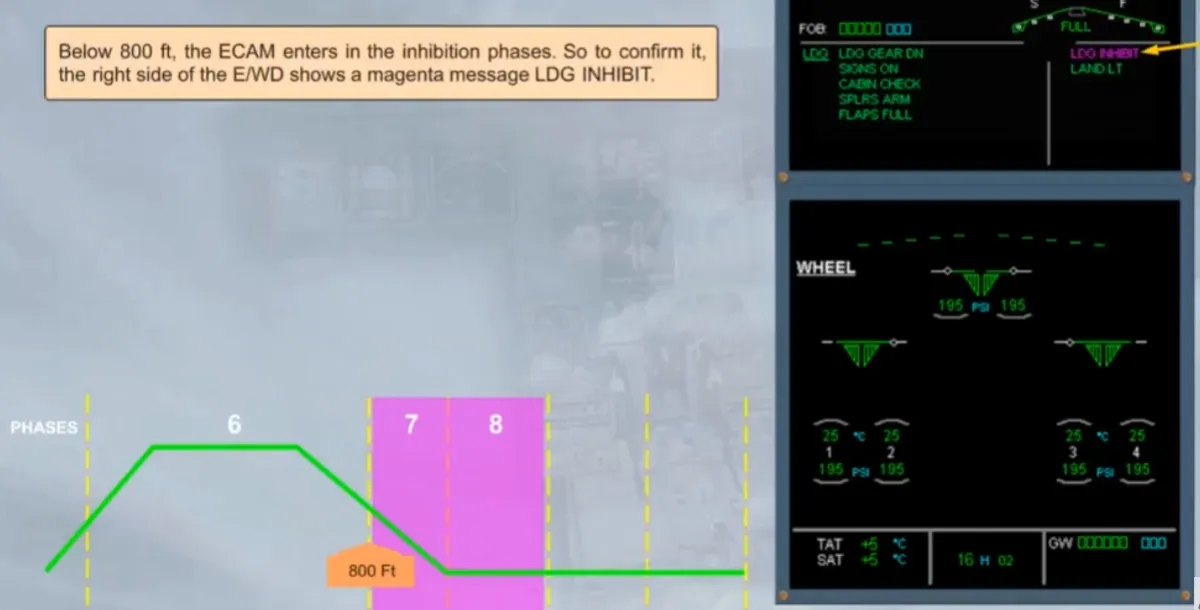
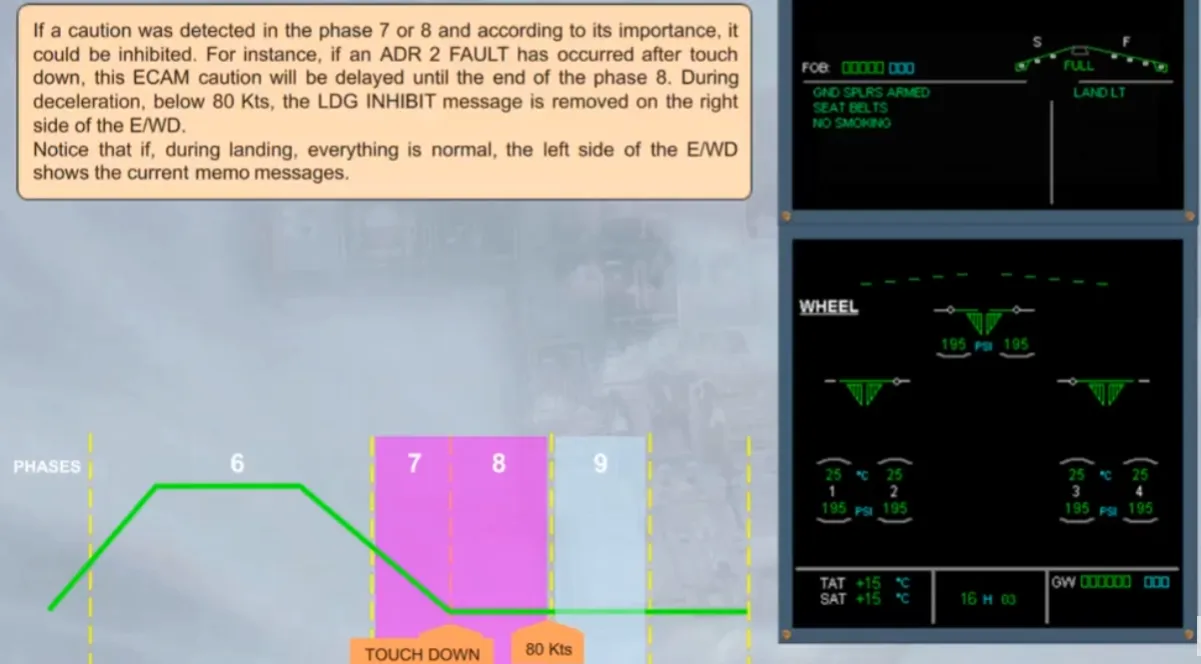
If a caution was detected in the phase 7 or 8 and according to its importance, it could be inhibited. For instance, if an ADR 2 FAULT has occurred after touchdown, this ECAM caution will be delayed until the end of the phase 8. During deceleration, below 80 Kts, the LDG INHIBIT message is removed on the rightside of the E/WD
Notice that if, during landing, everything is normal, the left side of the E/WD shows the current memo messages
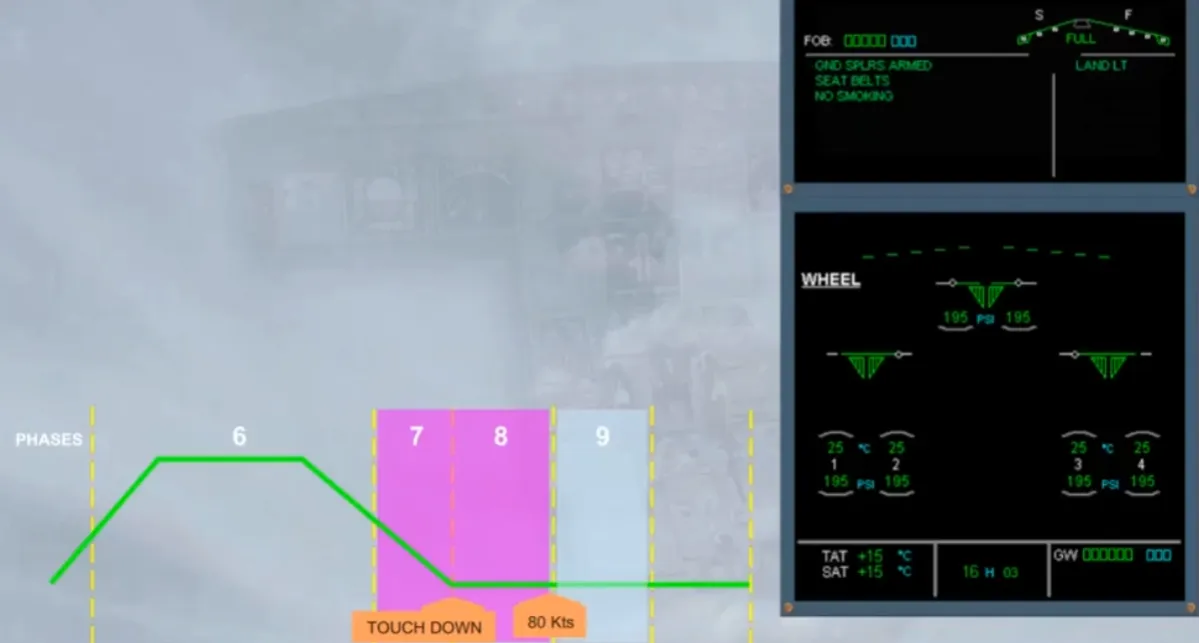
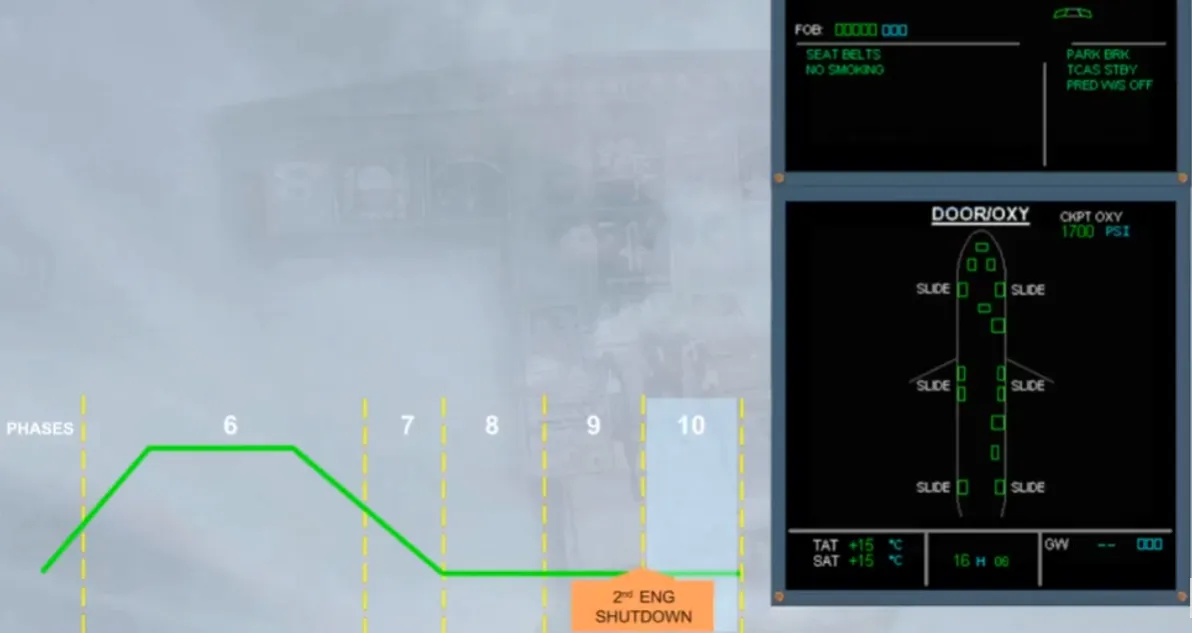
At parking and at engine shutdown, the WHEEL page is replaced by the DOOR/OXY page. In order for the crew to check the status of the doors.
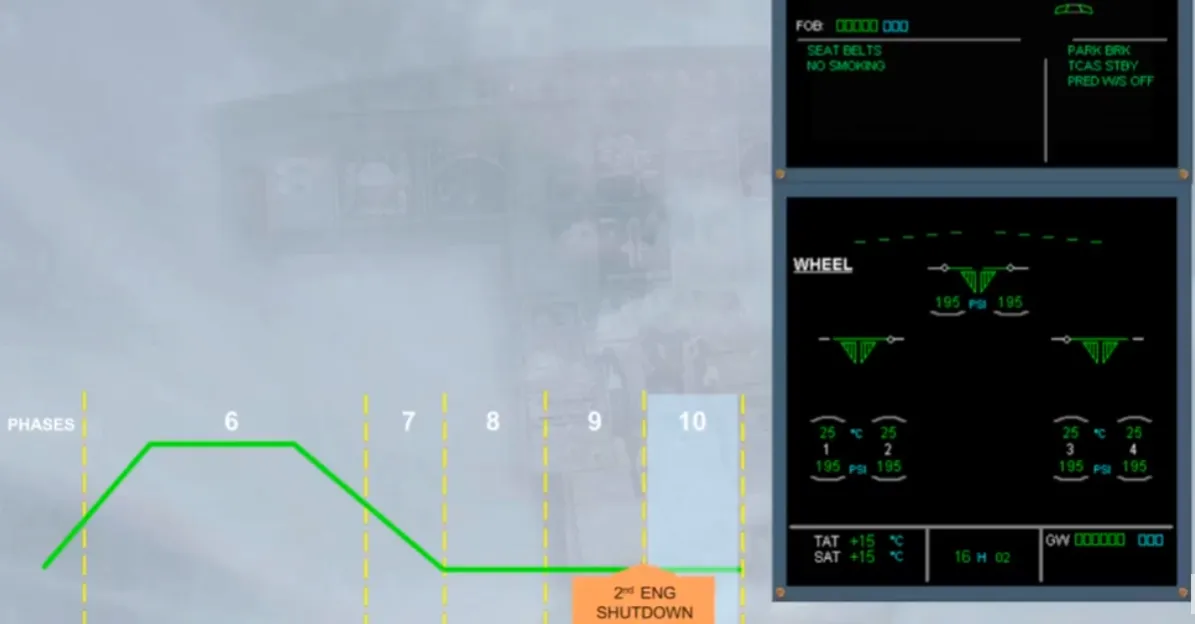
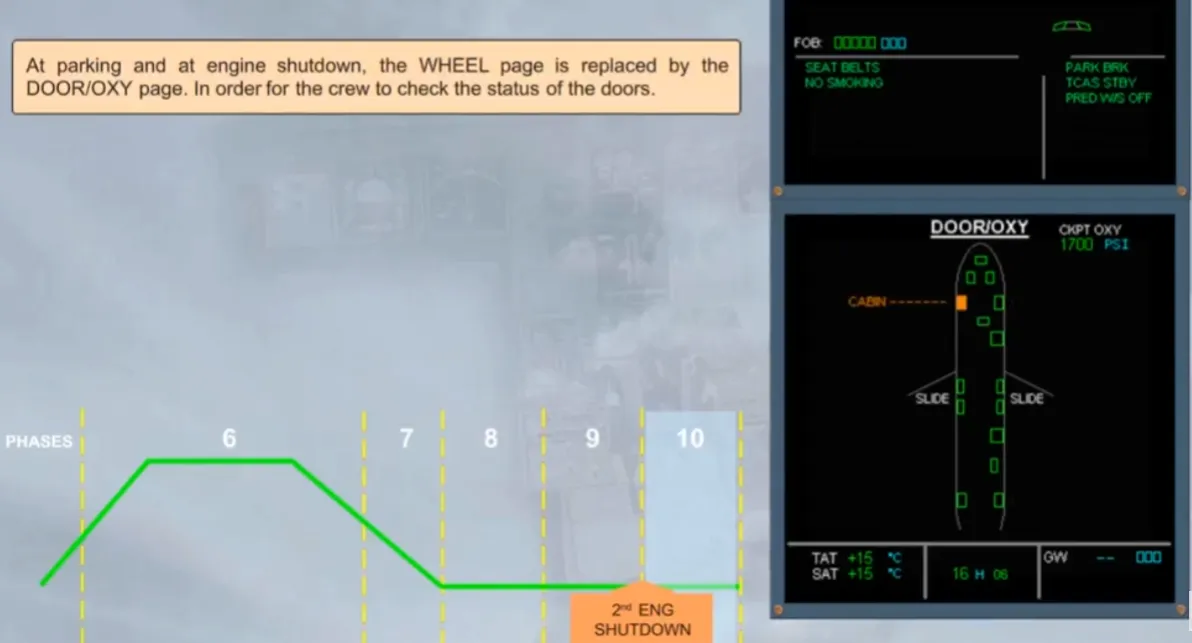
If after engine shutdown, at the bottom of the E/WD, the STS caption is pulsing white, it indicates that the maintenance part of the STS page holds a message for maintenance. So, the STS key must be pressed to display the related STATUS page. We will do it for you.
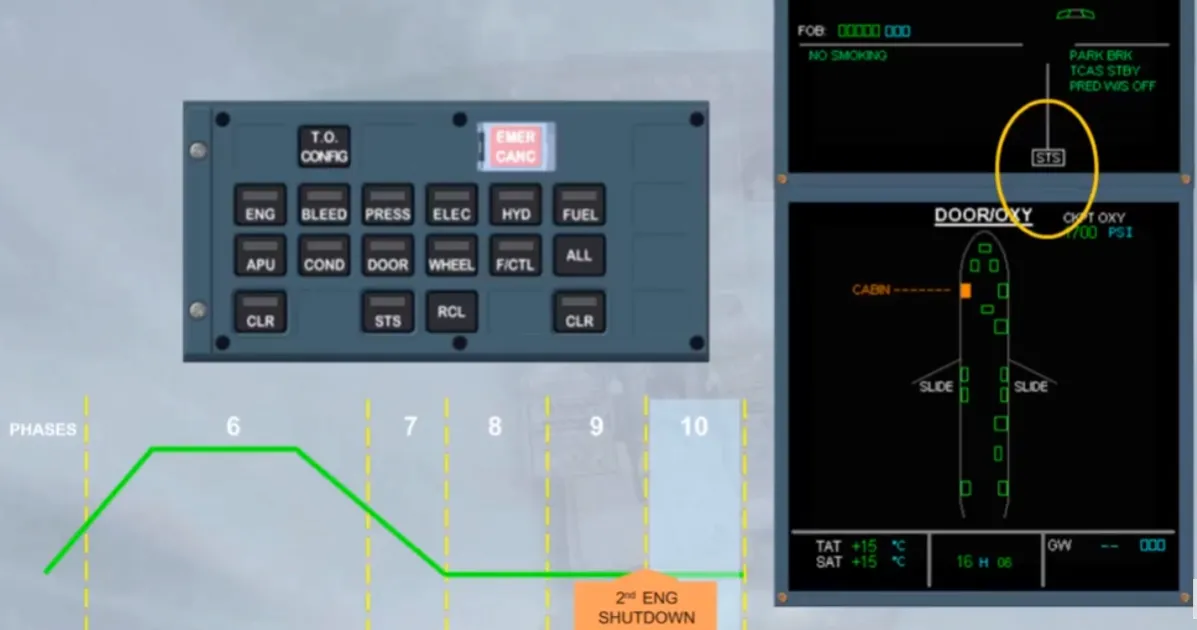
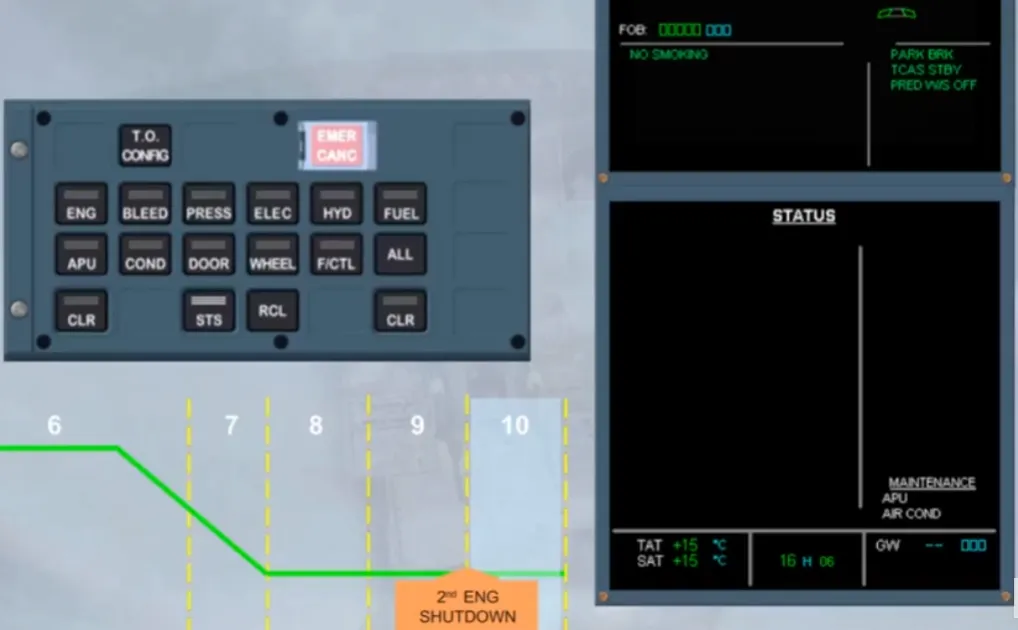
When the STATUS page is displayed, it shows the MAINTENANCE messages. At transit you should disregard it, unless it is the AIR BLEED message.
At main base or at airport where repairs can be done, and provided it is the last flight of the day, you should report for maintenance analysis.
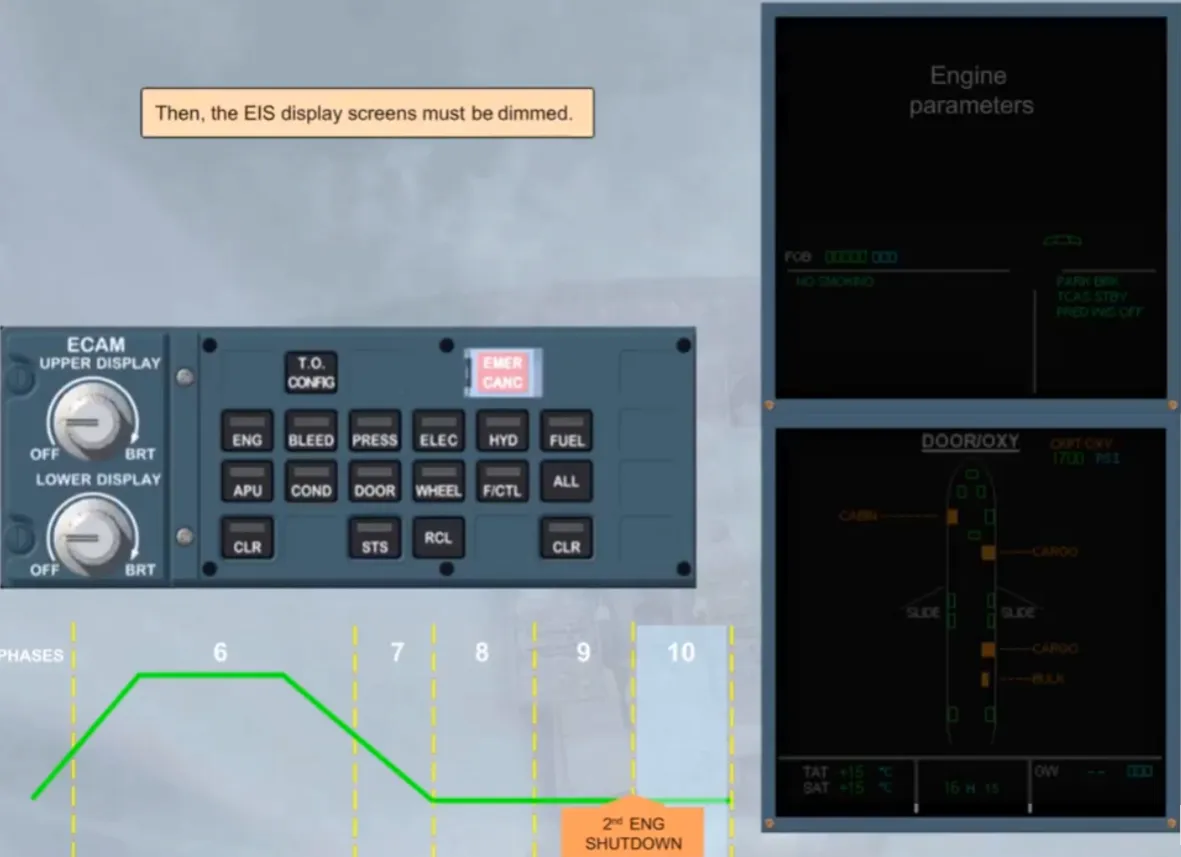
Then, the EIS display screens must be dimmed.
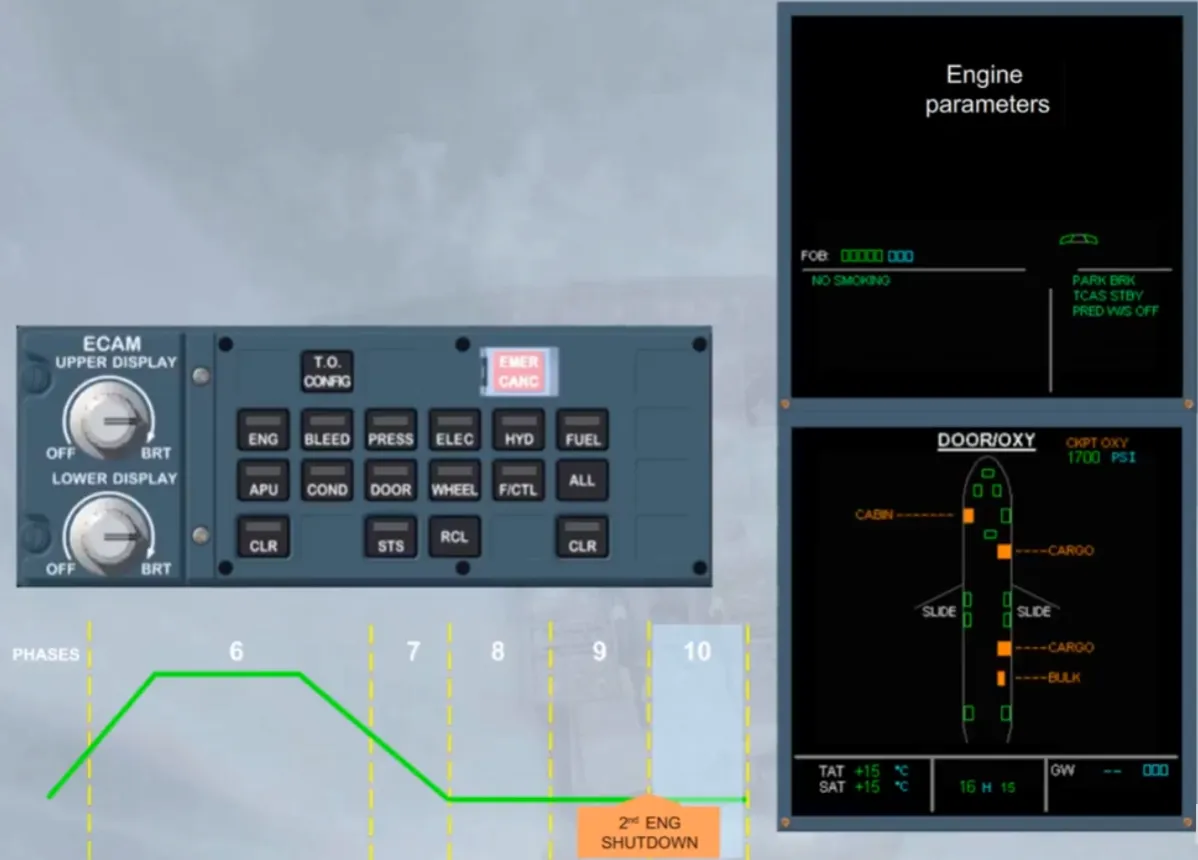
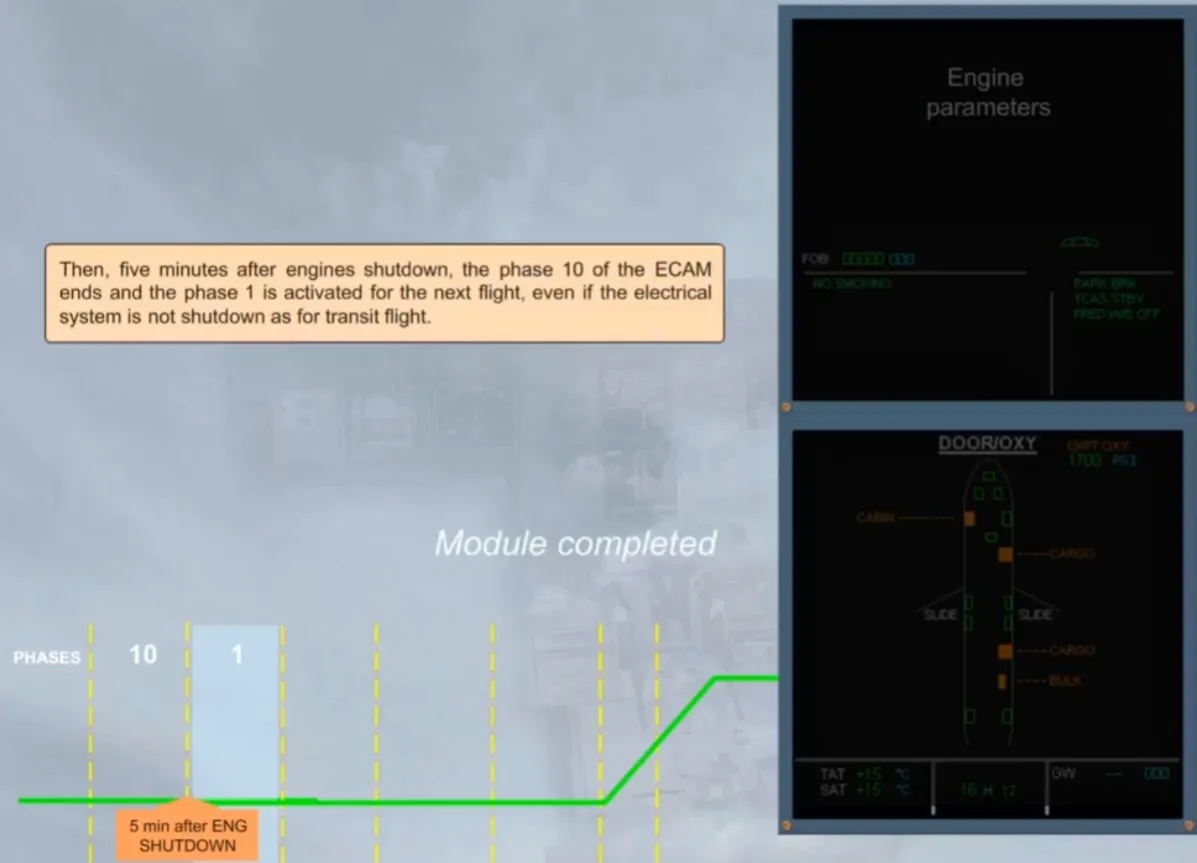
Then, five minutes after engines shutdown, the phase 10 of the ECAM ends and the phase 1 is activated for the next flight, even if the electrical system is not shutdown as for transit flight.
*** Module completed***
Video study
Section titled “Video study”- Watch the video available on YouTube